Connect the electrical supply
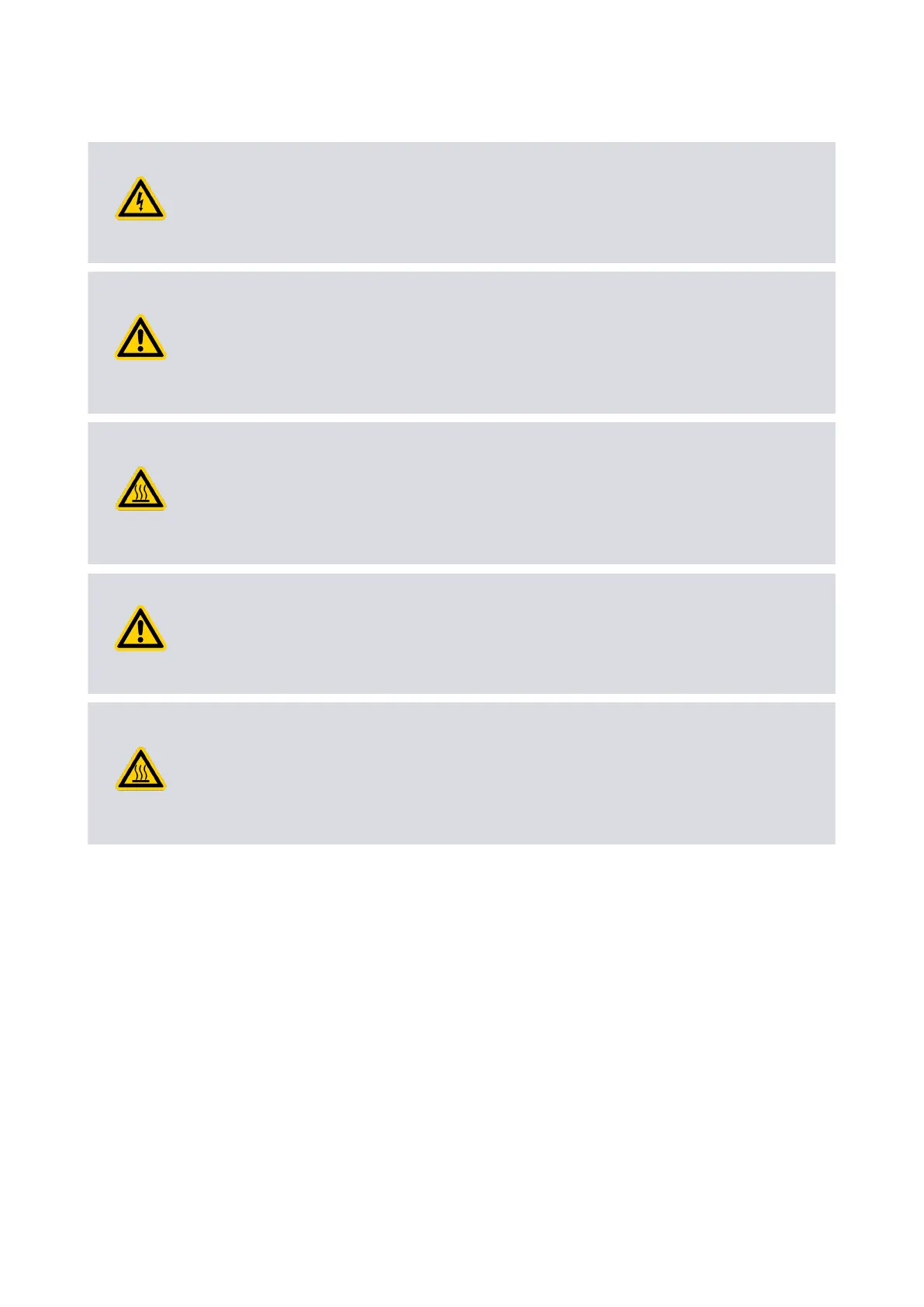
WARNING: POWER SUPPLY
Risk of electric shock or damage to equipment. A separate power supply (not
included) is necessary for the product. The power supply has to be protected against
a hazardous live condion (for example, a short circuit).
WARNING: EMERGENCY STOP SWITCH
Risk of injury or damage to equipment. Install an applicable emergency stop switch in
the electrical supply. Make sure that the switch is easy to access and is marked as the
emergency disconnecng device for the pump. Failure to do so can cause you to not
be able to switch o the pump in an emergency.
WARNING: HOT SURFACE
Risk of injury or damage to equipment. Install an applicable fuse or current liming
device in the 24 - 48 V d.c. supply line to the pump. Failure to do so can cause the
hazardous surface temperature of the pump or risk of a re hazard. Refer to Table:
Logic interface technical data on page 25 for applicable fuse rangs.
WARNING: SUPPLY VOLTAGE
Risk of injury or damage to equipment. Make sure that the maximum supply voltage
is not more than necessary voltage. Failure to do so can cause permanent damage to
the control electronics and can cause a mechanical hazard in failure condions.
WARNING: HOT SURFACE
Risk of injury or damage to equipment. When you connect the pump to the power
supply, make sure that all 3 pins for the 24 - 48 V connecon and all 3 pins for the 0 V
connecon on the customer connector mang half are connected to the power
supply. Failure to do so can cause the connectors to overheat .
The electrical supply for the pump must meet the requirements of UL61010-1 and
EN61010-1. Make sure that the hazardous voltages given in UL61010-1 and EN61010-1
are not available on the electrical interface to the pump.
The pump 0 V is not referenced to ground. Make sure that there is only one path
between 0 V and ground. Do not make mulple connecons between 0 V and ground to
prevent the oset voltages on control and status signals and problems with serial
communicaons. If there is no connecon available between 0 V and ground, make the
connecon at the power supply. Other electrical equipment connected to the system
can make a connecon between 0 V and ground, for example a personal computer or a
measuring equipment.
4.5 Connect the parallel control and monitoring
To make the connecons for the parallel control and monitoring, use an applicable
mang half (not supplied).
Page 43
B8G000880_D - Installaon



 To Next Page