Table 21
Power limit seng
Maximum value seng Minimum value seng Default power seng
120 W 50 W 80 W
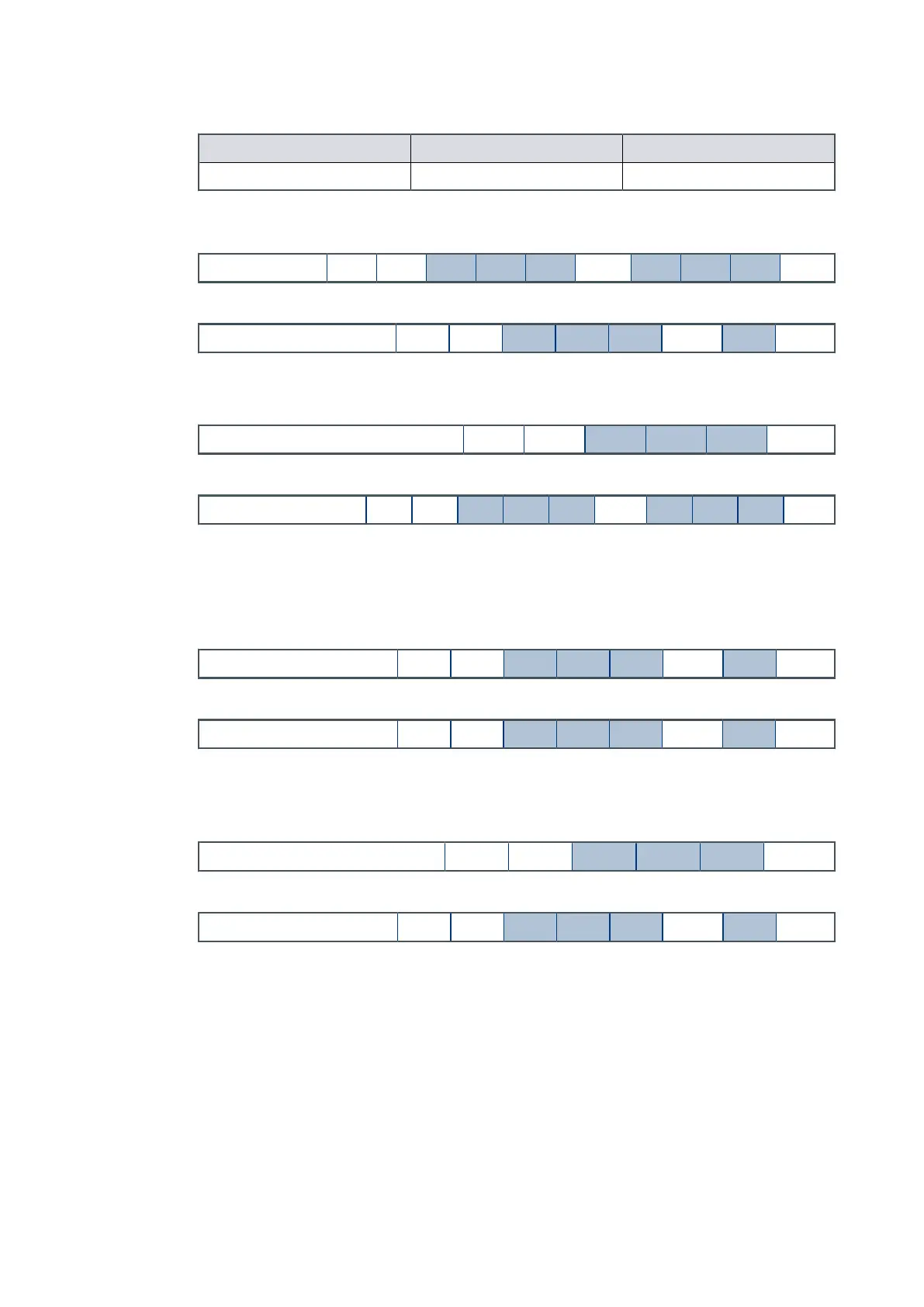
Send the command as follows (the 'd' characters shows the value in Was that will be
set. For example, to set the limit to 90 W, type 90).
Command ! S 8 5 5 sp d d d cr
The reply is as follows:
Reply
*
S 8 5 5 sp r cr
The Power Limit Seng is now stored in the memory of the pump.
To check what power limit is set, send a query as follows:
Command ? S 8 5 5 cr
The reply as follows:
Reply = S 8 5 5 sp d d d cr
5.1.4 Power supply to the fan from the motor controller
The motor controller on auxiliary output 2 can supply the power to the fan.
Send the command that follows:
Command ! S 8 6 4 sp 8 cr
The reply is as follows:
Reply * S 8 6 4 sp r cr
The permanently enabled fan seng is now stored in the memory of the pump.
When the pump is shipped, it is set up to operate a vent valve. Send a query that follows
to nd the seng:
Command ? S 8 6 4 cr
The reply is as follows:
Reply * S 8 6 4 sp d cr
If the character 'd' is 8, the fan is enabled. If the character 'd' is other than 8, congure
the motor controller to operate the fan.
5.1.5 Controlled venng opons
A number of vent opons are available if you use the motor controller to automacally
control a vent valve.
Refer to Table: Vent valve opons on page 69 for available venng opons. Refer to
Table: Valve types on page 70 for available valve types.
To set a vent opon on auxiliary output 1, send the command that follows (character 'd'
refers to the opon number shown in Table: Vent valve opons on page 69):
Page 60
B8G000880_D - Conguraon



 To Next Page