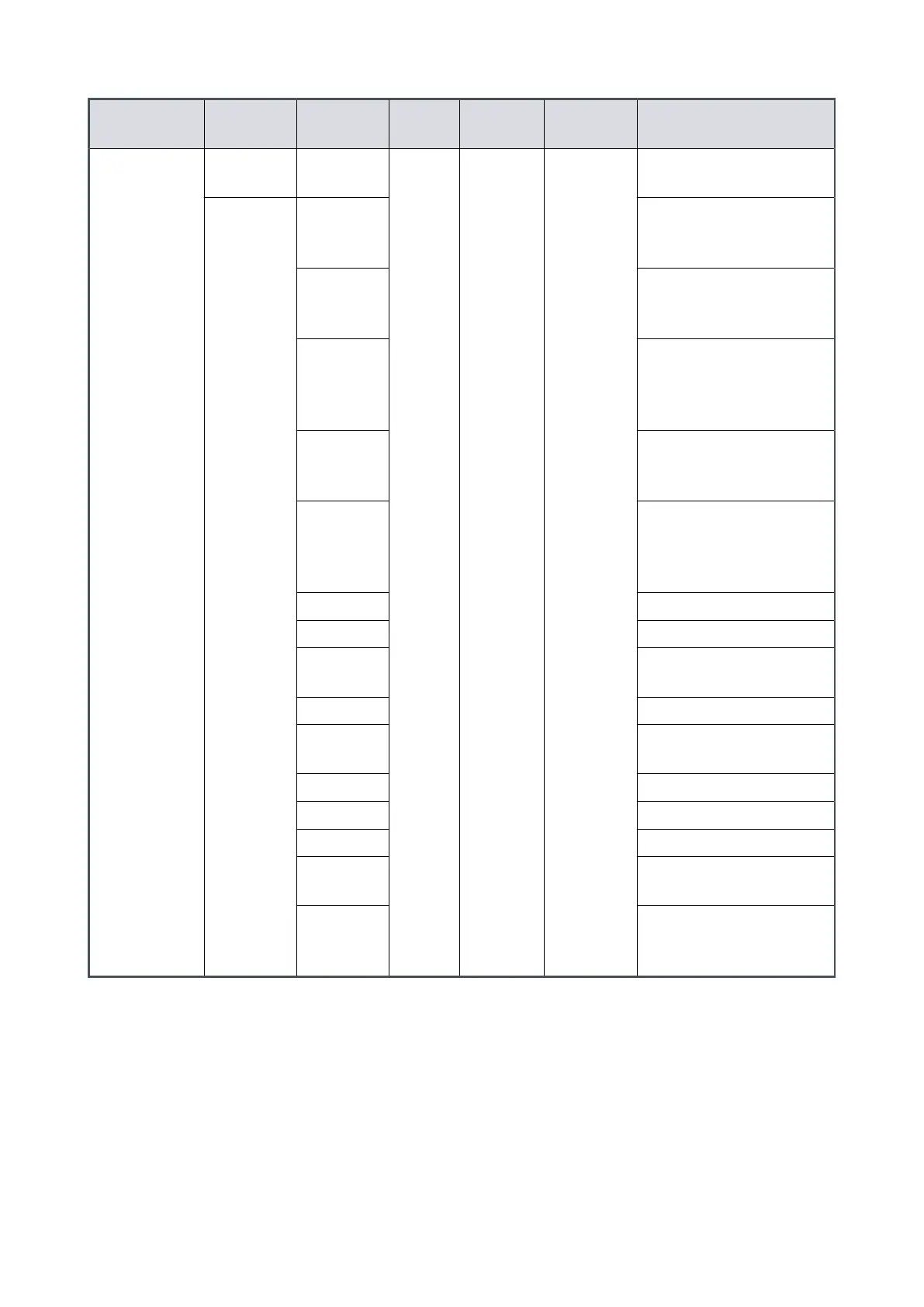
Object name
Command Parameter
range
Factory
seng
Data type Units
Comments
Vent opons 2 !864 0 8 decimal Hard vent when < 50%
speed if stop or fail
?864 1 Controlled vent if > 50%
speed then hard vent if <
50% speed if stop or fail
2 If stop, hard vent
If fail, hard vent when
< 50% speed
3 If stop, hard vent
If fail, controlled vent
> 50% speed then hard
vent < 50% speed
4 If fail, hard vent
If stop, hard vent when
< 50% speed
5 If fail, hard vent
If stop, controlled vent >
50% speed then hard
vent < 50% speed
6 Hard vent if stop or fail
7 Same as opon 6
8 Output is permanently
energised (Fan ON)
9 Do not use
10 Output is permanently
de-energised (Fan OFF)
11 Do not use
12 Do not use
13 Do not use
14 Hard vent when < 50%
speed if stop
15 Controlled vent if > 50%
speed then hard vent if
< 50% speed if stop.
4.6.5 Mul-drop operaon
With mul‑drop mode, a single computer system can communicate with more than one
pump. Each pump must be assigned its own individual address before it can be installed
in a mul‑drop system. The command to assign the mul‑drop address is sent in
standard nEXT message format. Refer to Assigning a mul-drop address on page 64.
The message protocol in the mul‑drop mode is dierent than the protocol given for the
serial messages in the single pump systems. The dierences in the mul‑drop message
protocol are:
Page 52
B8G000880_D - Installaon



 To Next Page