Resistance welder MULTISPOT MI-100control
Operation
50
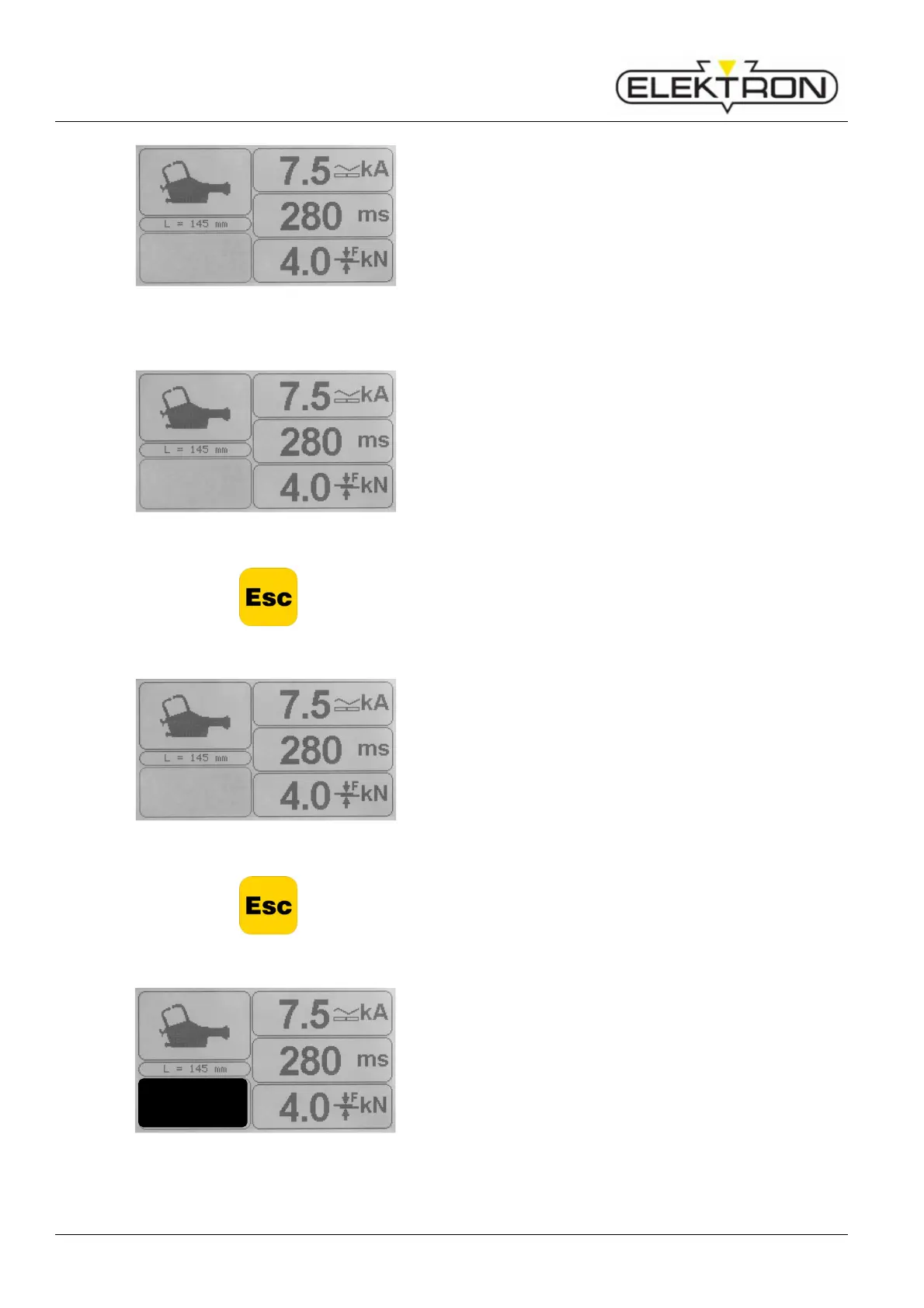
Fig. 60: Parameters
Next, you will see a list of the current parameters in the
display (Fig. 60).
Modifying welding current (kA)
Fig. 61: Parameters
Press control knob.
2. Use the control knob to select “kA”. Confirm.
The current value (kA) will be highlighted in black.
3. Use the control knob to adjust the welding current value
(kA):
Turn clockwise to increase the value.
Turn counter clockwise to decrease the value.
4. Press control knob to confirm.
5. Press “Esc” to cancel and go back to the main menu.
Modifying welding time (ms)
Fig. 62: Parameters
Press control knob.
2. Use the control knob to select “ms”. Confirm.
The time value (ms) will be highlighted in black.
3. Use the control knob to adjust the welding time value
(ms):
Turn clockwise to increase the value.
Turn counter clockwise to decrease the value.
4. Press control knob to confirm.
5. Press “Esc” to cancel and go back to the main menu.
Storing own programs generated in “Free mode”
Fig. 63: Selecting „Free mode”
Own programs generated individually may be stored under
any name, together with a short description.
Proceed as follows:
1. Press control knob.
The box “Free mode” will be highlighted in black (Fig. 63).
Actual values
Folie MX
MX4900 AØB4CØD4
Actual values
Folie MX
MX4900 AØB4CØD4
Actual values
Folie MX
MX4900 AØB4CØD4
Free mode



 To Next Page