27
Selecting the Embroidery Pattern
You need to save the data le of the embroidery pattern
in the internal memory of the machine by using Digitizer
V5 or the RCS unit (optional items).
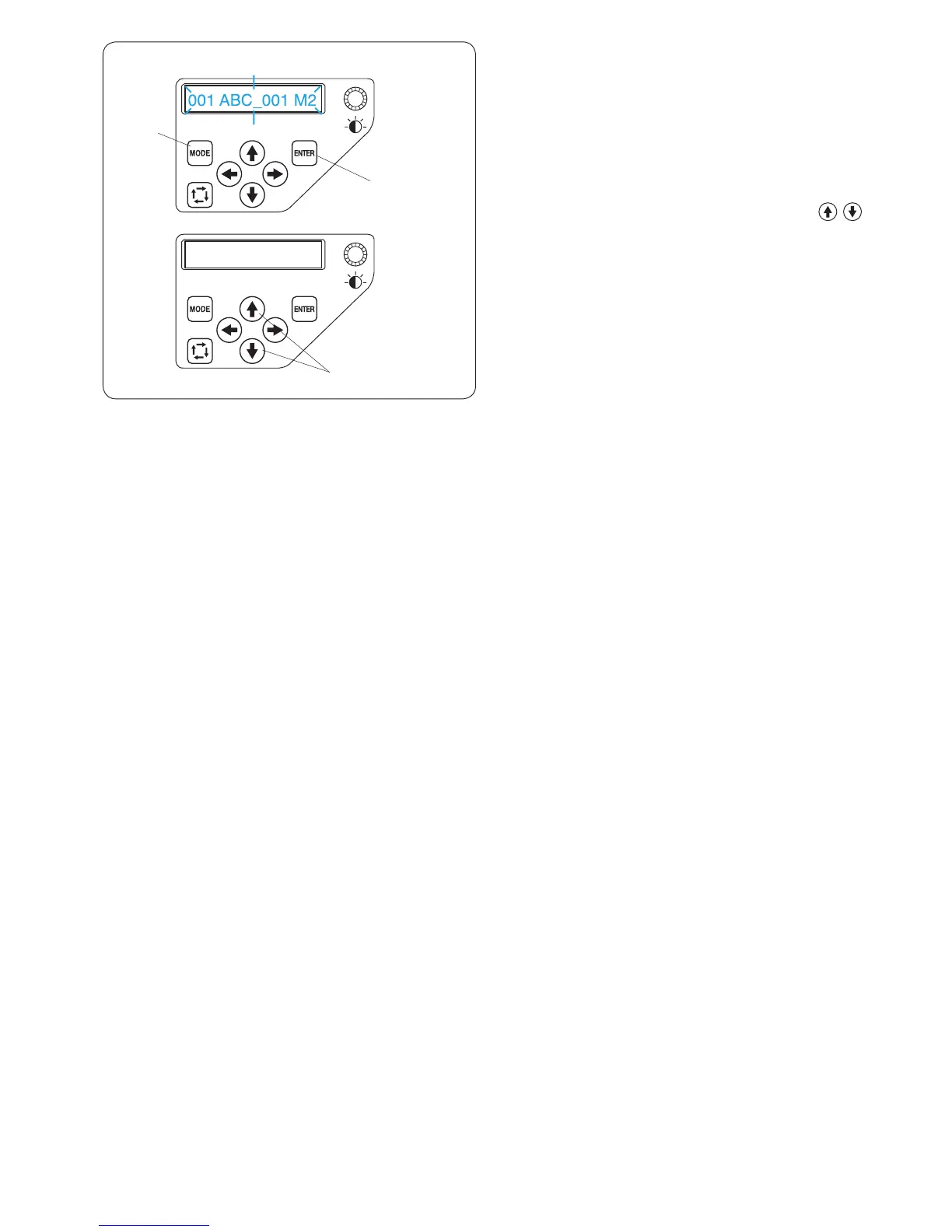
z Press the MODE button to select the pattern selection
mode and press the ENTER button.
q MODE button
w ENTER button
x Press the upward or downward arrow buttons
to select the desired data le.
e Arrow buttons (upward/downward)
c Press the ENTER button to conrm your selection.
w ENTER button















 To Next Page