3-20 Machine Maintenance Procedures
HDD Module Installation 0
1. Put HDD brackets onto HDD module. (Figure 3-15)
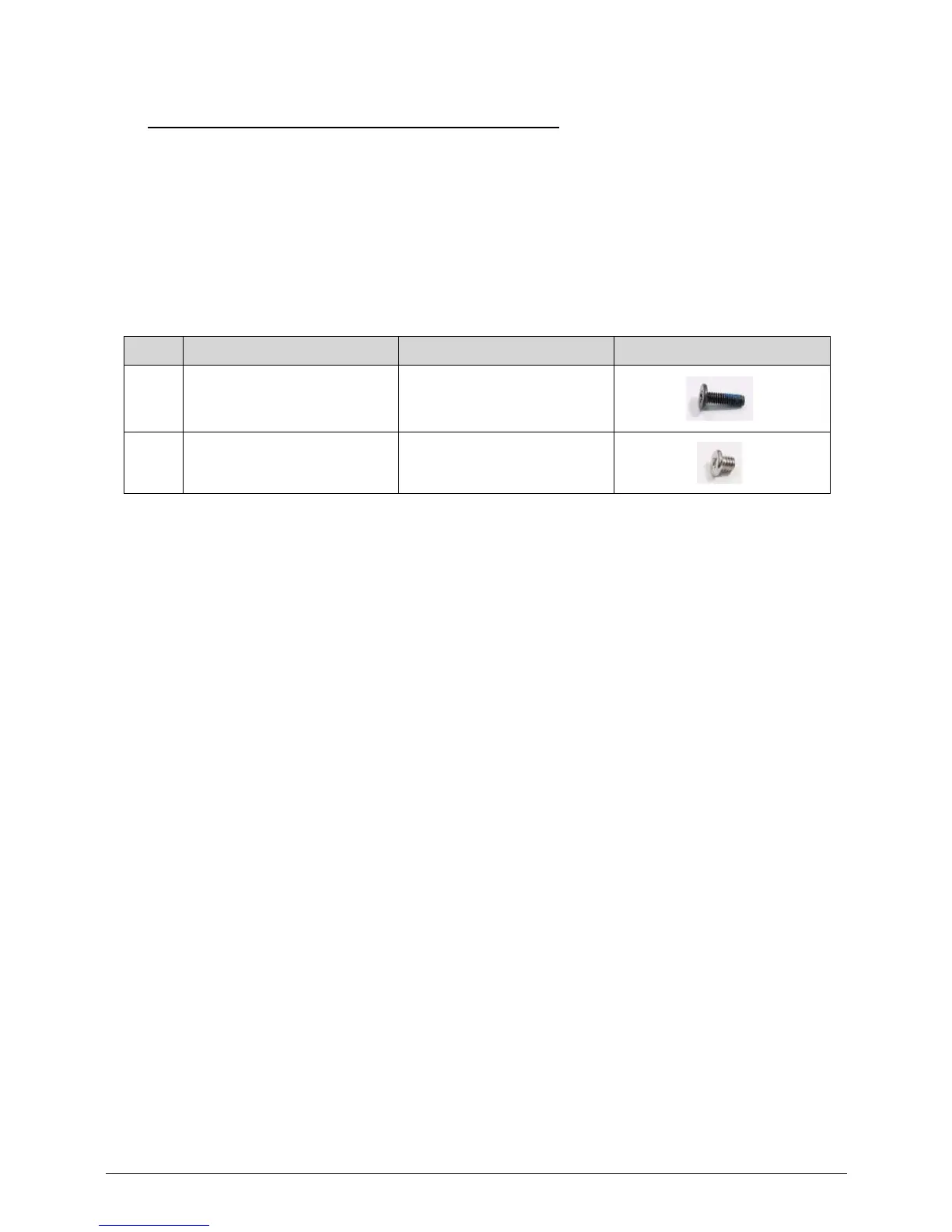
2. Install four (4) screws (C) to secure HDD brackets (D) to HDD module. (Figure 3-15)
3. Put HDD module into component bay. (Figure 3-14)
4. Slide the HDD module towards the mainboard connector (B) to secure it. (Figure 3-14)
5. Install one (1) screw (A) to secure HDD module. (Figure 3-14)
6. Install base door.
ID Size Quantity Screw Type
A M2.5*8.0 1
C M3.0*3.0 4














 To Next Page