3-46 Machine Maintenance Procedures
Camera Module Removal 0
Prerequisite:
LCD Bezel Removal
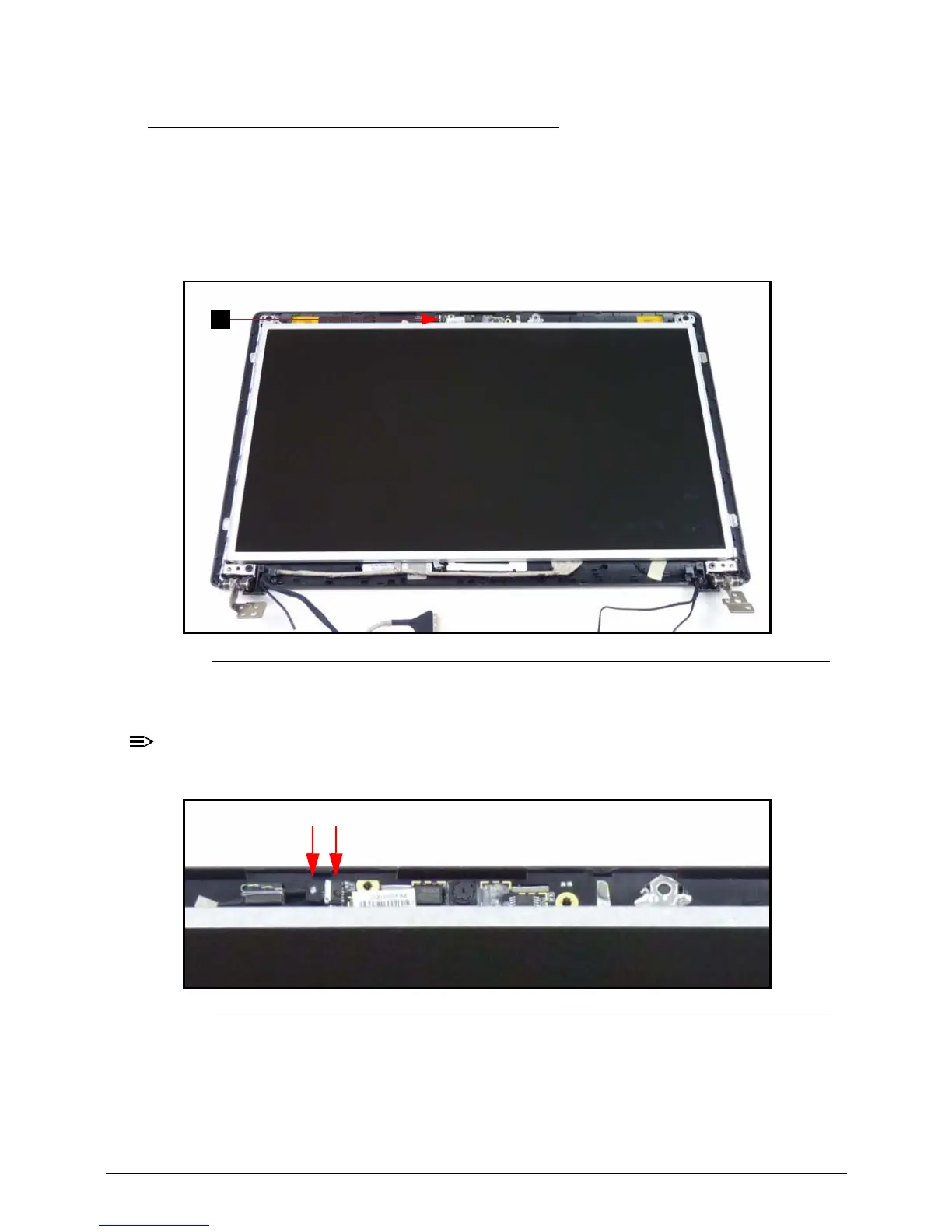
1. Find the camera module (A) in the LCD module. (Figure 3-44)
Figure 3-44. Camera Module Location
2. Disconnect the camera cable (B) from the camera module connector (C). (Figure 3-45)
Take care not to damage the cable.
Figure 3-45. Camera Cable
3. Lift the camera module from the LCD cover.














 To Next Page