3-50 Machine Maintenance Procedures
LCD Bracket Removal 0
Prerequisite:
LCD Panel Removal
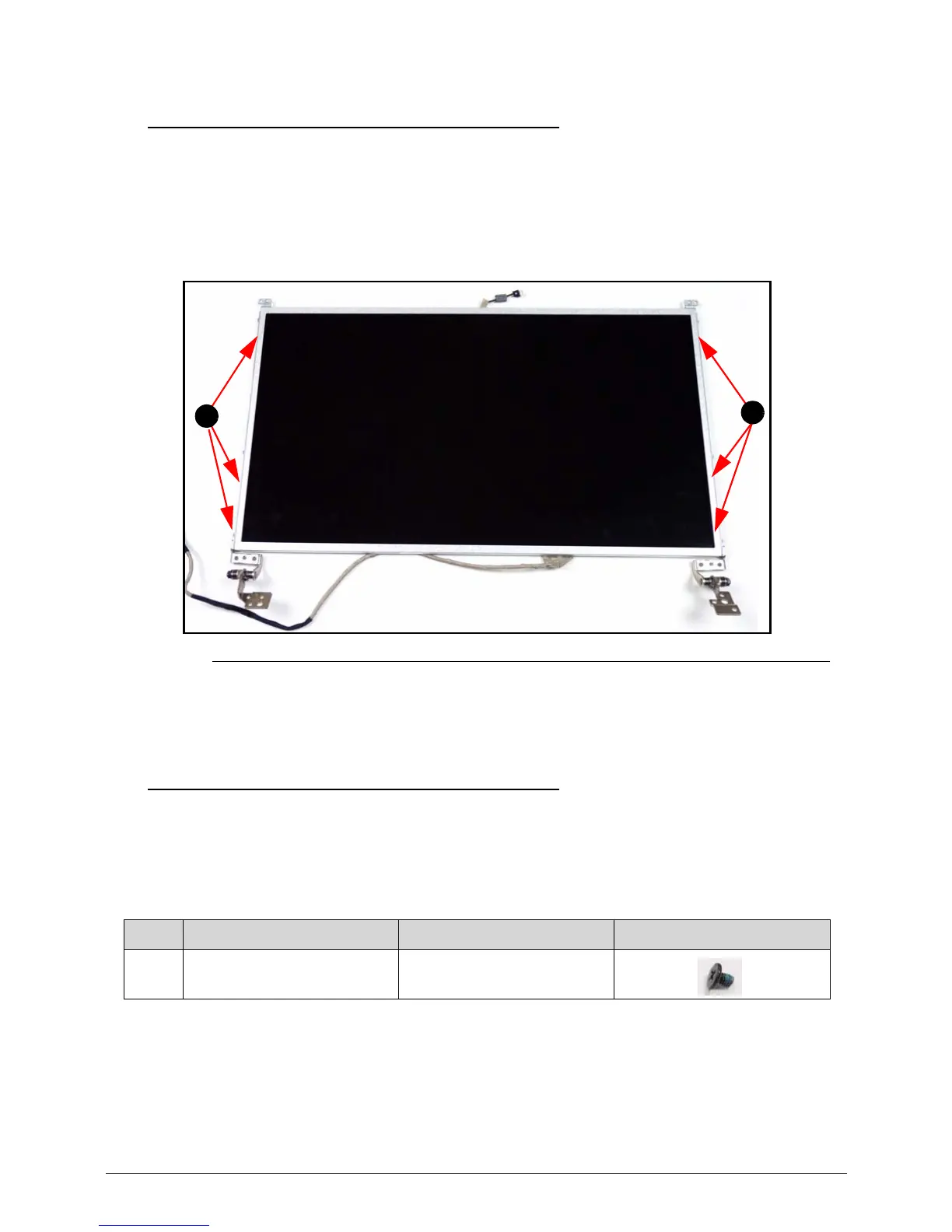
1. Remove the six (6) screws (A). (Figure 3-48)
Figure 3-48. LCD Bracket
2. Remove LCD bracket from the LCD panel.
LCD Bracket Installation 0
1. Put LCD bracket on the LCD panel. (Figure 3-48)
2. Install and secure six (6) screws (A) to the LCD bracket. (Figure 3-48)
3. Install LCD panel to LCD cover.
ID Size Quantity Screw Type
A M2.0*3.0 6














 To Next Page