3-40 Machine Maintenance Procedures
Make sure all cables are moved away from the device to avoid damage during
removal.
LCD Module Installation 0
1. Align LCD hinges with the hinge guides on the upper cover. (Figure 3-37)
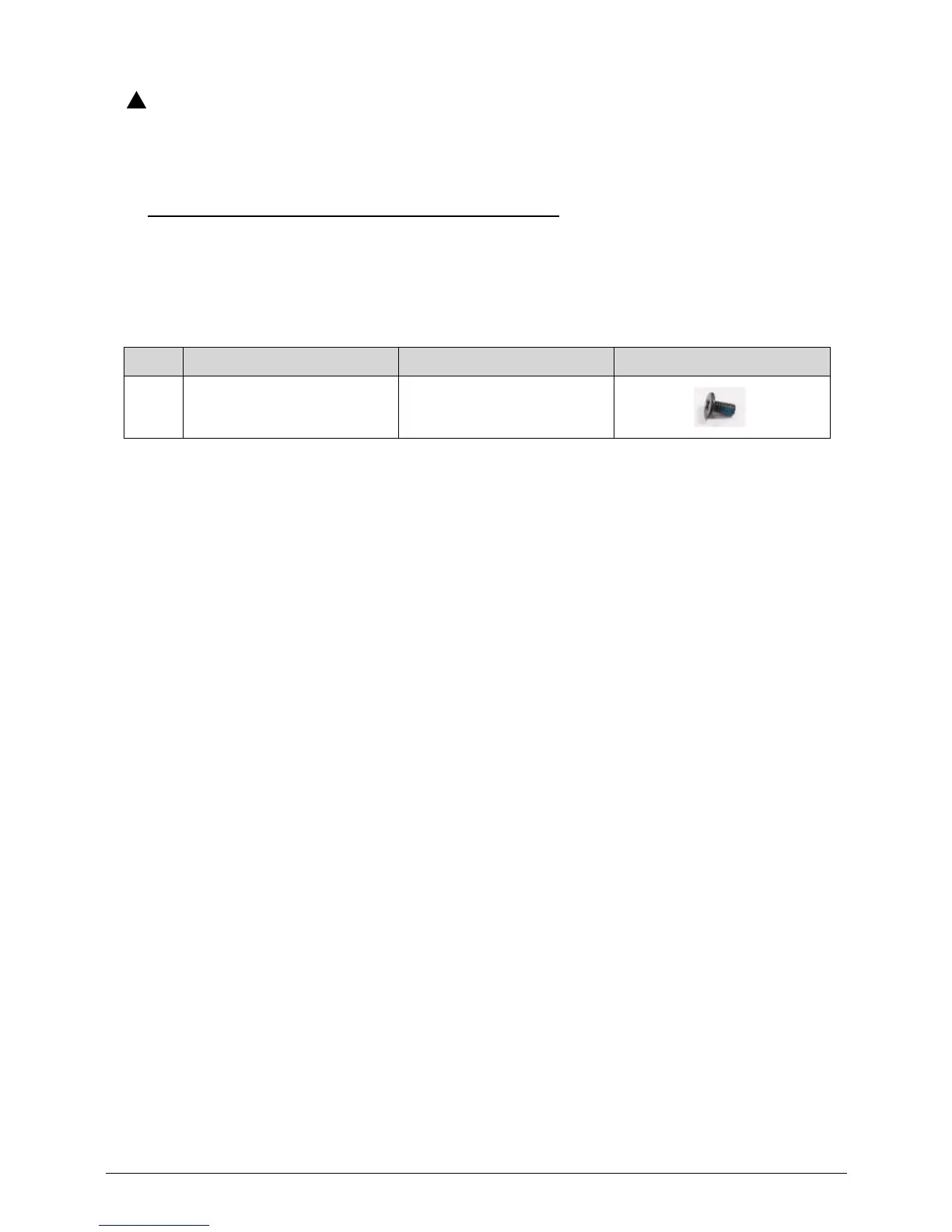
2. Install and secure four (4) screws (A). (Figure 3-36)
3. Install mainboard.
ID Size Quantity Screw Type
A M2.5*5.0 4














 To Next Page