2-12 System Utilities
Boot 0
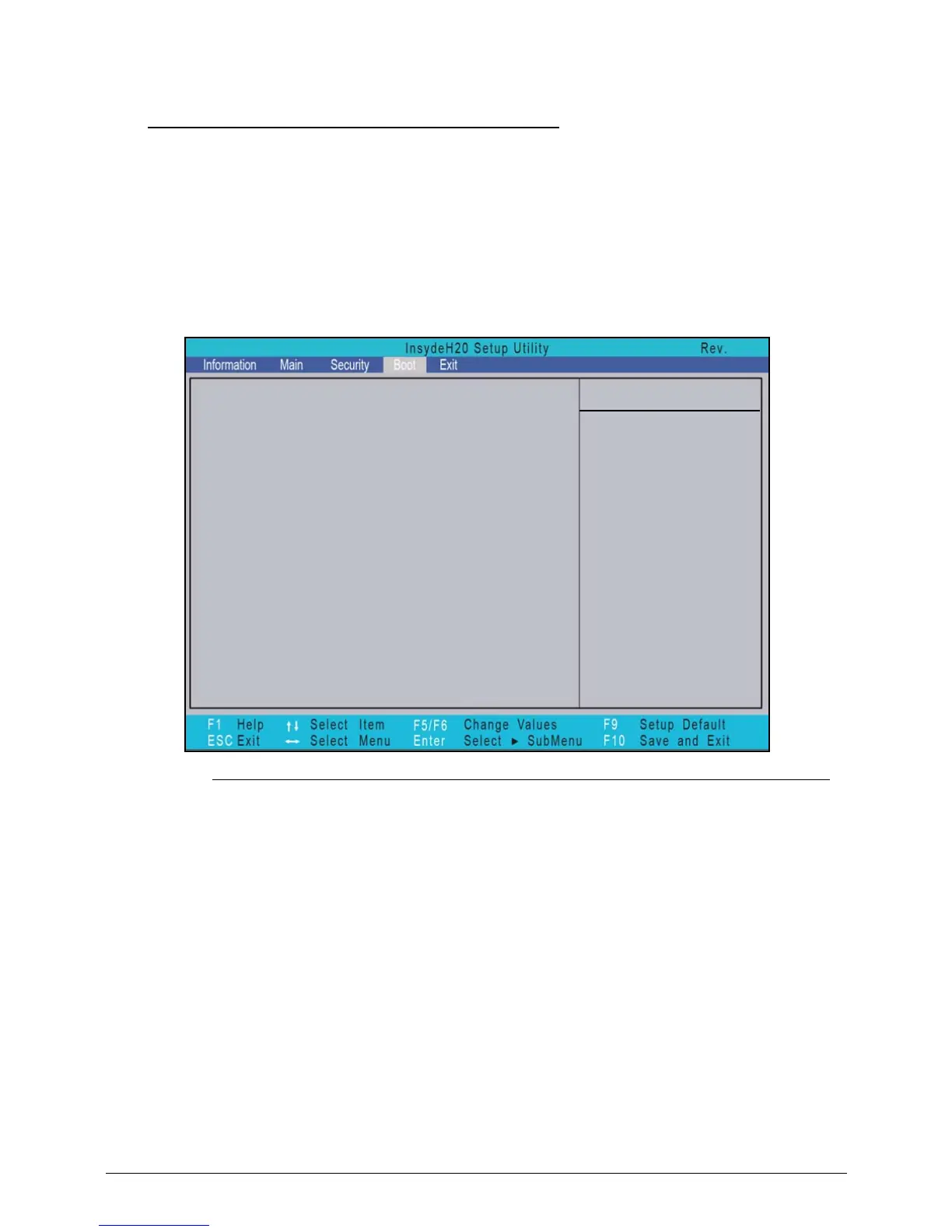
The Boot tab allows changes to the order of boot devices used to load the operating system.
Bootable devices include the:
USB diskette drives
Onboard hard disk drive
DVD drive in the module bay
Use and keys to select a device and press F5 or F6 to change the value.
Figure 2-10. BIOS Boot
Boot priority order:
Item Specific Help
Use <> or <> to select a
1. Network Boot: Atheros Boot Agent
2. USB FDD:
3. HDD0: WDC WD6400BPVT-22HXZT1
4. USB HDD:
5. USB CDROM:
6. ATAPI CDROM: TSSTcorp CDDVDW TS-L633F
3.5
device, then press <F5> to
move it down the list, or <F6>
to move it up the list. Press
<Esc> to escape the menu














 To Next Page