2-22 System Utilities
Cleaning BIOS Passwords 0
If Power-on Password authentication is enabled, the BIOS password can only be
cleared by initiating the Crisis Disk Recovery procedure. See Crisis Disk
Recovery.
To clean the User or Supervisor passwords, perform the following steps:
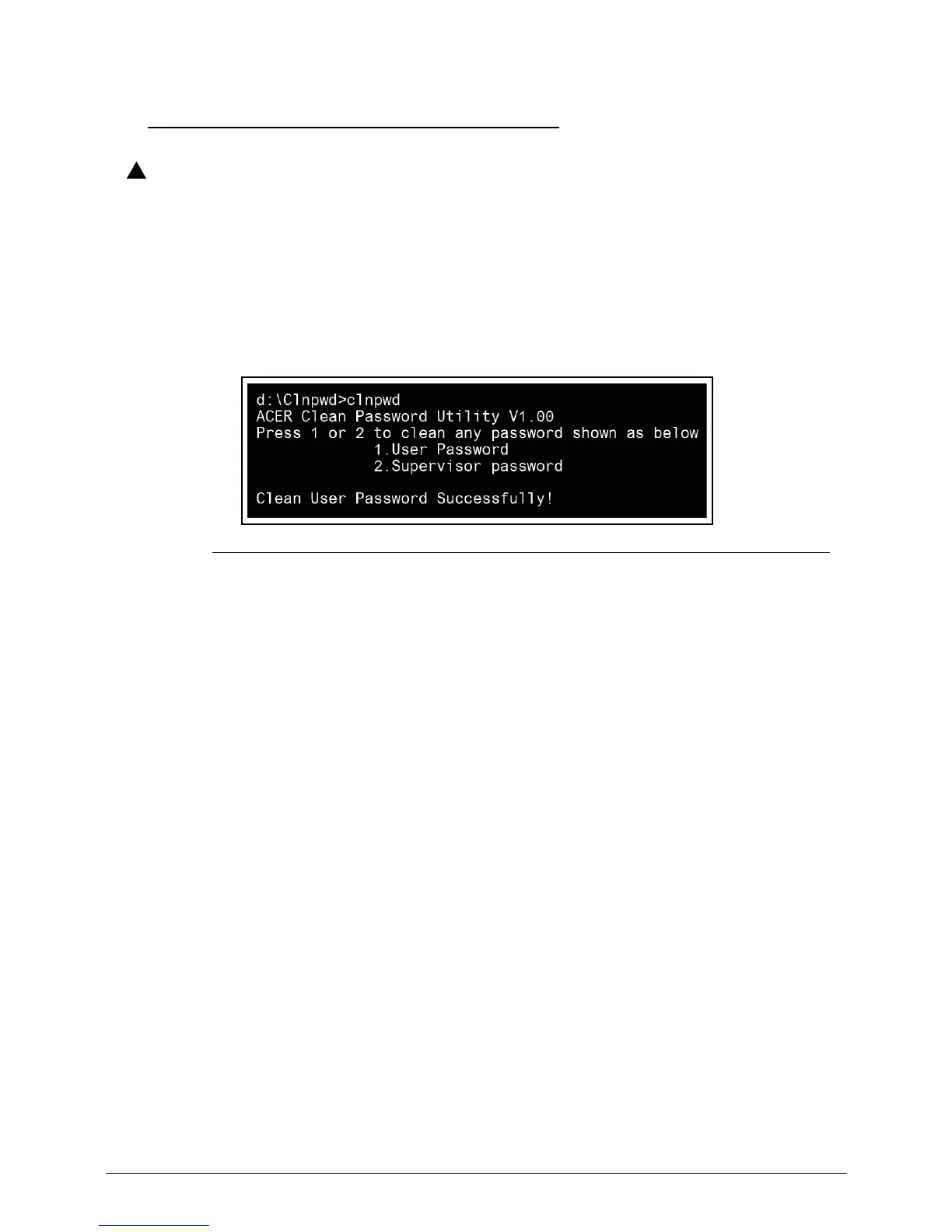
1. At the DOS prompt, enter clnpwd.exe.
2. Press 1 or 2 to clean the desired password shown on the screen.
Figure 2-23. Clean BIOS Password
3. The on screen message shows function success or failure.














 To Next Page