System Utilities 2-25
Using the LAN MAC EEPROM Utility 0
Perform the following steps to write MAC (Media Access Control) information to EEPROM:
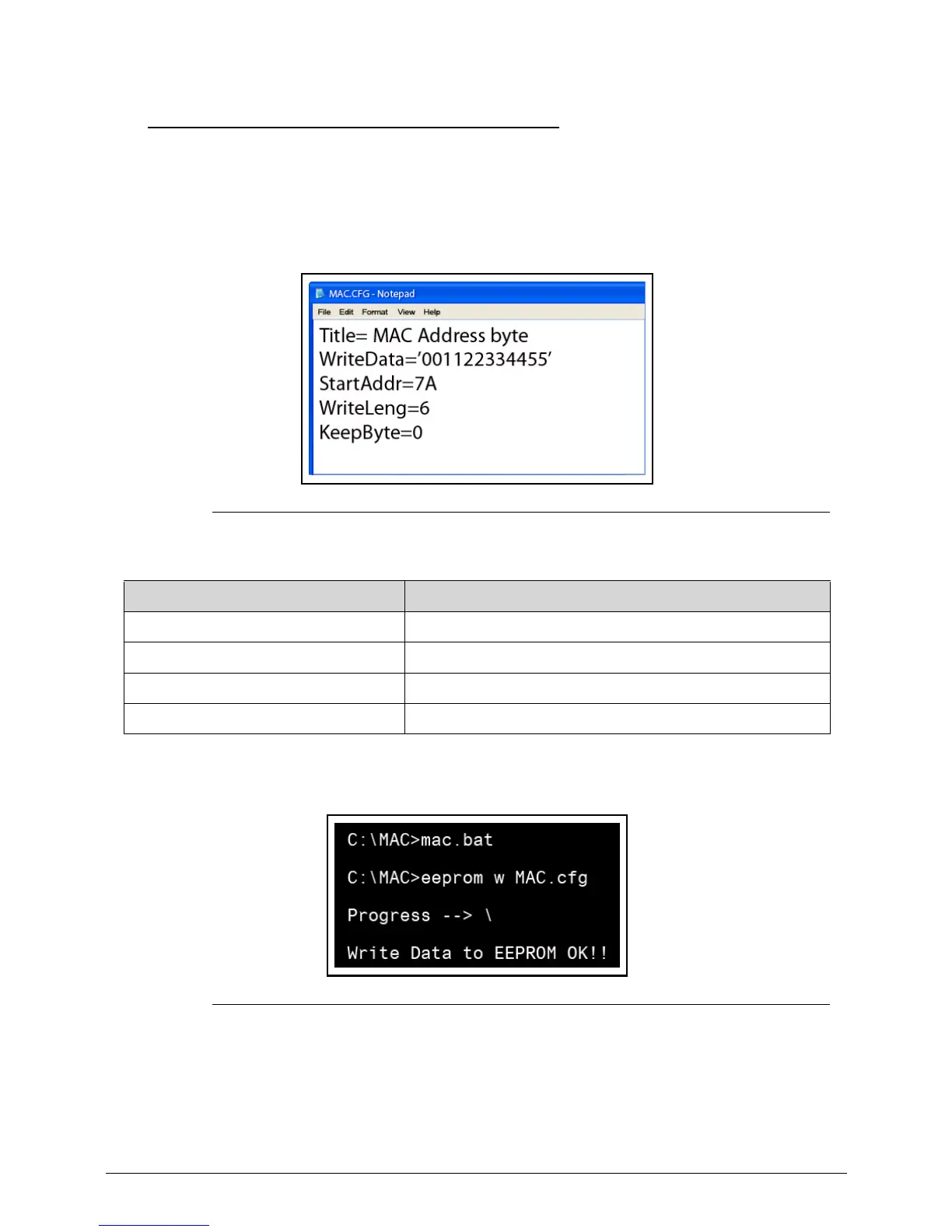
Use the MAC.BAT utility to write the MAC.CFG file to the EEPROM under DOS mode.
1. Use a text editor (Ex: Notepad) to open the MAC.CFG file. See the MAC.CFG contents in
Figure 2-25
Figure 2-25. LAN MAC EEPROM
Table 2-5. LAN MAC EEPROM
2. Enter into DOS.
3.
Run the MAC.BAT file to write MAC values to EEPROM.
Figure 2-26. LAN MAC EEPROM
4.
Reboot the system when the process has completed.
Parameter Description
WriteData = ‘001122334455' MAC value
StartAddr=7A MAC address
WriteLeng=6 MAC value length
KeepByte=0 Value not important














 To Next Page