Machine Maintenance Procedures 3-29
USB Board Installation 0
1. Install USB board (F) on lower cover. (Figure 3-24)
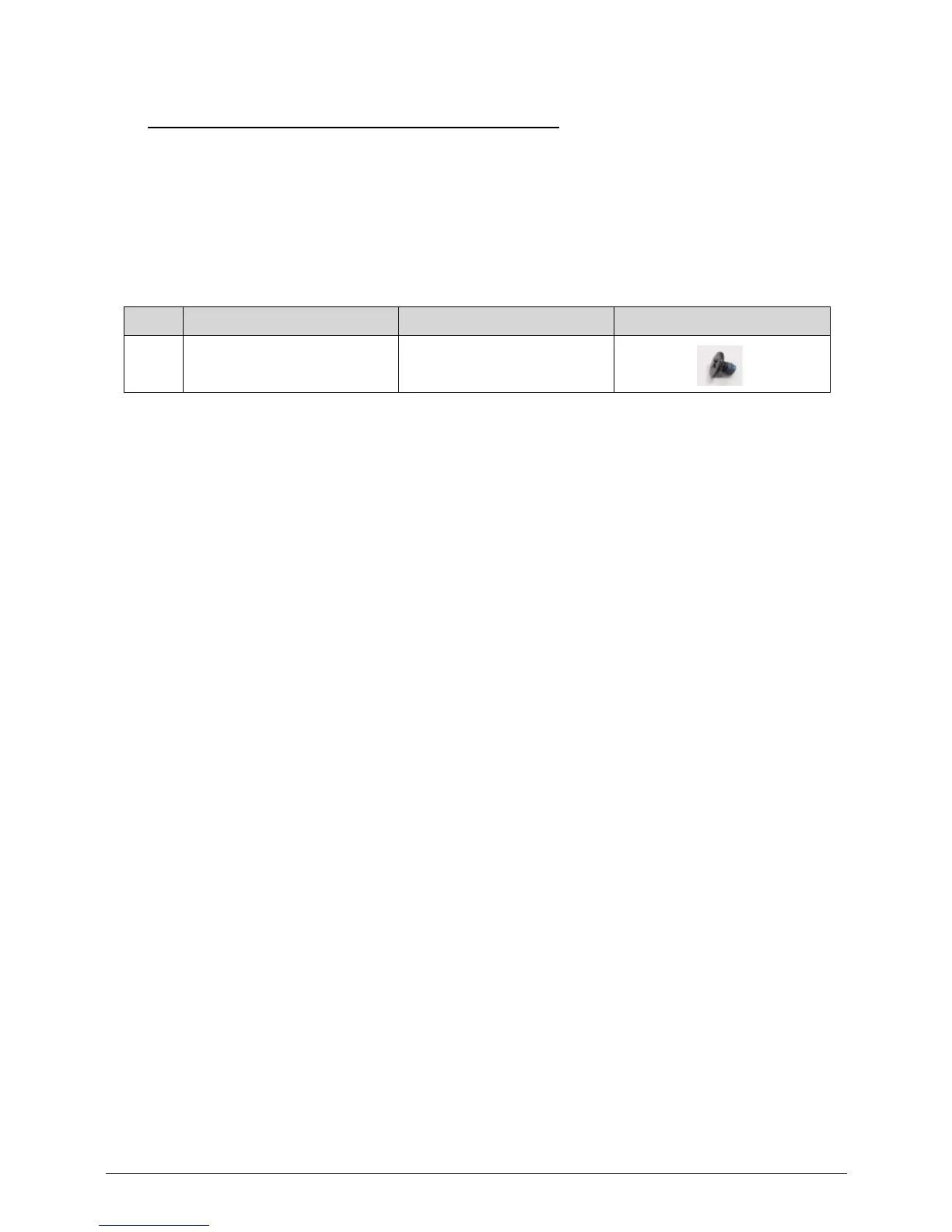
2. Install and secure screw (D) to lower cover. (Figure 3-25)
3. Connect USB board FFC (A) to module connector (B). (Figure 3-25)
4. Connect USB board FFC (A) to mainboard connector (C). (Figure 3-25)
5. Install upper cover.
ID Size Quantity Screw Type
D M2.5*3.0 1














 To Next Page