Machine Maintenance Procedures 3-23
Upper Cover Installation 0
1. Align and install upper cover onto the lower cover. (Figure 3-19)
2. Press down on the edges of the upper cover to secure the latches.
3.
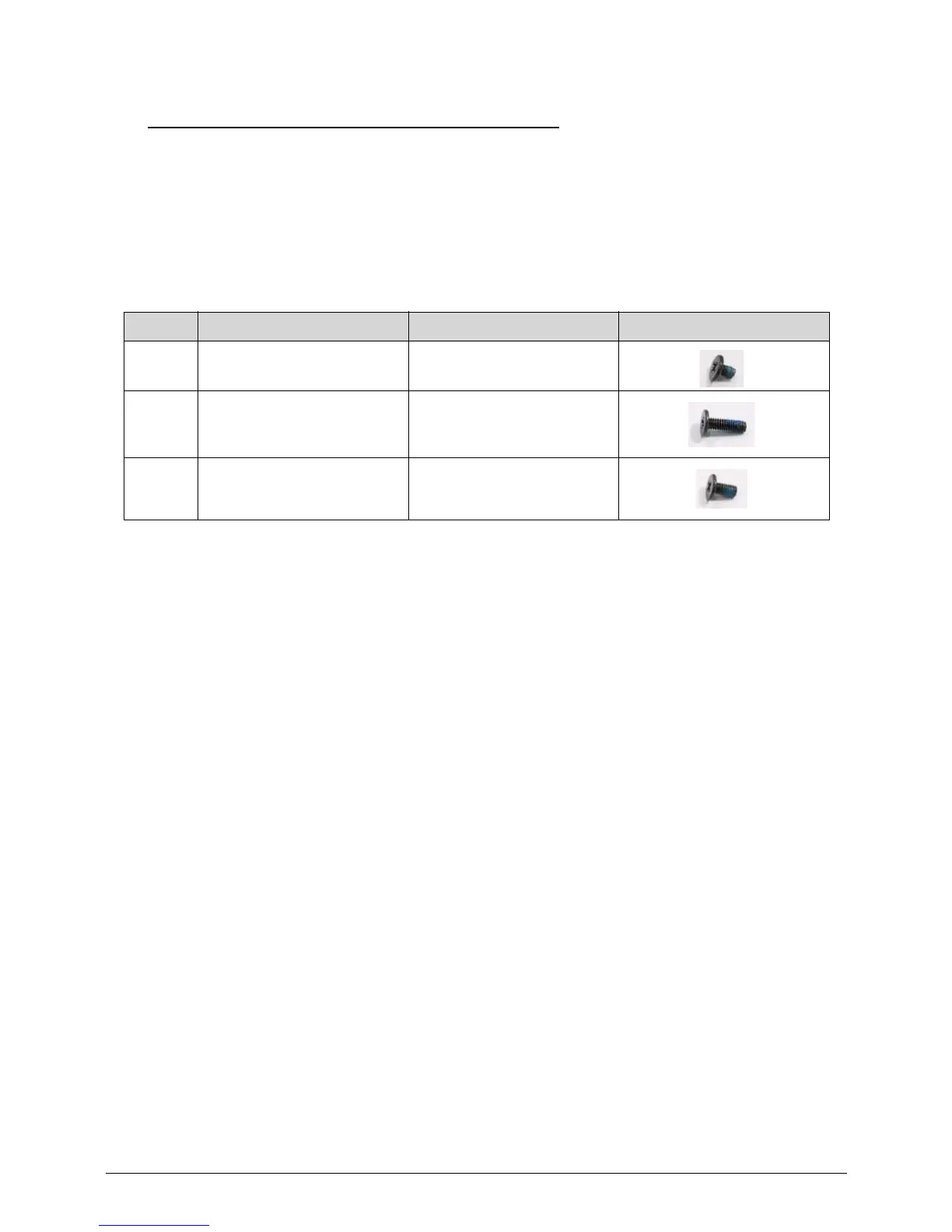
Install and secure eight (8) screws (A) to upper cover. (Figure 3-17)
4.
Install and secure fourteen (14)screws to the lower cover. (Figure 3-16)
5. Install HDD module.
ID Size Quantity Screw Type
Green
Callout
M2.0*3.0 4
Red
Callout
M2.5*8.0 10
A M2.5*5.0 (red call out) 8














 To Next Page