Machine Maintenance Procedures 3-33
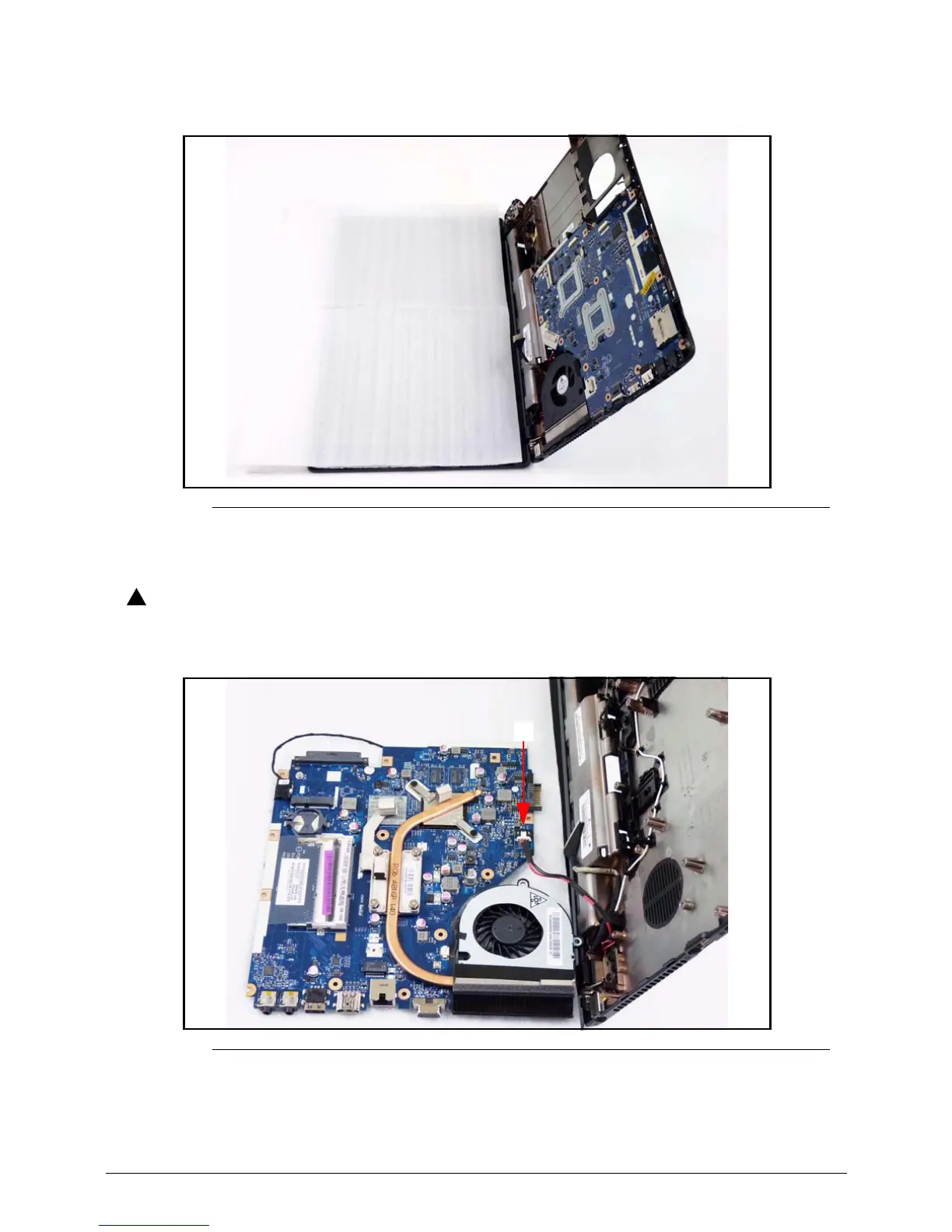
7. To avoid damage, put a nonabrasive, protective cover over the LCD panel. (Figure 3-29)
Figure 3-29. Mainboard
8. Lift the mainboard from the lower cover and turn it over onto the LCD panel. (Figure 3-30)
Do not remove the mainboard completely. The DC-IN cable is still connected to
the mainboard.
Figure 3-30. Mainboard
9. Disconnect the DC-IN cable from the mainboard connector (F). (Figure 3-30)
10. Remove mainboard from the device.














 To Next Page