System Utilities 2-19
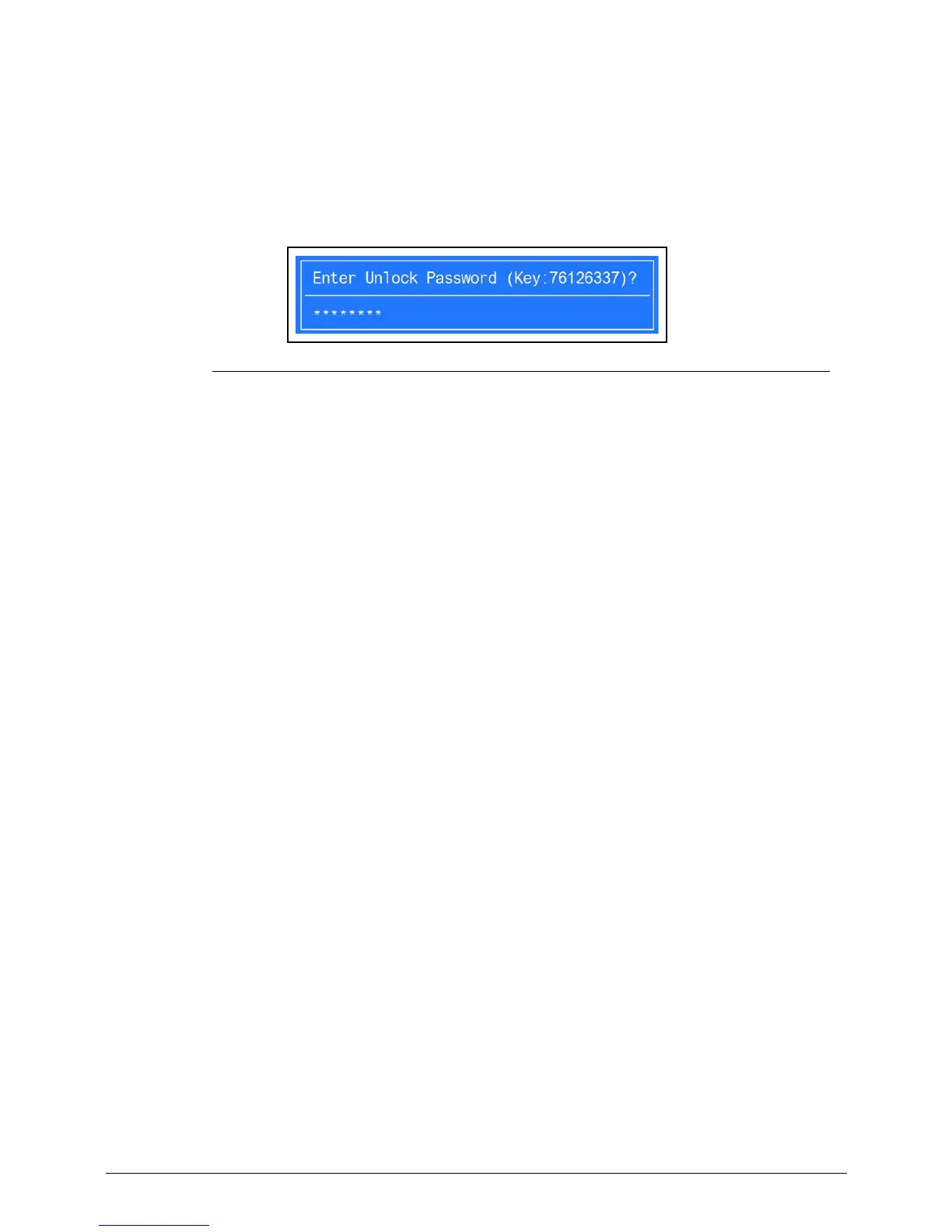
4. Execute UnlockHD.exe (Figure 2-19) to create a password unlock code. Use the format
<UnlockHD [key code]> with the code noted in the Figure 2-18.
Example: UnlockHD 76943488
The command generates a password which can be used for unlocking the HDD.
Password: 46548274
Figure 2-19. Unlock Password
5. On original device, enter password (Figure 2-19) in Enter Unlock Password dialog
(Figure 2-18).














 To Next Page