System Utilities 2-27
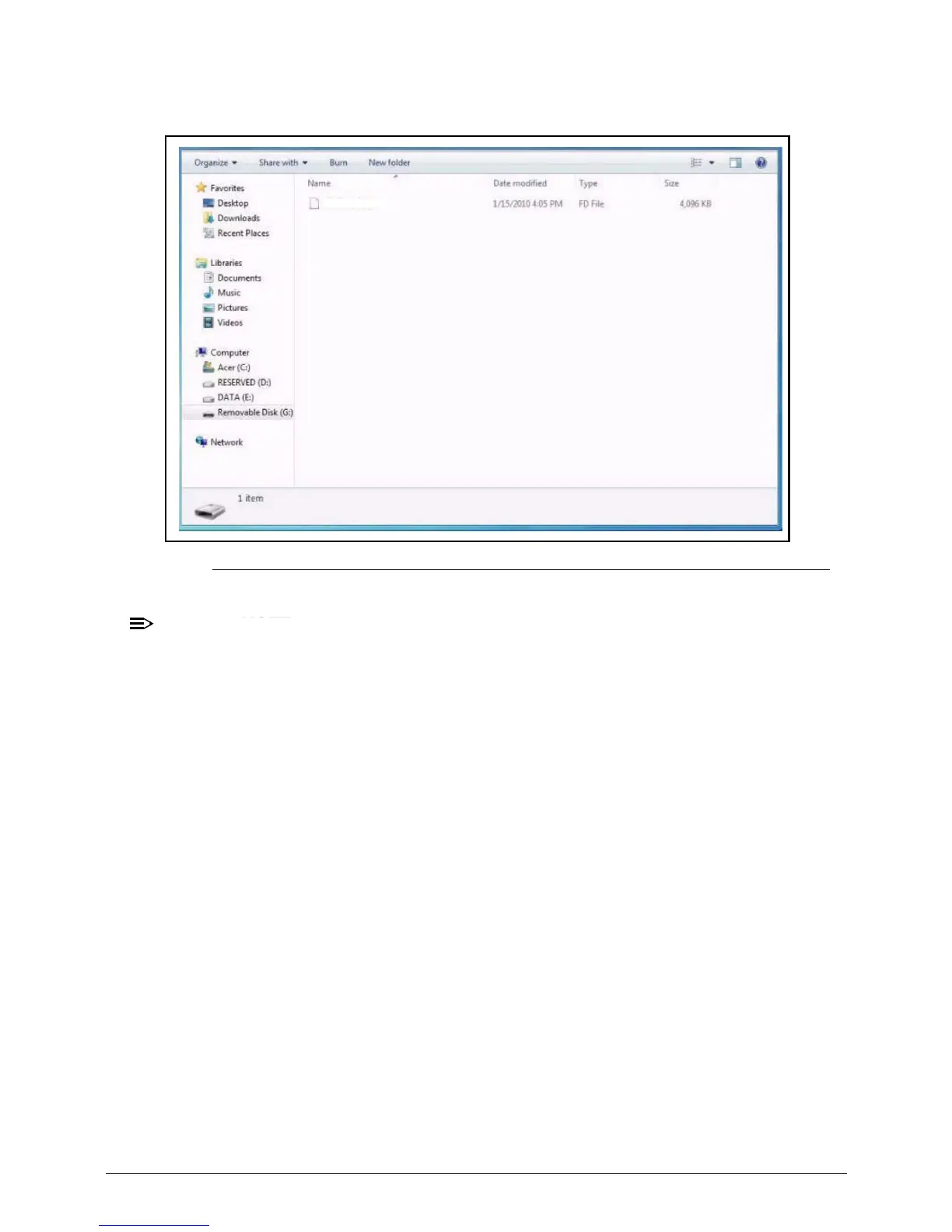
4. Copy the P5WE6x64.FD file to the USB flash disk root directory.
Figure 2-29. USB Flash Crisis Disk
NOTE:
:
Do not place any other *.fd files to the USB flash disk root directory.
5. Plug in the USB Flash Disk without AC plug.
6. Press Fn + Esc keys and hold them down, then plug in AC power. The power button
flashes orange.
7. Press Power button and the system will enter crisis mode to flash the BIOS.
P5WE6x64.fd














 To Next Page