EPSON WF-C5790/WF-C5790a/WF-C5710/ET-8700/WF-C5210/WF-C5290/WF-C5290a Revision A
Configuration and operating principles Product Configuration (Name of Each Part) 25
Confidential
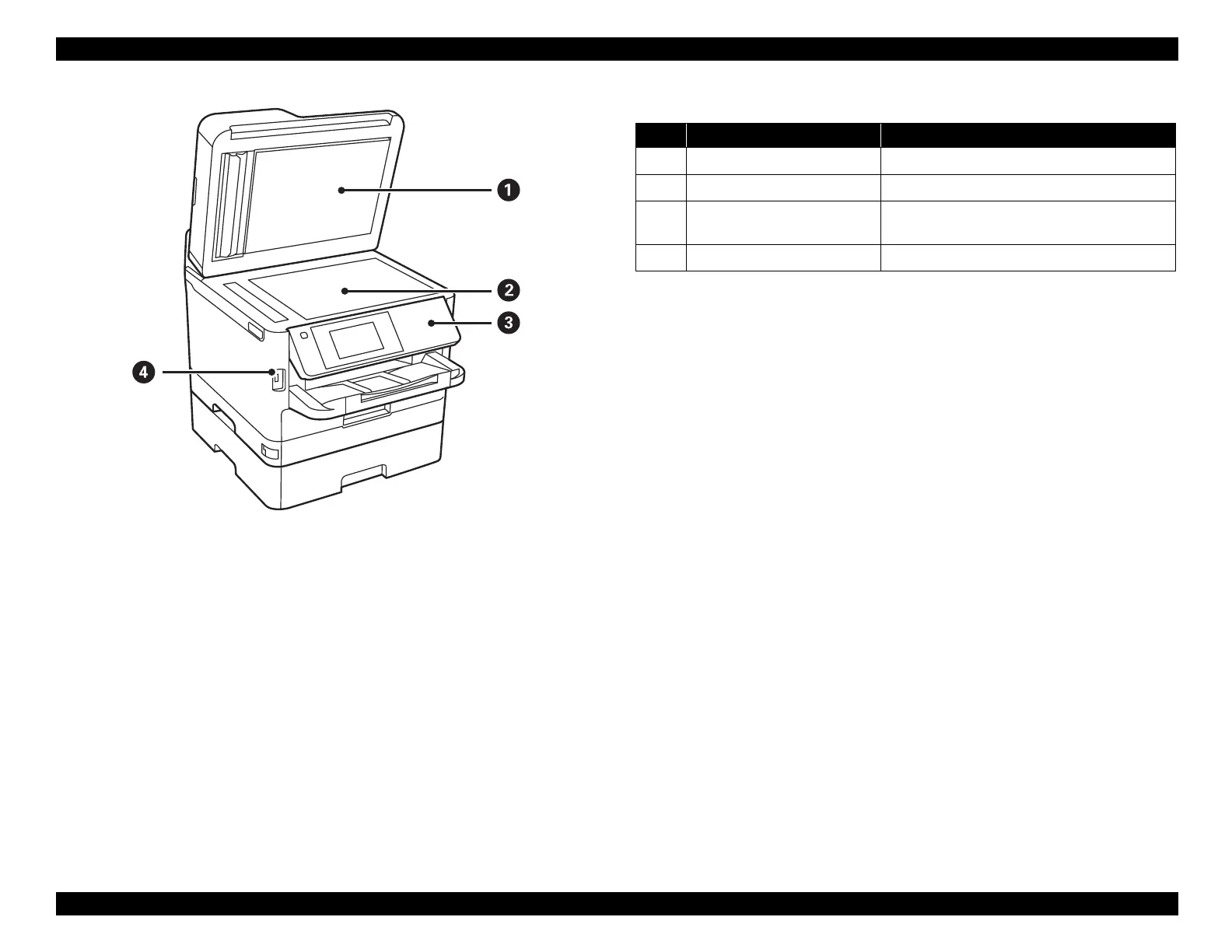
Figure 3-3. Name of Each Part
Table 3-3. Name of Each Part
No. Name Description
1 Document cover Blocks external light while scanning.
2 Scanner glass Place the originals.
3 Control panel
Operates the printer.
You can change the angle of the control panel.
4 External interface USB port Connects memory devices.















 To Next Page