DTP CrossPoint 84 Series Matrix Switchers • Operation 38
Example 6: Muting and unmuting an HDMI audio output
In the following example, a switcher output is muted and unmuted. The steps show the front
panel indications that result from your action.
1. Clear all selections: Press and release the Esc button.
2. Select View-only mode: Press and release the View button. The View button lights
red.
3. Select both video and audio for viewing and muting: If necessary, press and
release the Video button and the Audio button.
NOTE: This example assumes that you have performed example 1 on page 31,
example 2 on page 32, and example 3 on page 33.
I / O
VIDEO AUDIO
1
2
3
4
OUTPUTS
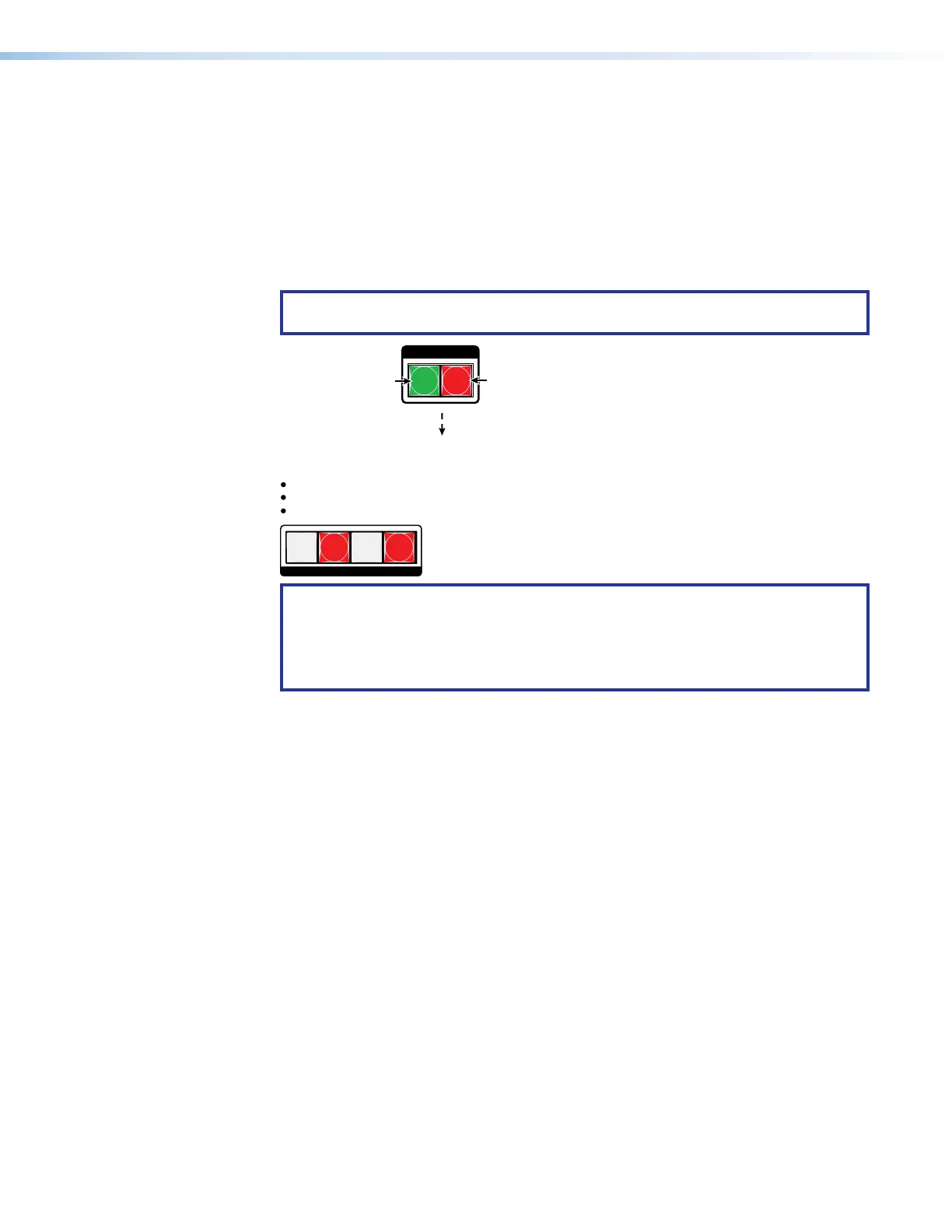
Until you select an input, the buttons for all untied outputs
light the appropriate color:
Amber if no inputs are tied (not shown in this example)
Green if no video inputs are tied (only audio is tied)
Red if no audio inputs are tied (only video is tied).
Press the Audio button
to toggle on and off.
The button lights red
when selected.
Press the Video button
to toggle on and off.
The button lights
green when selected.
NOTE: Output mutes are protected when front panel Lock mode 2 is selected. You
can view the mutes in Lock mode 2 but you cannot change them from the front
panel (see Setting the Front Panel Locks (Executive Modes) on page43).
If front panel Lock mode 2 is selected and you try to perform steps 4 and 5, the
actions are ignored.



 To Next Page