DTP CrossPoint 84 Series Matrix Switchers • Programming Guide 66
Command Function
SIS Command
(Host to Unit)
Response
(Unit to Host)
Additional description
Scaler Output Rate
Set scaler output rate
EX1(*X3&RATE} RateX1(*X3&] Set the scaler to output X3& on output X1(.
Example:
E3*73RATE} Rate3*73]
Set the scaler to output 720p video at
60 Hz on output 3.
View scaler output rate
EX1(RATE} X3&]
KEY: X% = Available or enable 0 = Not available or disable 1 = Available or enable
X1( = TP (scaled) and insertion output number 03 or 04
X2# = Scaler preset 001 – 128
X3$ = Test pattern 00 = Disable (default) 02 = Alternating pixels 04 = Color bars 06 = Blue mode
01 = Crop 03 = Crosshatch 05 = Grayscale
X3% = Duration 0 = Output sync instantly disabled when no active video input is selected
001 through 500 (seconds) 501 = Output sync never times out (default)
X3^ = Screen saver status 0 = Active input detected, timer is not running
1 = No active input, timer is running, output sync is still active
2 = No active input, timer is expired, output sync is disabled.
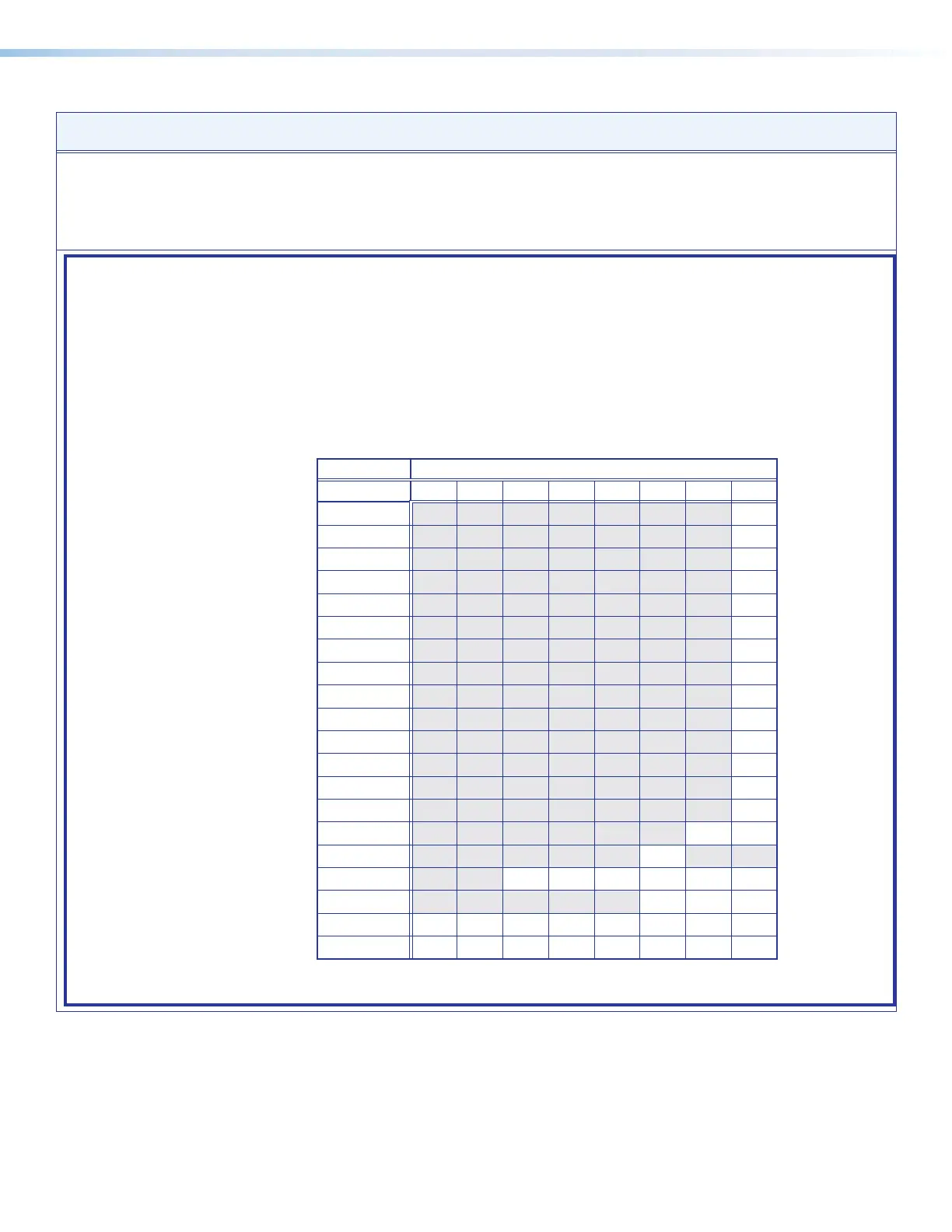
X3& = Scaler output resolution and rate
Refresh rate (Hz)
23.98 24 25 29.97 30 50 59.94 60
640x480
11
800x600
14
1024x768
20
1280x768
29
1280x800
32
1280x1024
35
1360x768
41
1366x768
47
1440x900
53
1400x1050
56
1600x900
58
1680x1050
60
1600x1200
62
1920x1200
64
480p
65 66
576p
67
720p
68 69 70 71 72 73*
1080i
74 75 76
1080p
77 78 79 80 81 82 83 84
2048x1080 (2k)
85 86 87 88 89 90 91 92
Table 4
X3* = Captive screw or UART 0 = Captive screw RS-232 insert 1 = Ethernet RS-232 insert (UART) (default)
4



 To Next Page