Eyecon 9420 & 9430 Instruction Manual 6
9.4 Configuration
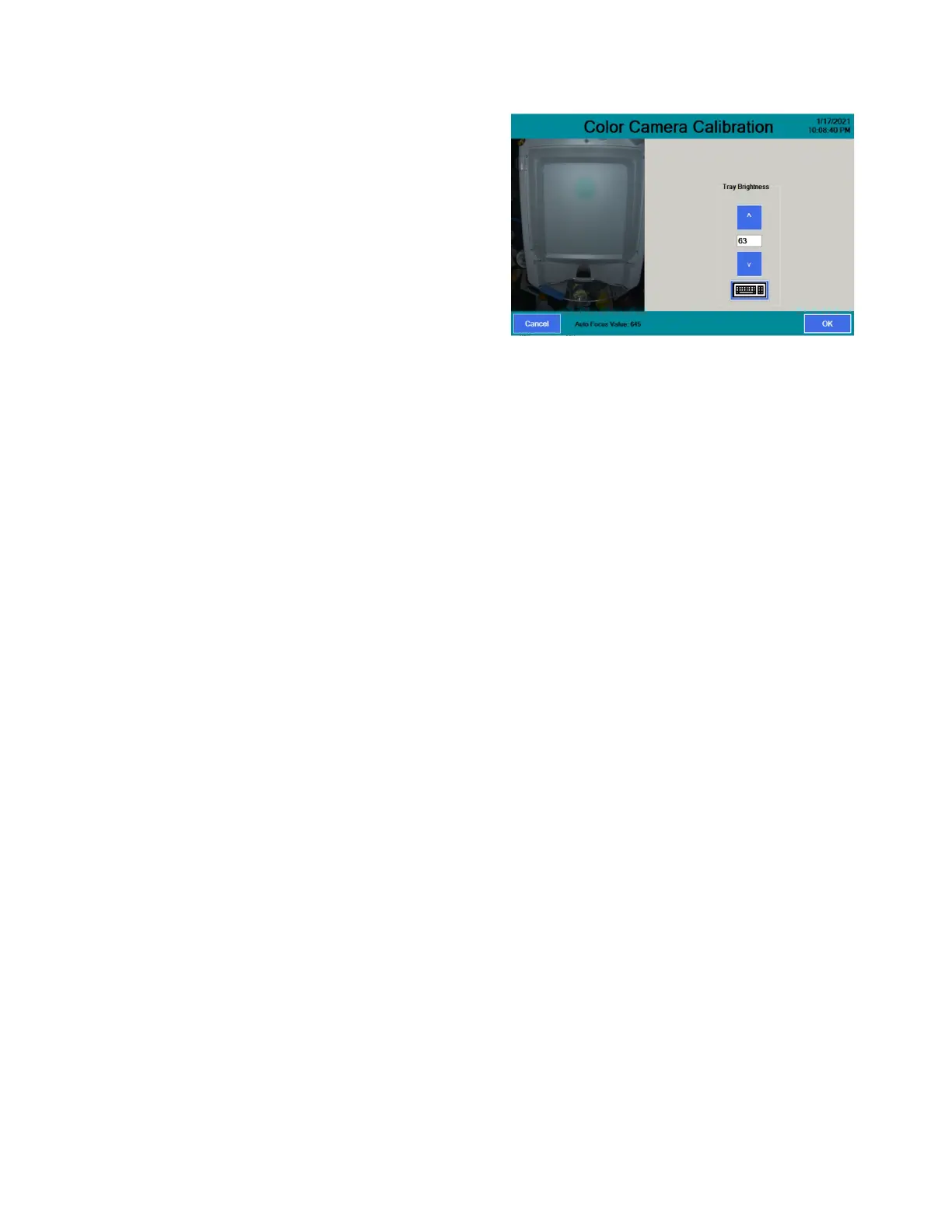
6. Tray Brightness:
Upon selecting this
parameter, the auto-
focus will be
preformed. Afterward
this menu will
appear:
If the pharmacy
lighting is not very
bright, increase the
brightness on your
Eyecon. The default
brightness is 60. if
the brightness is too high, white pills may be over-exposed. Press OK to
save any changes you have made to the brightness setting.
7. Advanced Configuration:
Additional configuration menus exist in the Adv. Support menu. These
menus will not normally need to be accessed within a pharmacy and
therefore require the use of a factory supplied code to access them.
Check with Eyecon Support if you are experiencing issues with your
Eyecon 9430.
- If they believe that some adjustments are needed within these
advanced menus, they will provide the access code and walk you
through the appropriate checks or changes.



 To Next Page