92 Eyecon 9420 & 9430 Instruction Manual
Eyecon operation
2a. If a new physical inventory
is being performed, press
the YES button …
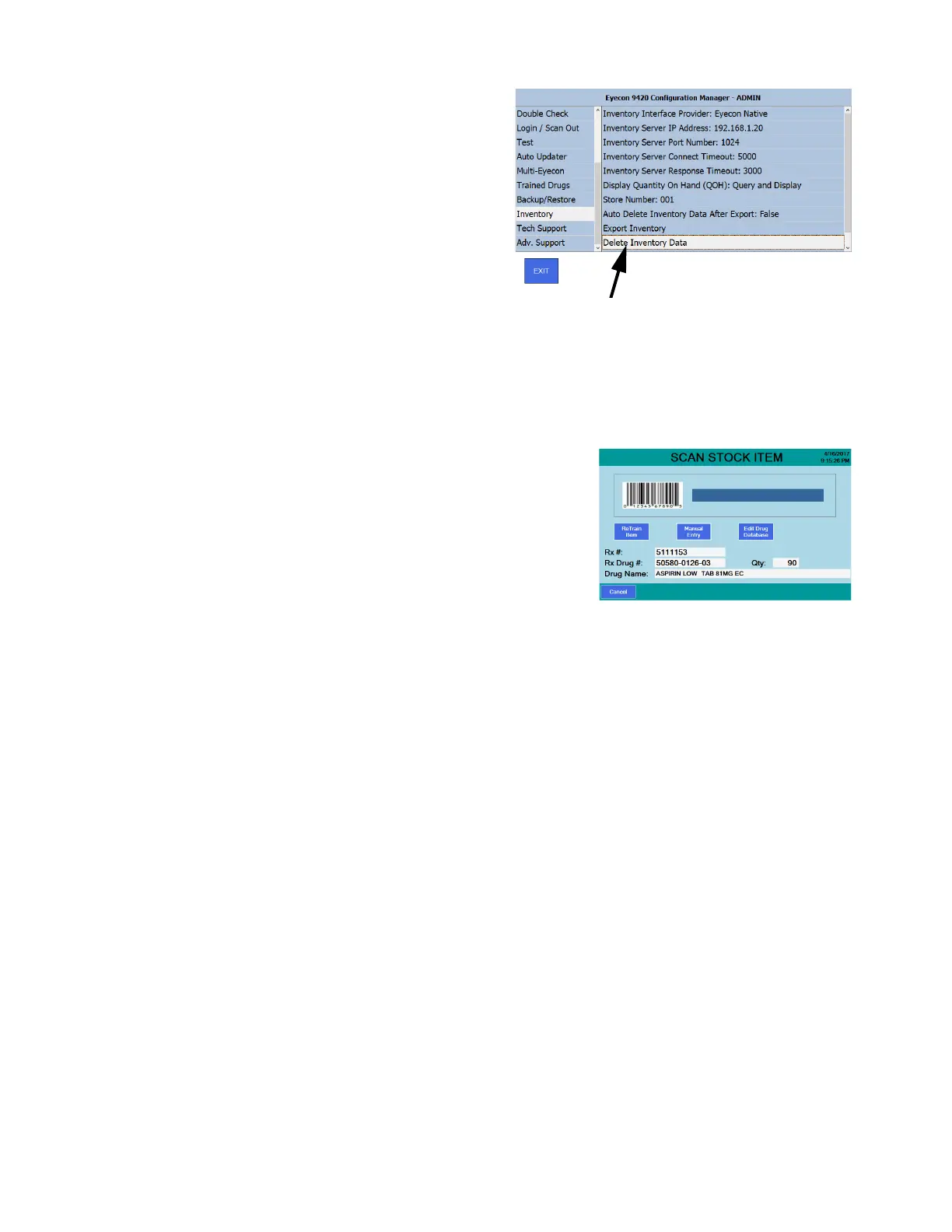
The Inventory menu
item in the Settings
menu, shown at right,
will be displayed so
that you can press
the Delete Inventory
Data menu item.
Follow the onscreen
prompts to complete
this task and press Exit to return to the SCAN STOCK ITEM screen of
the inventory mode.
OR
2b. Or press NO if you are simply performing cycle counts and do not need to
have a database with only the counts beginning performed now.
The SCAN STOCK ITEM screen
appears and you can continue
taking inventory.



 To Next Page