EasyManua.ls Logo

FARGO electronics DTC510 - User Manual

FARGO electronics DTC510
345 pages
Print Icon
To Next Page IconTo Next Page
Loading...
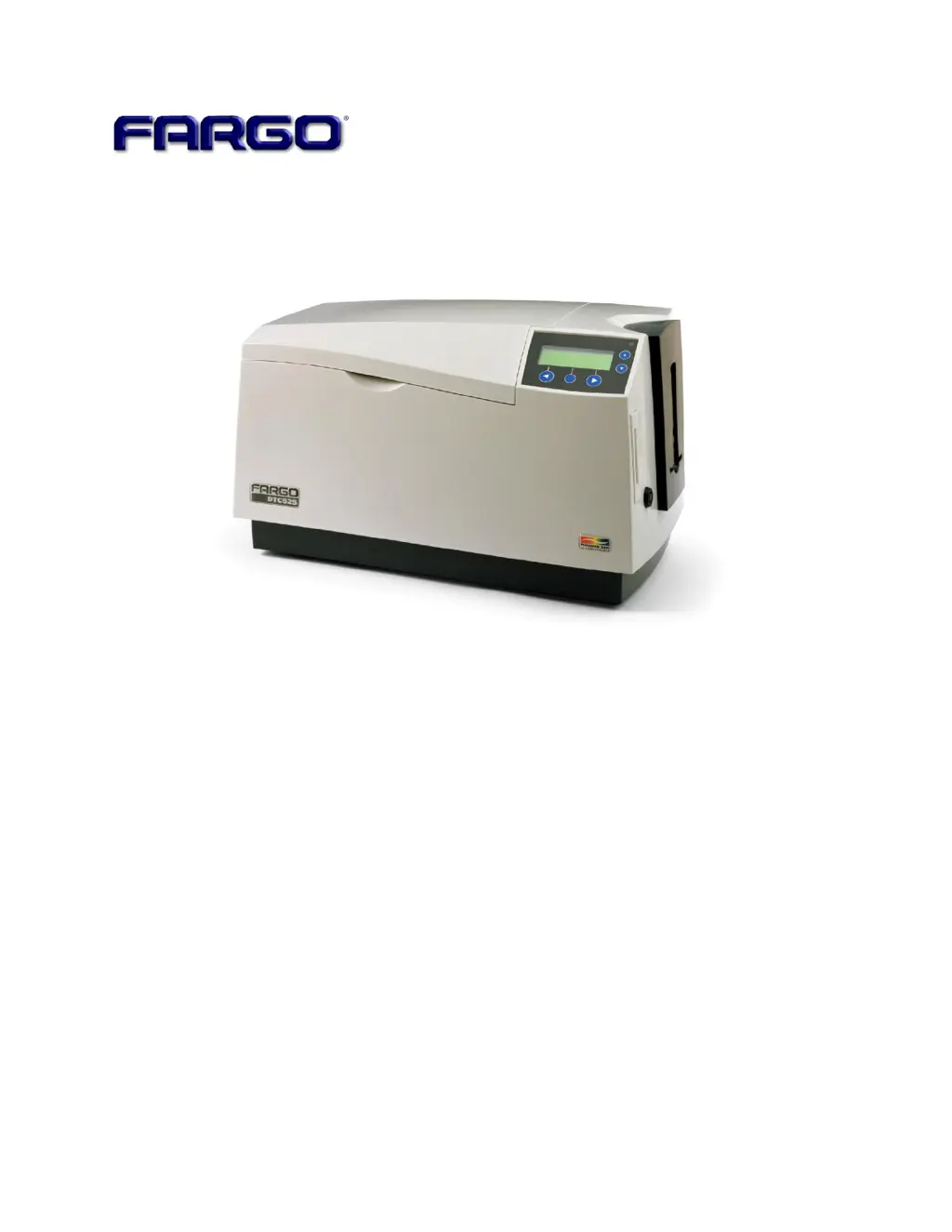
DTC500 Series Card Printer/Encoders
User Guide (Rev. 5.0)
DTC510 (Single-Sided Card Printer/Encoders)
DTC515 (Single-Sided Card Printer/Encoders)
DTC515-LC (Single-Sided Card Printer/Encoders)
DTC520 (Dual-Sided Card Printer/Encoders)
DTC525 (Dual-Sided Card Printer/Encoders)
DTC525-LC (Dual-Sided Card Printer/Encoders)
Part Number: L000699

Table of Contents

Questions and Answers

  • M
    Marc FosterAug 25, 2025
    What does 'Card Jam' mean on FARGO electronics Printer?
    • R
      Rachael MillerAug 25, 2025
      If your FARGO electronics Printer shows 'Card Jam', this indicates that a card is jammed in the Print Station or card flipping area of the Printer.
  • G
    Glenn Young DDSAug 25, 2025
    Why does my FARGO electronics DTC510 Printer say 'Wrong Print Ribbon'?
    • T
      Tonya PalmerAug 26, 2025
      If your FARGO electronics Printer displays 'Wrong Print Ribbon', it means that the print Ribbon installed in the Printer does not match the Ribbon type selected in the Printer driver.
  • E
    erinsantosAug 26, 2025
    What does it mean when my FARGO electronics DTC510 says 'Print Ribbon Low'?
    • H
      hendrixhaleyAug 26, 2025
      If your FARGO electronics Printer displays 'Print Ribbon Low', it means that the print Ribbon will soon run out. If printing a large number of cards, replace the Ribbon now or monitor the Printer until the Ribbon is gone and install a new Ribbon.
  • R
    robertlloydAug 27, 2025
    How do I fix 'No Ribbon Installed' on my FARGO electronics DTC510?
    • D
      danielharrisAug 27, 2025
      If your FARGO electronics Printer displays 'No Ribbon Installed', it means that the Printer is trying to print with no print Ribbon installed. Install the proper print Ribbon and press RESUME to continue or CANCEL to reset the Printer.
  • D
    Daniel BrewerAug 27, 2025
    What to do if my FARGO electronics DTC510 says 'Top Cover Open'?
    • M
      Maria MooreAug 27, 2025
      If your FARGO electronics Printer displays 'Top Cover Open', it means a print job was started with the Top Cover open. Close the Printer and press RESUME to continue or CANCEL to reset the Printer.
  • C
    cody38Aug 28, 2025
    Why does my FARGO electronics DTC510 say 'Please Clean Printer'?
    • S
      stephaniemcmahonAug 28, 2025
      If your FARGO electronics Printer displays 'Please Clean Printer', this message appears every 3,000 prints to remind you to perform the recommended Printer maintenance.
  • E
    Edward MclaughlinAug 29, 2025
    What does 'Unknown Ribbon Type' mean on FARGO electronics Printer?
    • E
      englishteresaAug 29, 2025
      If your FARGO electronics Printer displays 'Unknown Ribbon Type', it means the Printer does not recognize the Ribbon installed.
  • B
    bowersaprilAug 30, 2025
    What does 'Multiple Cards Fed' mean on my FARGO electronics DTC510?
    • E
      Erin OsborneAug 30, 2025
      If your FARGO electronics Printer displays 'Multiple Cards Fed', it means that two or more cards were fed from the Card Hopper.
  • S
    Stacy PetersAug 30, 2025
    How to fix a 'Card Hopper Jam' on a FARGO electronics DTC510 Printer?
    • C
      Craig GonzalezAug 31, 2025
      If your FARGO electronics Printer displays 'Card Hopper Jam', it indicates that the Card Hopper is unable to move from one hopper to the next. Clear any obstructions and close the hopper door.
  • M
    Melissa DavisAug 23, 2025
    How to fix 'Print Ribbon Out' on FARGO electronics Printer?
    • R
      Robert WongAug 25, 2025
      If your FARGO electronics Printer displays 'Print Ribbon Out', it means that the print Ribbon has run out. Install a new Ribbon and press RESUME to continue.

FARGO electronics DTC510 Specifications

General IconGeneral
BrandFARGO electronics
ModelDTC510
CategoryPrinter
LanguageEnglish

Related product manuals