Page 30 of 97 PN: 106417-05
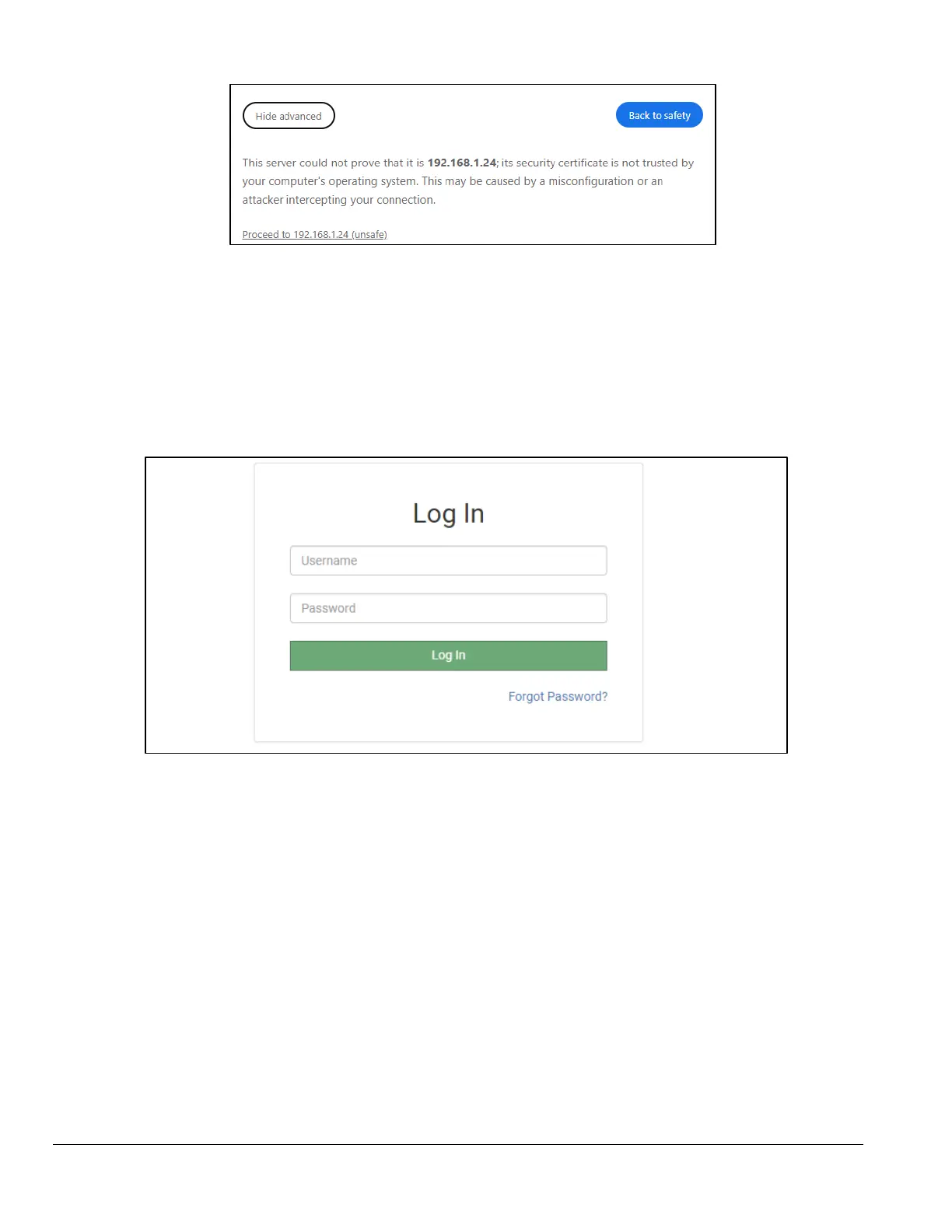
Figure 5-3: Proceed to 196.168.1.24 Button
• When the login screen appears, put in the Username (default is “admin”) and the Password
(found on the label of the FieldServer).
NOTICE: There is also a QR code in the top right corner of the FieldServer label that shows the
default unique password when scanned.
Figure 5-4: Login Page
NOTICE: A user has 5 attempts to login then there will be a 10-minute lockout. There is no
timeout on the FieldServer to enter a password.
NOTICE: To create individual user logins, go to Appendix B.5 Change User Management Settings.



 To Next Page