Page 38 of 97 PN: 106417-05
7 SETUP ENERGY MANAGEMENT SYSTEM NETWORK
7.1 Navigate to the Network Settings
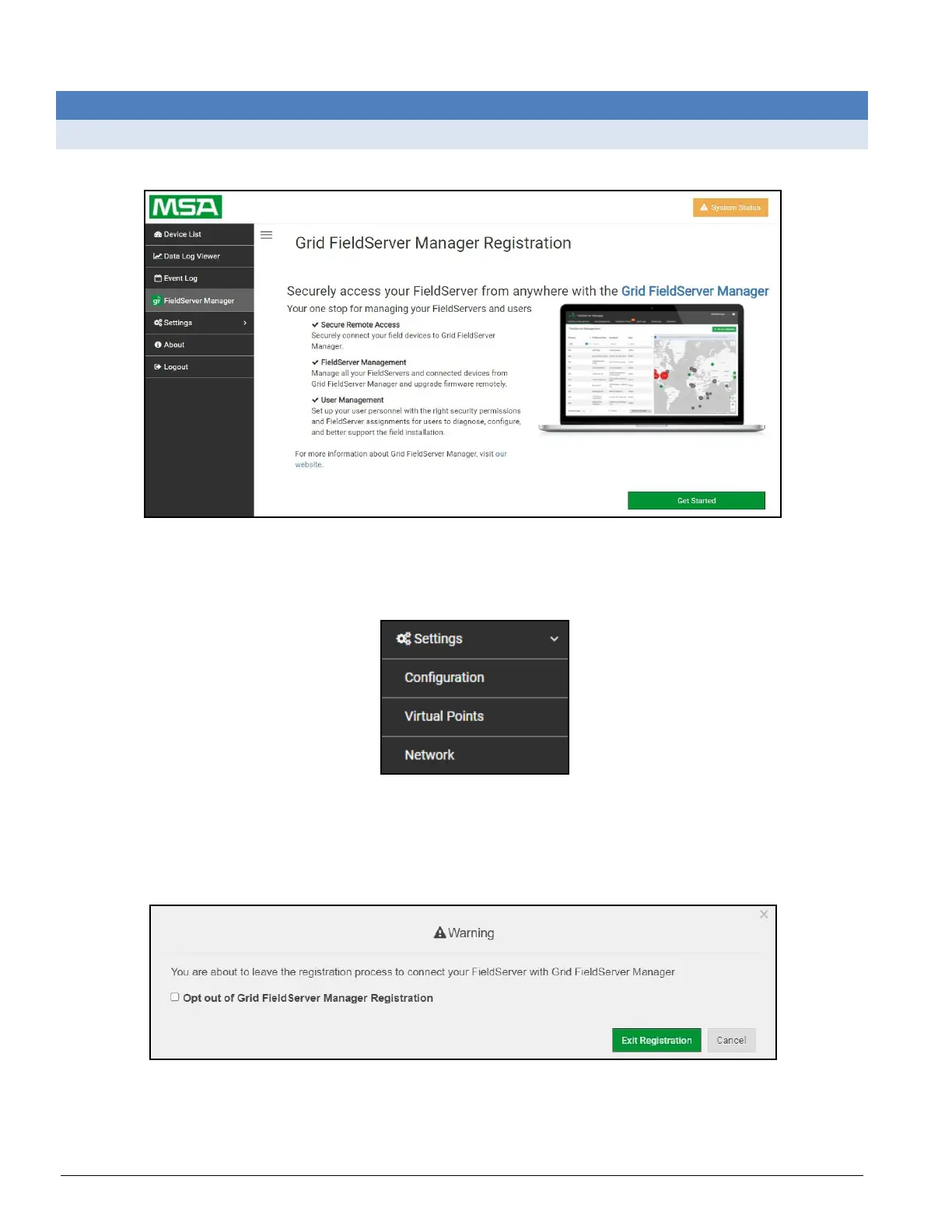
• From the Web App landing page, click the Settings tab on the left side of the screen.
Figure 7-1: ProtoNode Web Configurator Landing Page
• Click the Network tab that appears to open the Network Settings page.
Figure 7-2: Settings Menu
• A warning message will appear when performing the first-time setup, click the Exit Registration
button to continue to the Settings page.
Figure 7-3: Option Out of Grid Page



 To Next Page