Page 32 of 97 PN: 106417-05
5.3 HTTPS with Own Trusted TLS Certificate
This is the recommended selection and the most secure. Please contact your IT department to find out if
you can obtain a TLS certificate from your company before proceeding with the Own Trusted TLS
Certificate option.
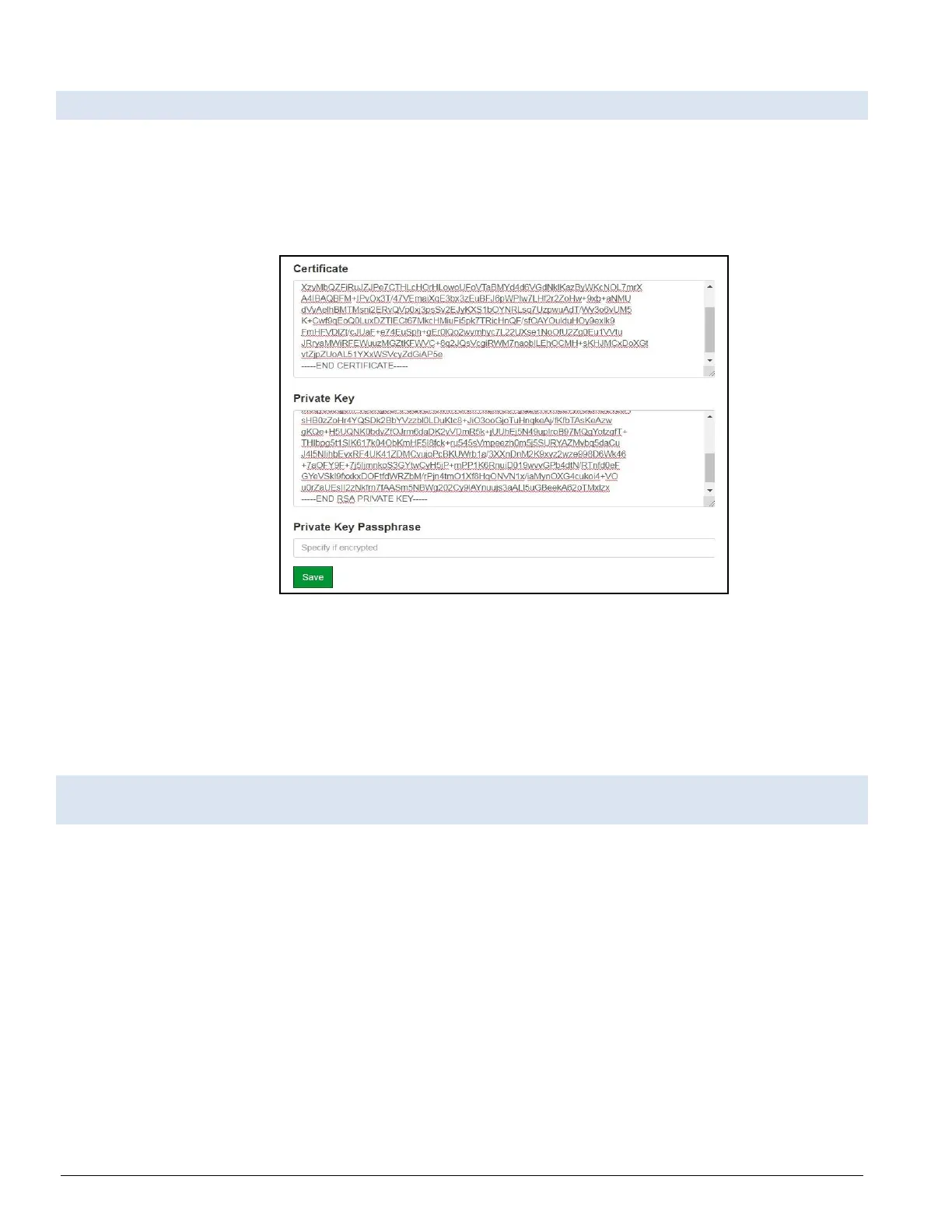
• Once this option is selected, the Certificate, Private Key and Private Key Passphrase fields will
appear under the mode selection.
Figure 5-6: Certificate Page
• Copy and paste the Certificate and Private Key text into their respective fields. If the Private Key
is encrypted type in the associated Passphrase.
• Click Save.
• A “Redirecting” message will appear. After a short time, the FieldServer GUI will open.
5.4 HTTPS with Default Untrusted Self-Signed TLS Certificate or HTTP with Built-in Payload
Encryption
• Select one of these options and click the Save button.
• A “Redirecting” message will appear. After a short time, the FieldServer GUI will open.



 To Next Page