Page 34 of 97 PN: 106417-05
6.2 Set Configuration Parameters
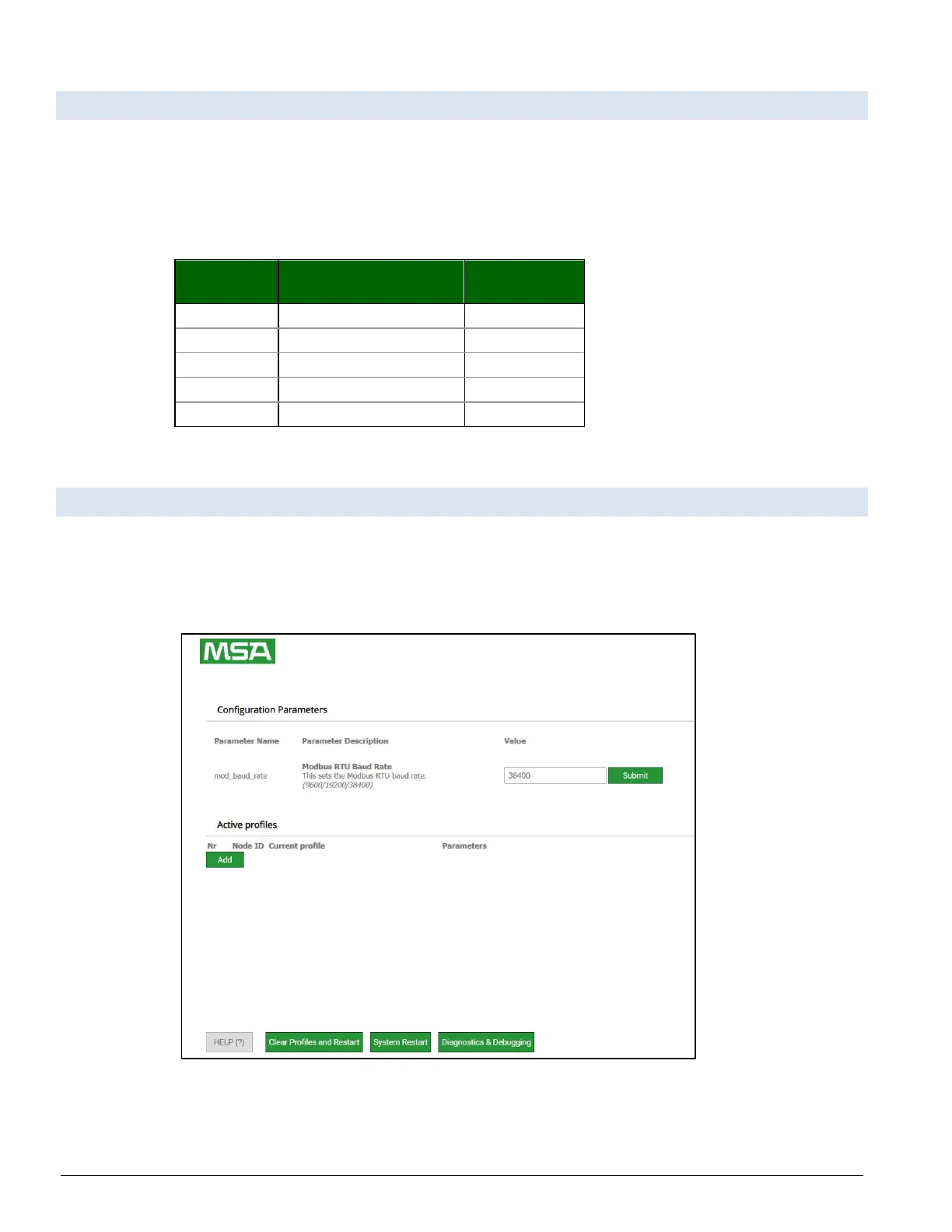
• Ensure that all parameters are entered for successful operation of the gateway. Find the legal value
options for each parameter under the Parameter Description in parentheses.
• Set Baud rate to match connected device:
Table 6-1: ProtoNode Configuration Modbus Parameters
6.3 Configure Devices Connected to the Gateway
If Auto-Discovery was performed through the S3 DIP switch on power up, skip this step.
• In the Web Configurator, the Active Profiles are shown below the configuration parameters. The
Active Profiles section lists the currently active device profiles. This list is empty for new
installations, or after clearing all configurations.
Figure 6-3: Manual Profile “Add” Button



 To Next Page