Page 94 of 97 PN: 106417-05
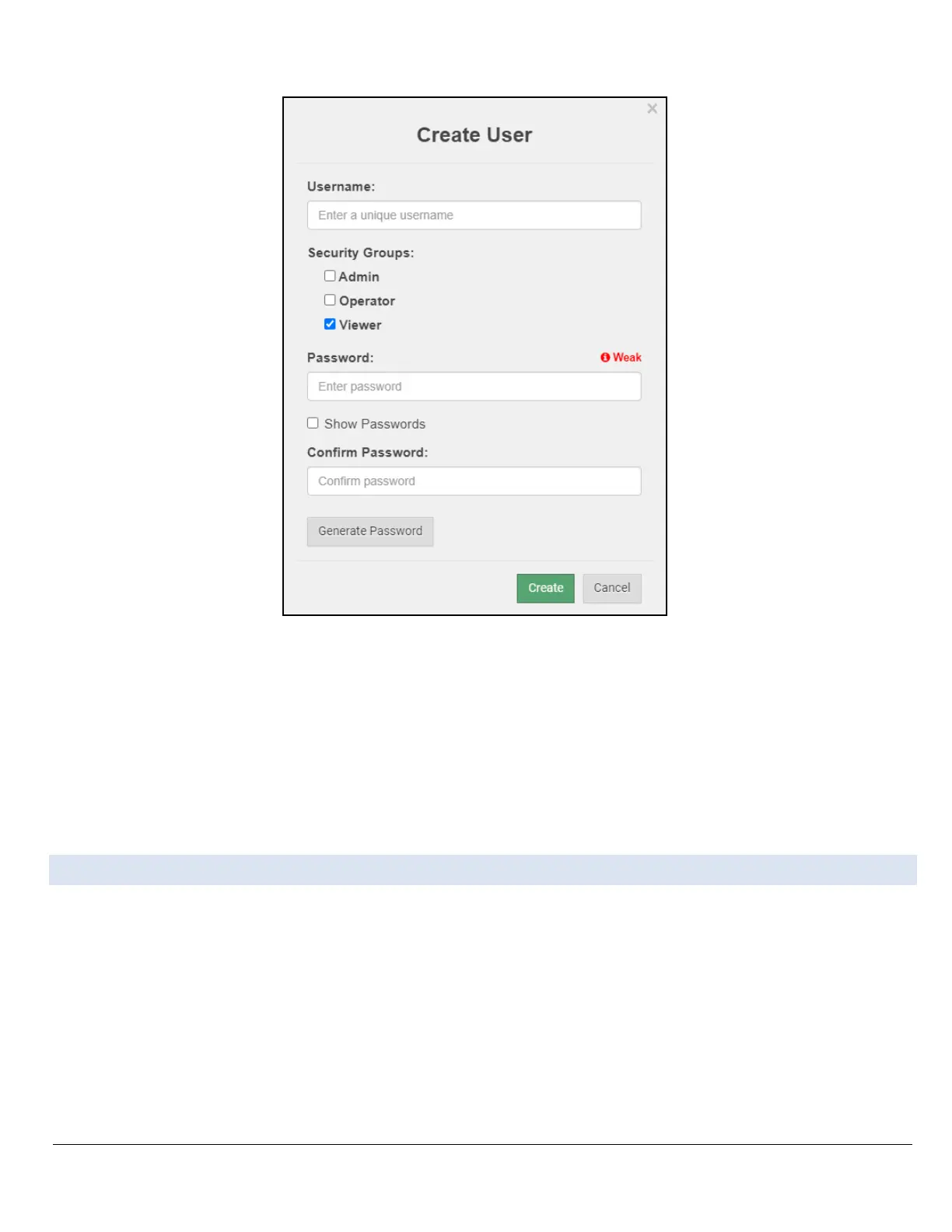
Figure Appendix B-14: Grid User Setup Page
• Enter the new User fields: Name, Security Group and Password.
◦ User details are hashed and salted
NOTICE: The password must meet the minimum complexity requirements. An algorithm automatically checks
the password entered and notes the level of strength on the top right of the Password text field.
• Click the Create button.
• Once the Success message appears, click OK.
Appendix B.7. Edit Users
• Click the pencil icon next to the desired user to open the User Edit window.



 To Next Page