Page 95 of 97 PN: 106417-05
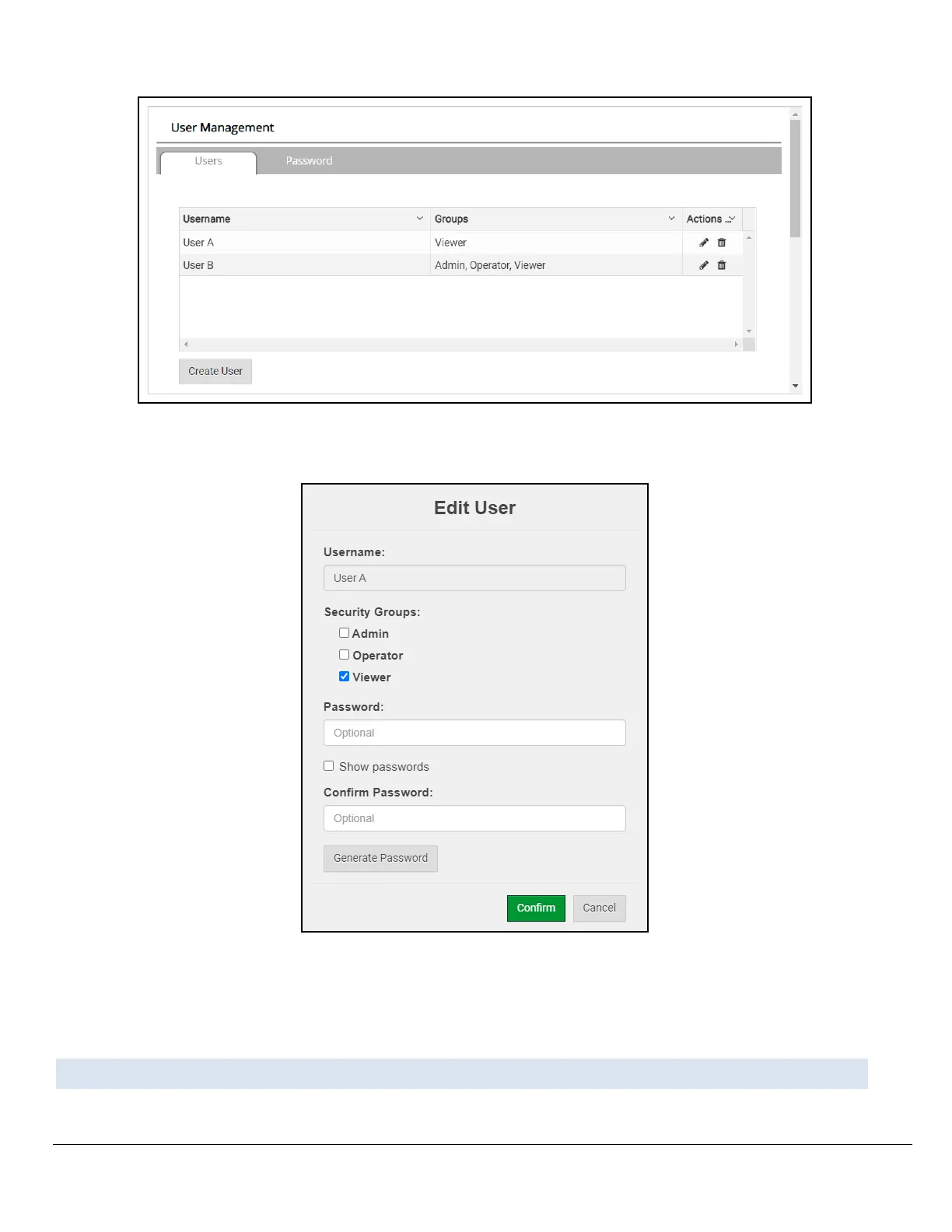
Figure Appendix B-15: Grid User Summary Page
• Once the User Edit window opens, change the User Security Group and Password as needed.
Figure Appendix B-16: Grid User Setup Page
• Click Confirm.
• Once the Success message appears, click OK.
Appendix B.8. Delete Users
• Click the trash can icon next to the desired user to delete the entry.



 To Next Page