Page 42 of 97 PN: 106417-05
8.2 Viewing Diagnostic Information
• Type the IP Address of the FieldServer into the web browser or use the FieldServer
Toolbox to connect to the FieldServer.
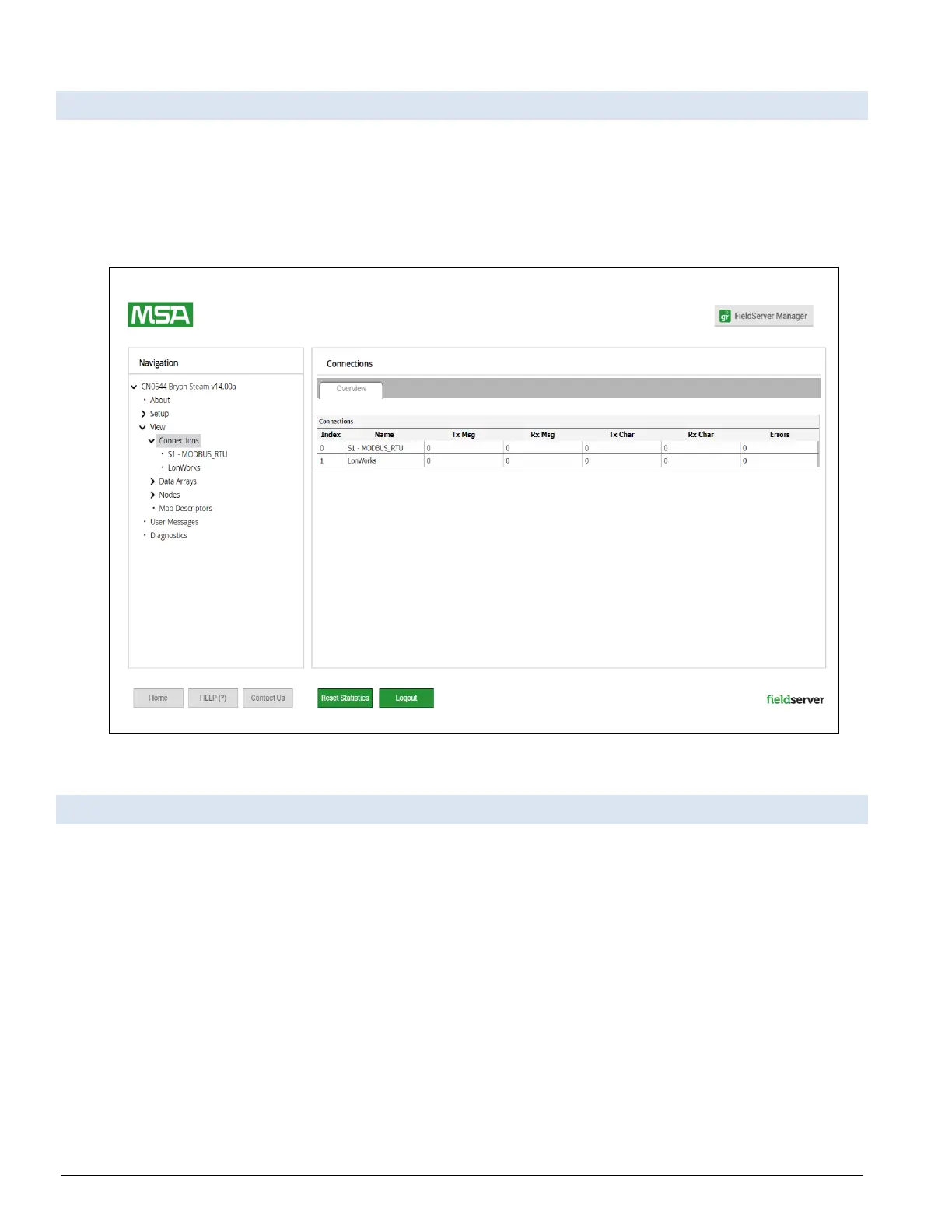
• Click on Diagnostics and Debugging Button, then click on view, and then on connections.
• If there are any errors showing on the Connection page, refer to Section 8.3 Checking Wiring
and Settings for the relevant wiring and settings.
Figure 8-3: Connections Page
8.3 Checking Wiring and Settings
No COMS on the Modbus RTU side. If the Tx/Rx LEDs are not flashing rapidly then there is a
COM issue. To fix this problem, check the following:
• Visual observations of LEDs on the ProtoNode. Both Tx and Rx LEDs should be flashing rapidly.
• Check baud rate, parity, data bits, stop bits.
• Check device address.
• Verify wiring.
• Verify the device was listed in the Web Configurator (Section 6.3 Configure Devices Connected to the
Gateway).
Field COM problems:
• Visual observations of LEDs on the ProtoNode. (Section 8.4 LED Functions)



 To Next Page