Page 43 of 97 PN: 106417-05
• Verify wiring.
• Verify IP Address setting.
NOTICE: If the problem still exists, a Diagnostic Capture needs to be taken and sent to
support. (Section 8.6 Take Diagnostic Capture with FieldServer Utilities)
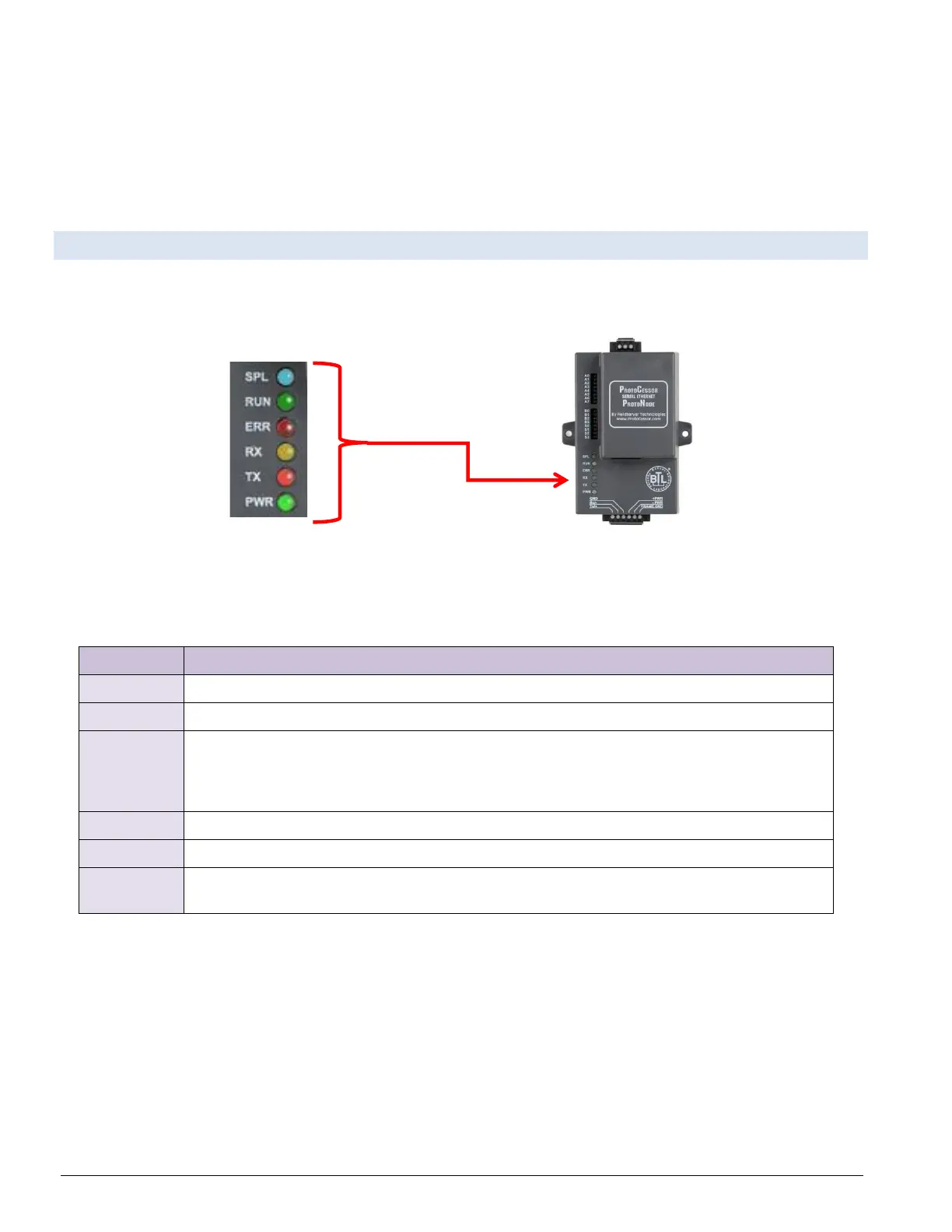
8.4 LED Functions
Please see the diagram below for ProtoNode LER LonWorks LED Locations.
Figure 8-4: ProtoNode LEDS
The SPL LED will light if the ProtoNode is offline.
The RUN LED will start flashing 20 seconds after power indicating normal operation.
The SYS ERR LED will go on solid 15 seconds after power up. It will turn off after 5
seconds. A steady red light will indicate there is a system error on ProtoNode. If this
occurs, immediately report the related “system error” shown in the error screen of the GUI
interface to FieldServer Technologies for evaluation.
The RX LED will flash when a message is received on the host port.
The TX LED will flash when a message is sent on the host port.
This is the power light and should always show steady green when ProtoNode is
powered.



 To Next Page