Page 93 of 97 PN: 106417-05
Appendix B.5. Change User Management Settings
• From the FS-GUI page, click Setup in the Navigation panel.
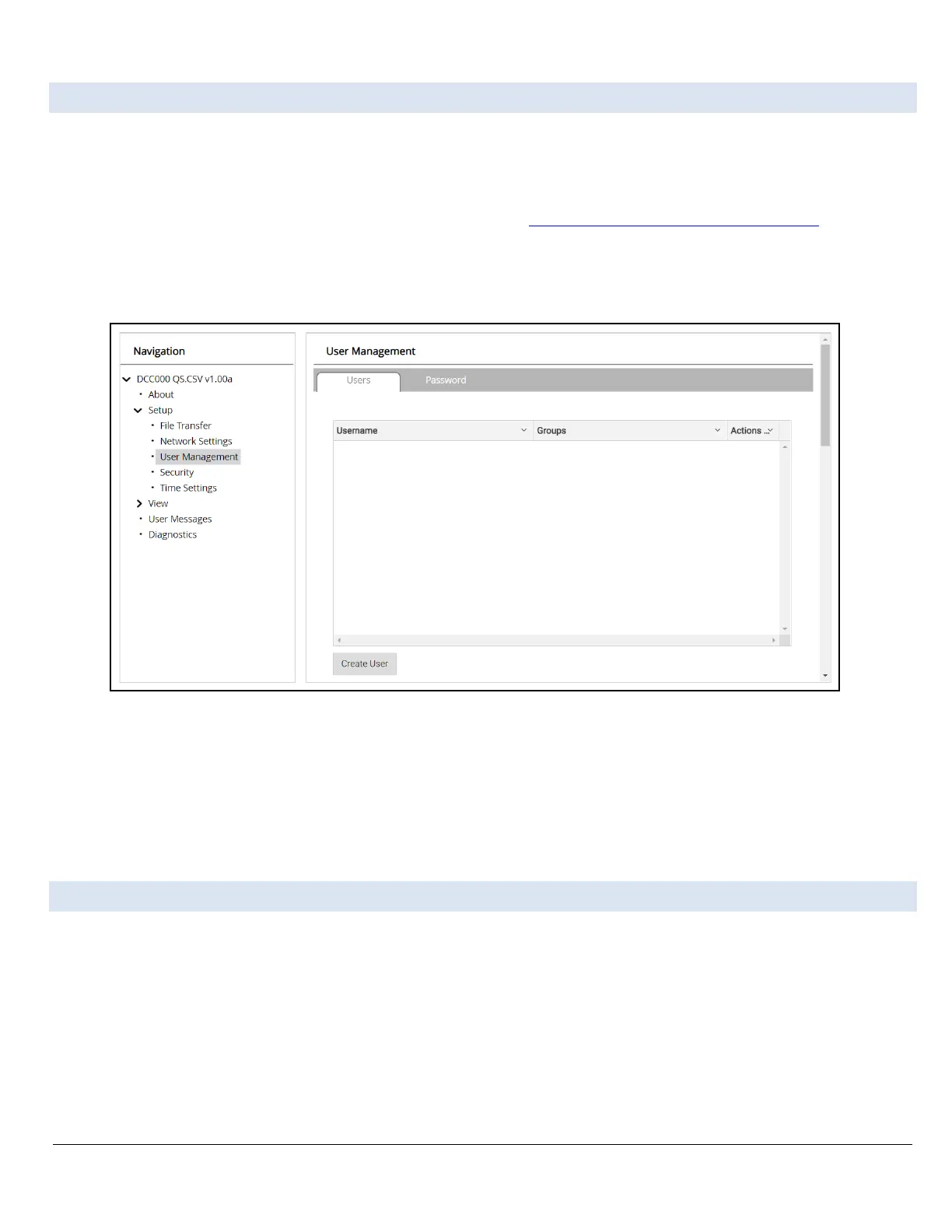
• Click User Management in the navigation panel.
NOTICE: If the passwords are lost, the unit can be reset to factory settings to reinstate the default unique
password on the label. For recovery instructions, see the FieldServer Next Gen Recovery document.
If the default unique password is lost, then the unit must be mailed back to the factory.
NOTICE: Any changes will require a FieldServer reboot to take effect.
• Check that the Users tab is selected.
Figure Appendix B-13: Grid User Management Page
User Types:
Admin – Can modify and view any settings on the FieldServer. Operator – Can modify and view any data in
the FieldServer array(s). Viewer – Can only view settings/readings on the FieldServer.
Appendix B.6. Create Users
• Click the Create User button.



 To Next Page