Page 33 of 97 PN: 106417-05
6 SETUP PROTONODE
6.1 Navigate to the ProtoNode Web Configurator
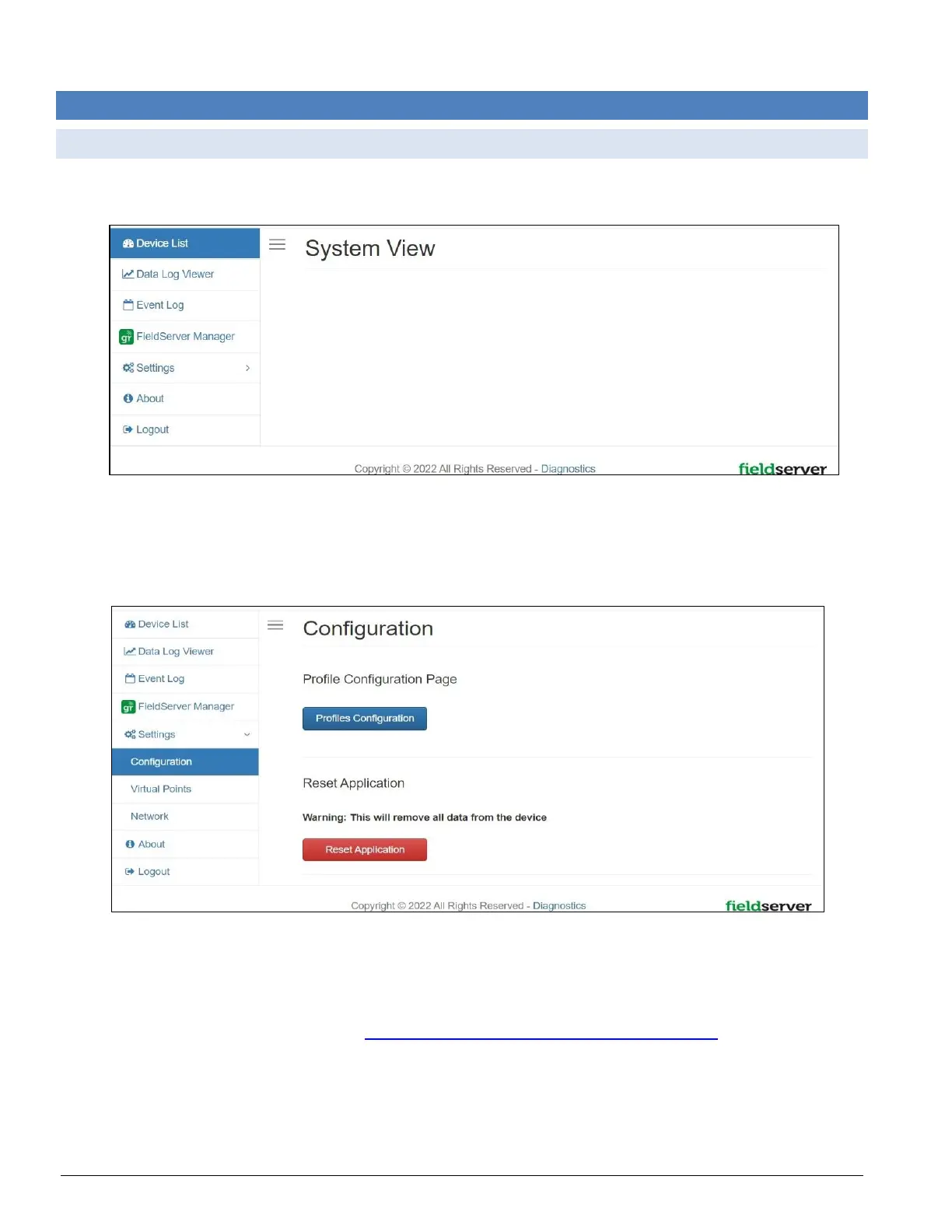
• From the Web App Device List page, click the Settings tab and then click Configuration.
Figure 6-1: ProtoNode Web Configurator home page
• Then click the Profiles Configuration button to go to the Web Configurator page.
Figure 6-2: ProtoNode Web Configurator configuration page
NOTICE: For Web App instructions to the System View, Data Log Viewer, Event Logger and
Virtual Points functions, see the MSA Grid – FieldServer Manager Start-up Guide.



 To Next Page