Page 87 of 97 PN: 106417-05
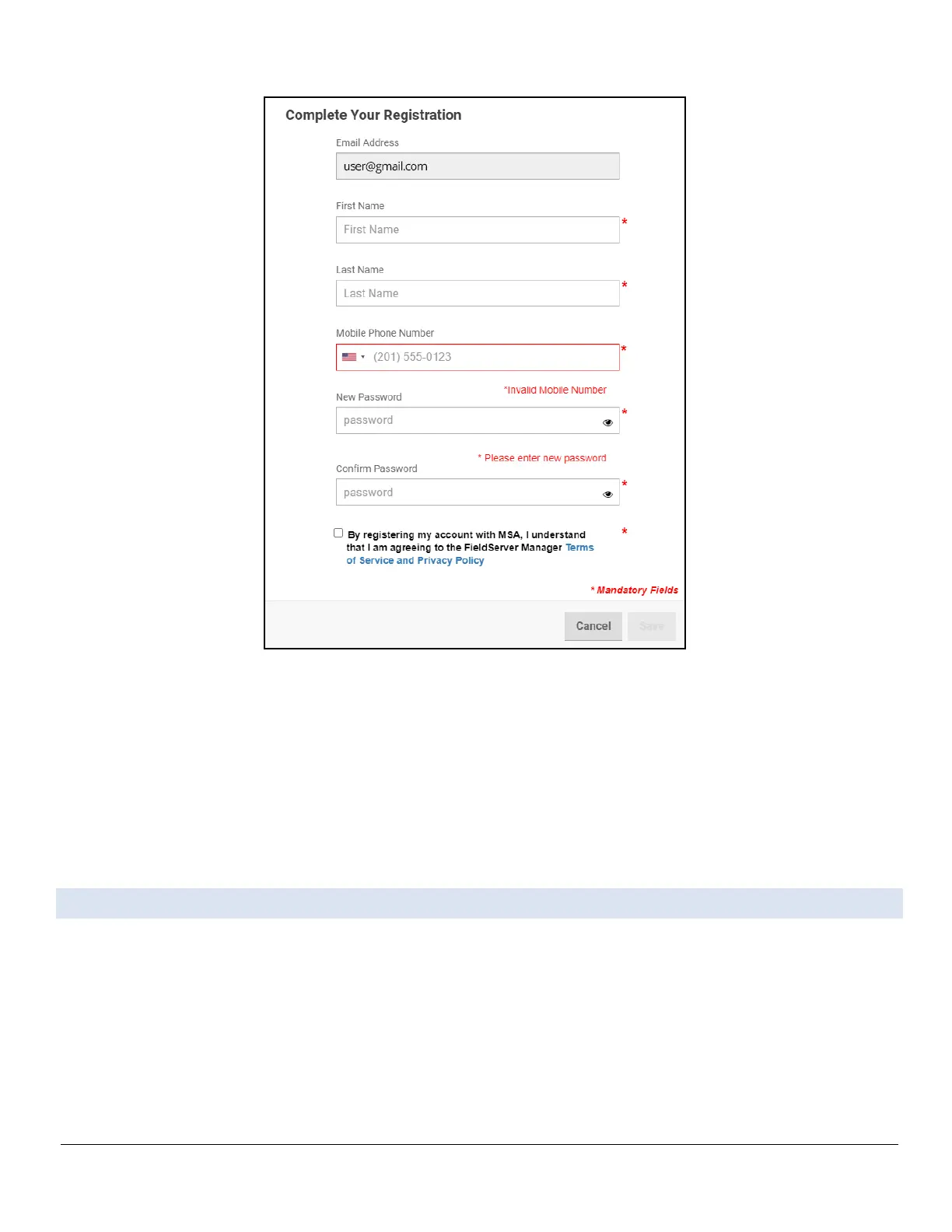
Figure Appendix B-4: Grid Registration Page
• Fill in the name, phone number, password fields and click the checkbox to agree to the privacy
policy and terms of service.
NOTICE: If access to data logs using RESTful API is needed, do not include “#” in the password.
• Click “Save” to save the user details.
• Click “OK” when the Success message appears.
• Record the email account used and password for future use.
Appendix B.3. Registration Process
Once the FieldServer Manager user credentials have been generated, the ProtoNode can be registered onto
the server.
• Click the FieldServer Manager tab.
NOTICE: If a warning message appears instead, go to Section 9.5 FieldServer Manager
Connection Warning Message to resolve the connection issue.



 To Next Page