Page 91 of 97 PN: 106417-05
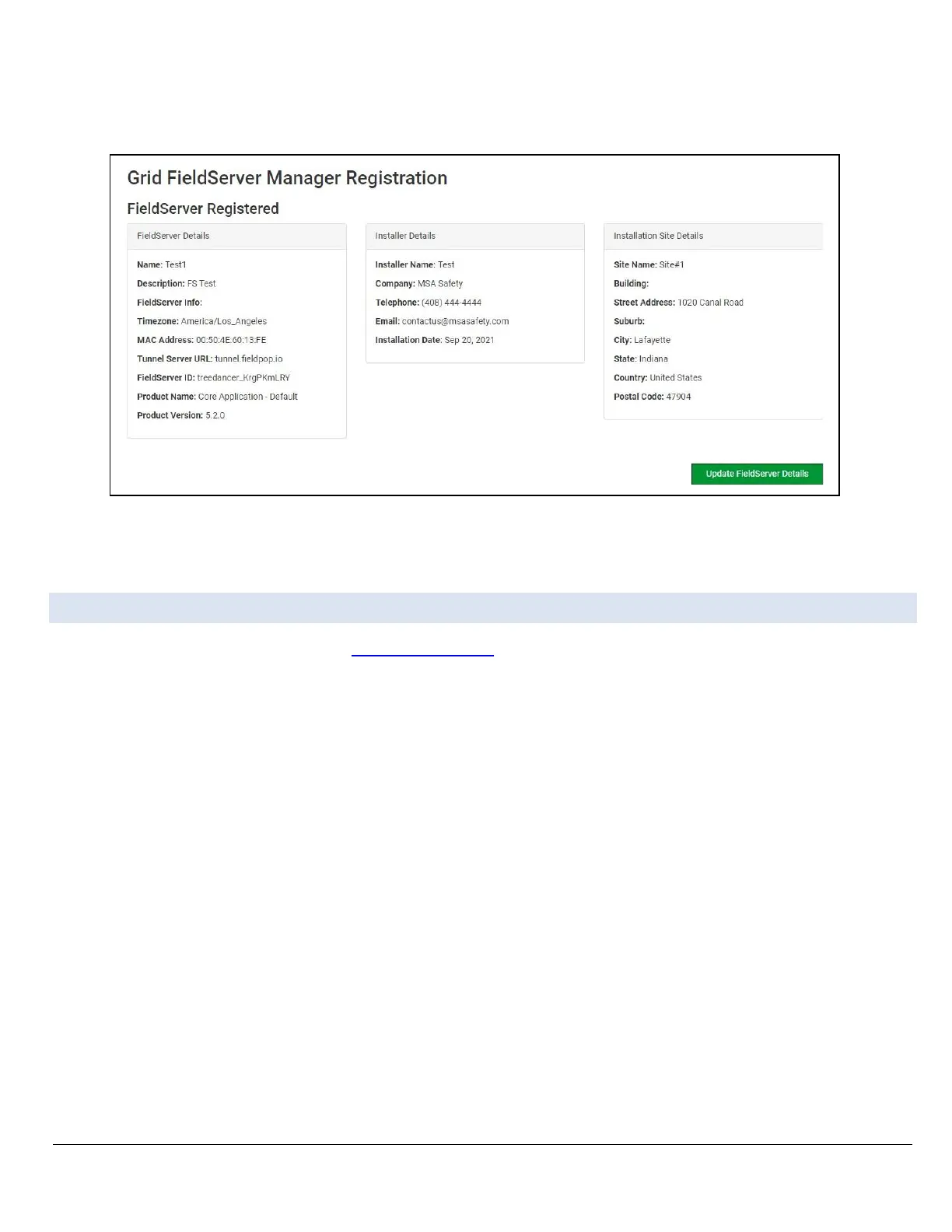
Once the device has successfully been registered, a confirmation window will appear. Click the Close
button and the following screen will appear listing the device details and additional information auto-
populated by the ProtoNode.
Figure Appendix B-10: Grid Registration Summary
NOTICE: Update these details at any time by going to the FieldServer Manager tab and clicking the
Update FieldServer Details button.
Appendix B.4. Login to the FieldServer Manager
After the gateway is registered, go to www.smccloud.net and type in the appropriate login information as
per registration credentials.



 To Next Page