Page 46 of 97 PN: 106417-05
9 ADDITIONAL INFORMATION
9.1 Update Firmware
To load a new version of the firmware, follow these instructions:
1. Extract and save the new file onto the local PC.
2. Open a web browser and type the IP Address of the FieldServer in the address bar.
◦ Default IP Address is 192.168.1.24
◦ Use the FS Toolbox utility if the IP Address is unknown (Section 8.1 Lost or Incorrect IP
Address)
3. Navigate to Profile Configuration page by clicking “Settings” tab, then click “Configuration”, then click
“Profiles Configuration”
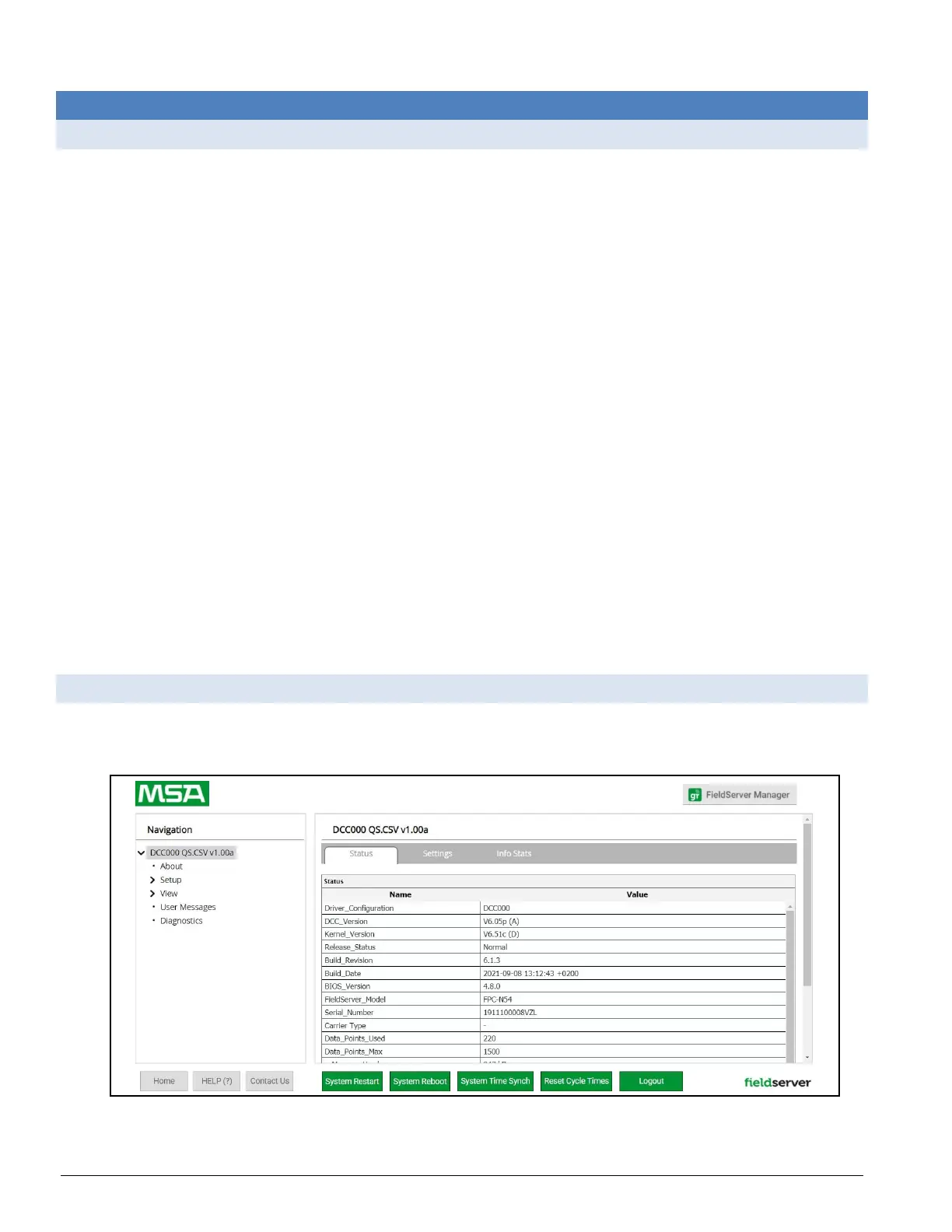
4. Click on the “Diagnostics & Debugging” button.
5. In the Navigation Tree on the left hand side, do the following:
a. Click on “Setup”
b. Click on “File Transfer”
c. Click on the “General” tab
6. In the General tab, click on “Choose Files” and select the .SIMG file extracted in step 1.
7. Click on the “Submit” button.
8. When the download is complete, click on the “System Restart” button.
9.2 Change Web Server Security Settings After Initial Setup
NOTICE: Any changes will require a FieldServer reboot to take effect.
• Click Diagnostics at bottom of page and then Setup in the Navigation panel.
Figure 9-1: ProtoNode Diagnostics Home Page



 To Next Page