Page 49 of 97 PN: 106417-05
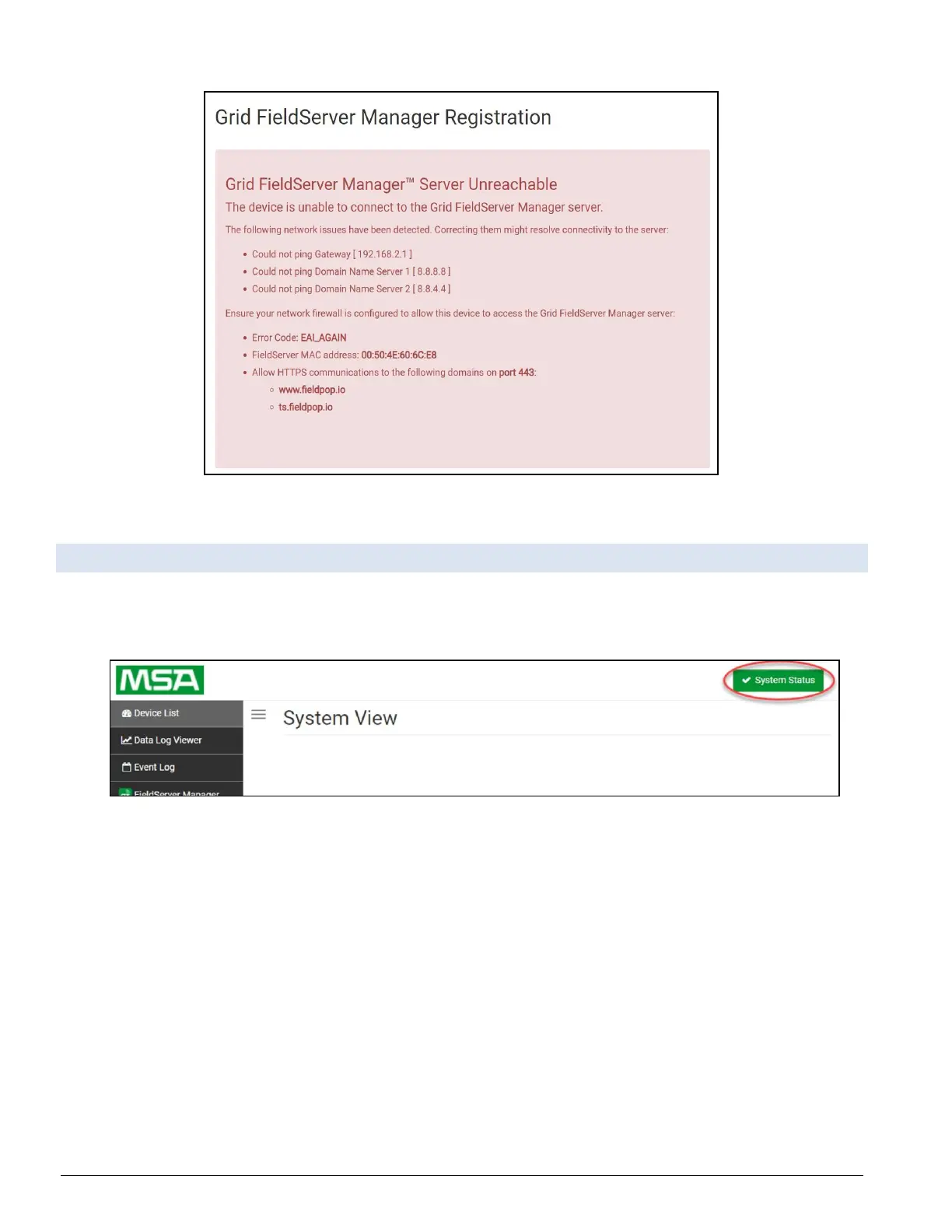
Figure 9-4: ProtoNode Lost Connection Page
9.6 System Status Button
The System Status Button can be found on any page of the web apps. This shows the level of
alert/functionality for the customer device. This is an aggregate of the Web App page’s
resource usage upon the local PC or mobile device, connectivity and device alert level.
Figure 9-5: ProtoNode Status Button
The color of the button represents the status of one to all three systems:
Green – Normal status Yellow – Warning status Red – Alarm status



 To Next Page