Page 50 of 97 PN: 106417-05
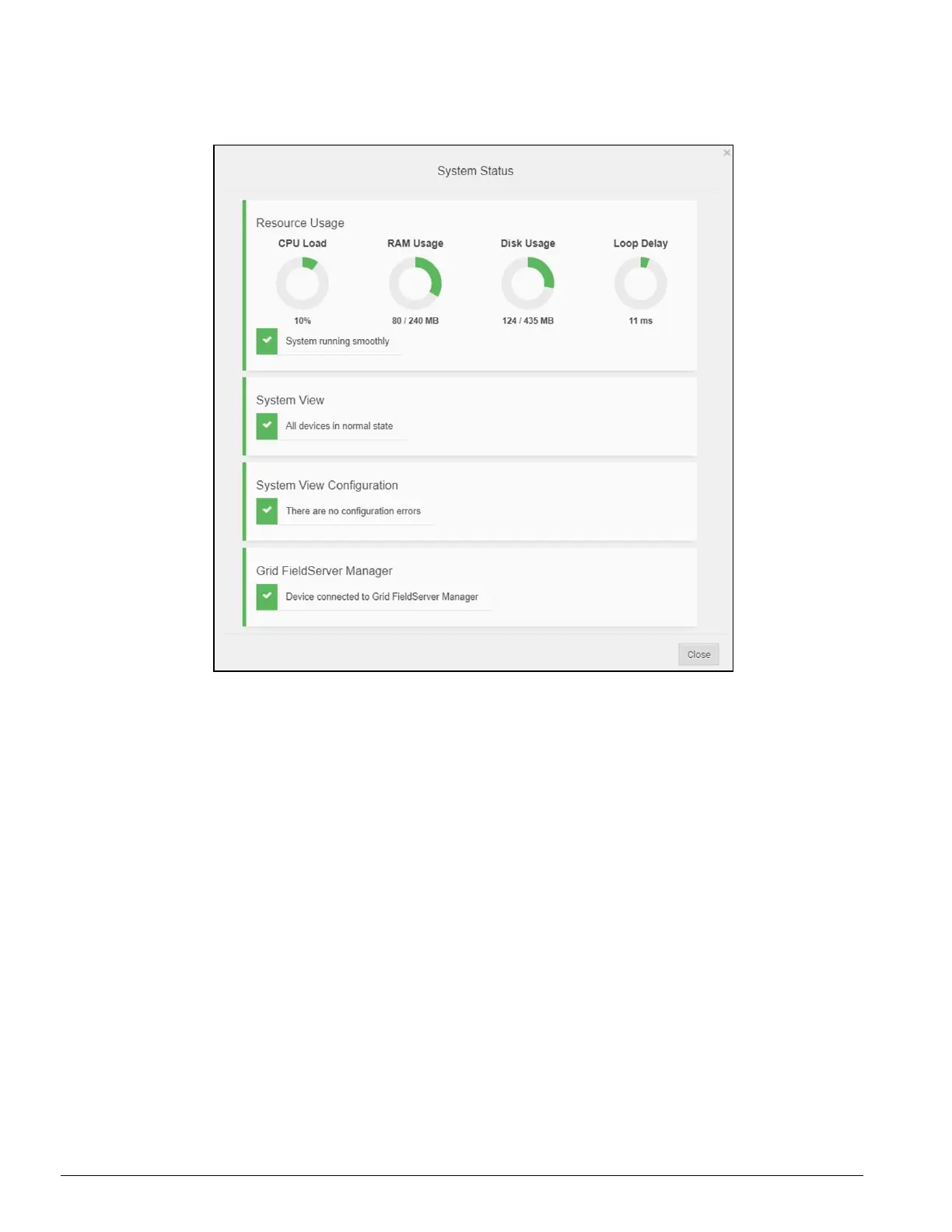
Click on the System Status Button to open the System Status window, showing more details on the status
of each system.
Figure 9-6: ProtoNode Status
NOTICE:
If it was selected to opt out of the FieldServer Manager, the Grid FieldServer Manager
status will not appear in the System Status window. This means the status will show as green
even if the gateway is not connected to the FieldServer Manager.



 To Next Page