Page 85 of 97 PN: 106417-05
• Either go through the FieldServer Manager setup to integrate cloud functionality to the FieldServer or opt out.
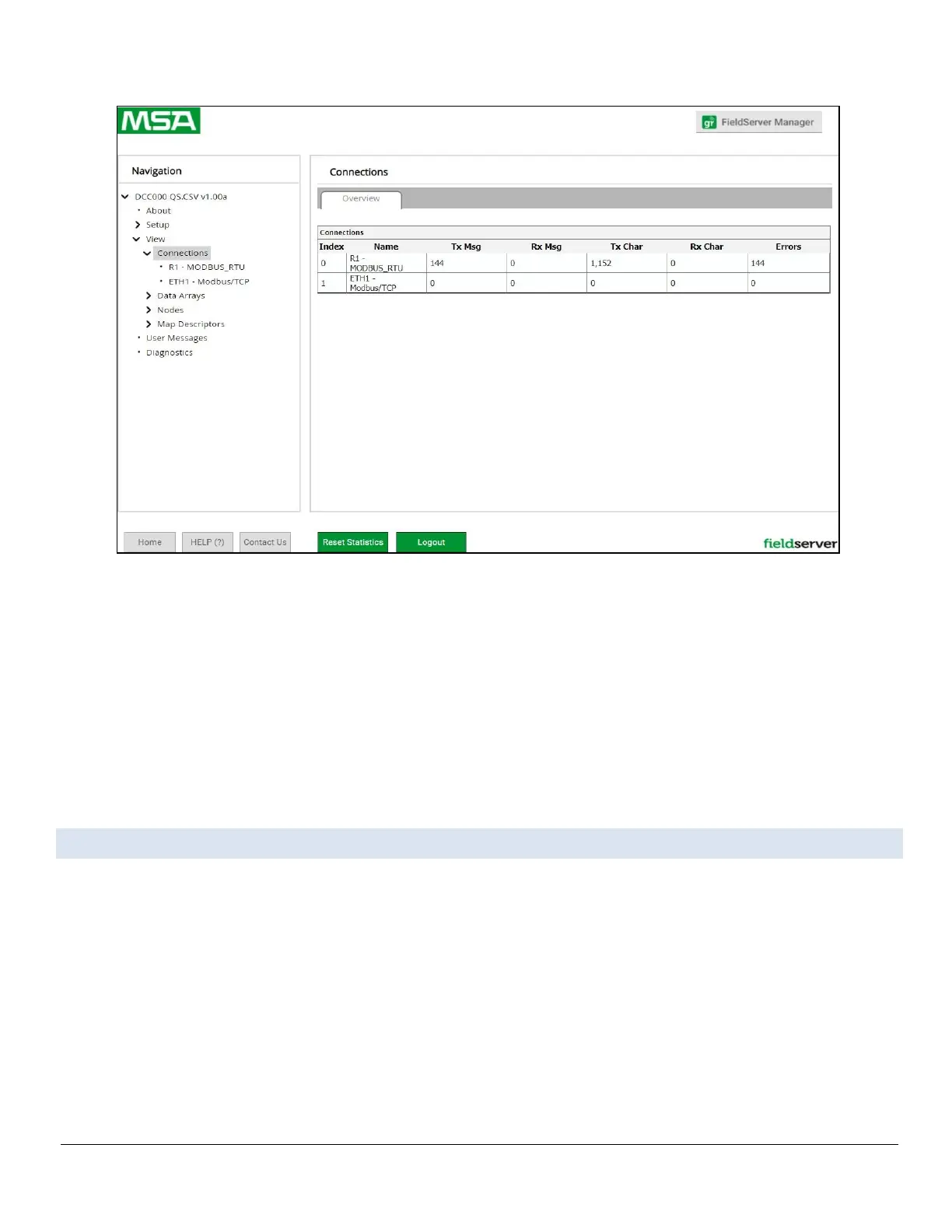
• Figure Appendix B-2: Web Configurator Connections Page
◦ For FieldServer Manager setup, continue with instructions in the following sections
◦ To opt out of the FieldServer Manager, click on a tab other than the Grid FieldServer Manger tab,
click the checkbox next to “Opt out of Grid FieldServer Manager Registration” in the Warning
window that appears and click the Exit Registration button
◦ To ignore FieldServer Manager setup until the next time the Web App is opened, click a
tab other than Grid FieldServer Manager and then click the Exit Registration button with
the “Opt out” checkbox unchecked
NOTICE: If user setup is already complete go to Section Appendix B.3 Registration Process.
Appendix B.2. User Setup
Before the gateway can be connected to the FieldServer Manager, a user account must be created.
Request an invitation to the FieldServer Manager from the manufacturer’s support team. Once
an invitation has been requested , follow the instructions below to set up login details:
• The “Welcome to the MSA Grid - FieldServer Manager” email will appear as shown below.



 To Next Page