FIMER_PVS-175-TL A.1 Version_Product manual_EN_RevC-
F
133
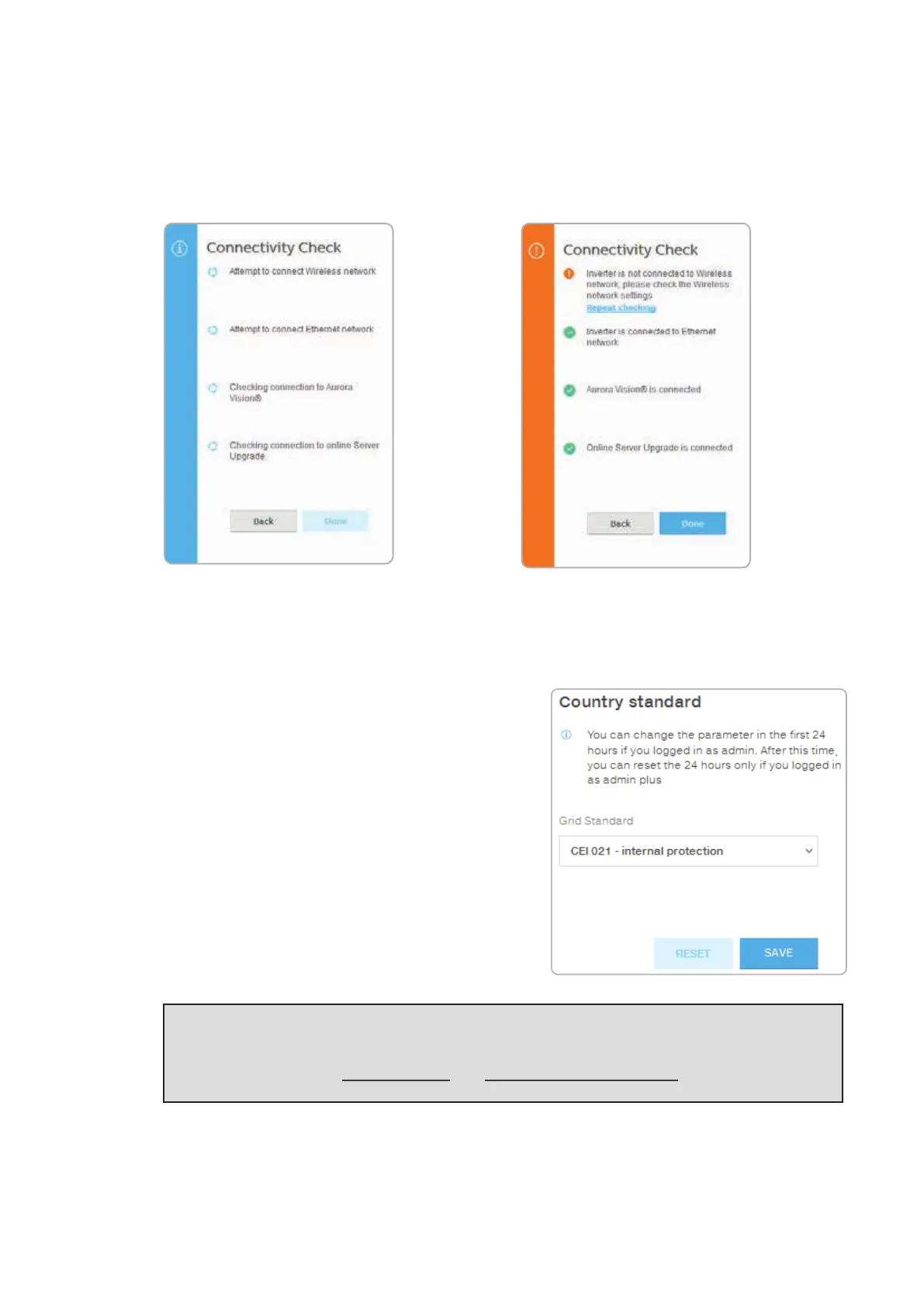
CONNECTIVITY CHECK
In the Connectivity Check sub-menu it’s possible to carry out connectivity tests of the wireless
network connection, ethernet connection, connection to Aurora Vision and firmware upgrade servers.
At the end of the test it will be reported the detail of the results.
COUNTRY STANDARD
By accessing to the Country Standard sub-menu you
can modify the grid standard within 24 hours while the
inverter is operating.
NOTE – D After the grid standard is set you have 24 hours to make any changes to the grid
standard value; 24 hours later the Country Standard sub-menu will be locked, and any
subsequent changes might only be made accessing with Admin Plus privileges. Refer to the
dedicated section on “USER menu” and “SERVICE TOOLS menu” to know how to unlock
the Country Standard sub-menu.



 To Next Page