Panda xControl
18.12.15 Kapitel/Chapter 11: Panda xControl - Seite/Page 233
11.5.4 Submenu „Generator“
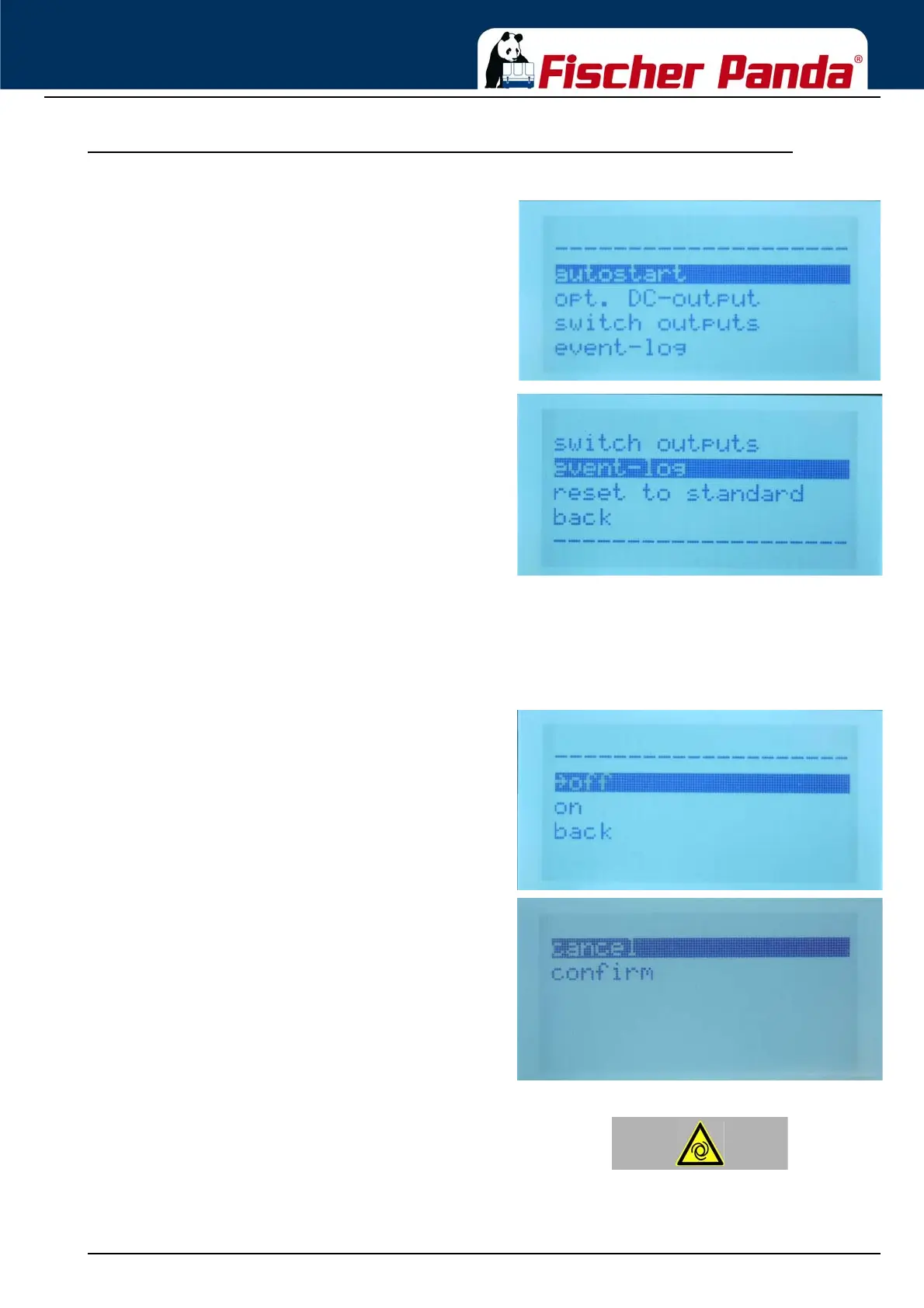
Fig. 11.5.4-1: Submenu „Generator“In the submenu „Generator“ following points can be set
up
1. Autostart enable
2. Optional DC output
3. Switch outputs
4. Event log
5. Reset the generator submenu to standard
6. back to the main menu
11.5.4.1 Set up the autostart of the CP-G
Scroll with the „Step-up“/“Step-down“ buttons to the menu point „autostart“ and confirm with the „Start/Stop - Enter“
button. You enter the menu point autostart.
Fig. 11.5.4.1-1: Submenu „autostart“Choose „off“ or „on““ with the „Step-up“/“Step-down“ buttons
and confirm with the „Start/Stop - Enter“ button.
Choose cancel or confirm with the „Step-up“/“Step-down“
buttons and confirm with the „Start/Stop - Enter“ button.
If you choose „back“ you return into the submenu „panel“
without the „cancel/confirm screen“.
Warning! Automatic startDanger for life! - The generator can be equipped with a
automatic start device. This means the generator can be
started by an external signal. To avoid an unexpected
starting of the generator, the starter battery must be
disconnected before start working at the generator.
The „Automatic Start“ will remain activated, even if the
xControl CP-G is switched off and on again.




 To Next Page