Malfunctions – What should you do?
84 MMS
®
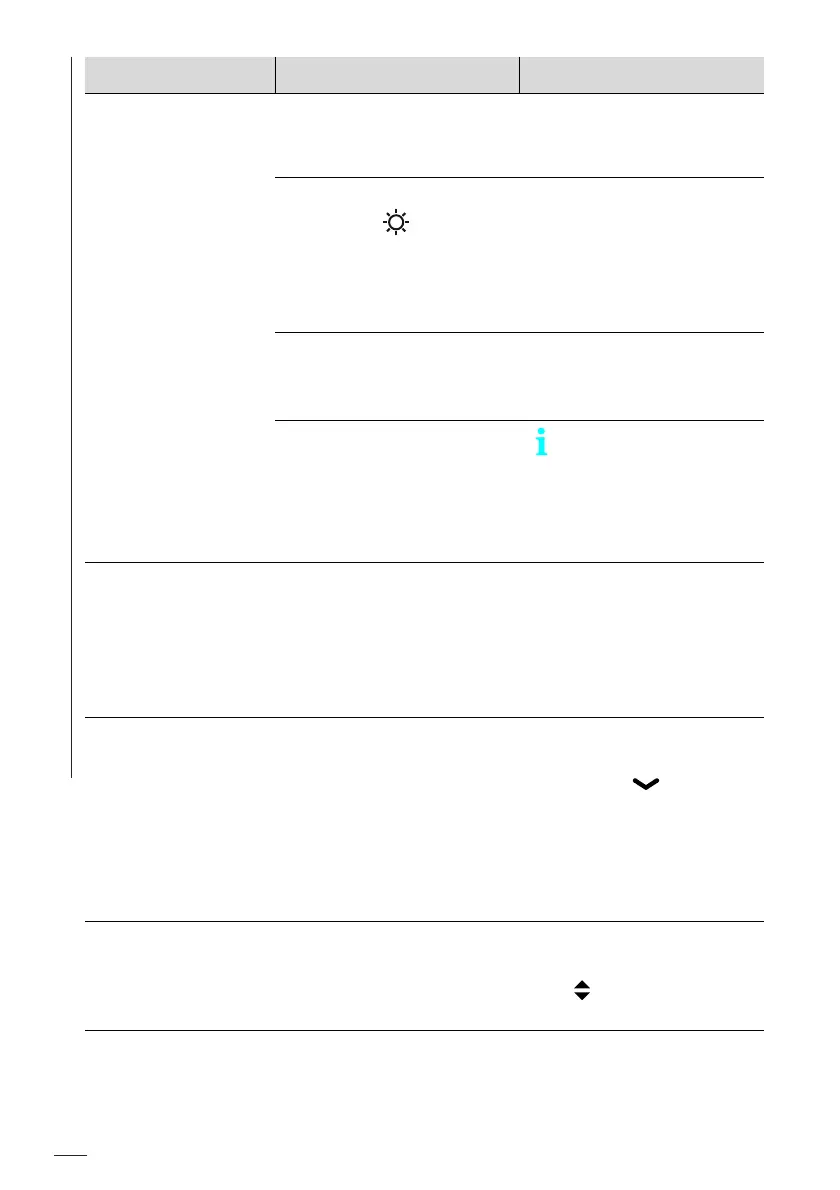
Inspection DPM High
Data transmission
via Bluetooth not
possible
The wrong COM port was
set.
► Set the used COM
port. To find the used
COM port see page 51.
The brightness mode Sun
is active ( in the dis-
play).
► Select an other bright-
ness mode (auto,
office, night), see
page 67. Now you can
again transfer data via
Bluetooth.
Too low battery voltage,
the batteries are almost
empty
► Replace the batteries,
see page 76.
Data transmission from
the gage to Fischer Data-
Center is no longer possi-
ble from gage firmware
version 2.0.0.
No data transmission
to Fischer DataCenter
possible.
► Use USB interface for
data transmission.
Switching interface
from Bluetooth Clas-
sic to USB not possi-
ble
► Switch gage off and
on again.
Now, in the gage set-
tings you can select
the USB interface for
data transfer.
The battery charge
state is not correctly
displayed
Wrong battery type is set
in the gage.
► Select the used bat-
tery type: Main
menu ( ) > Gage
Settings > OK > More
Settings > OK >
Battery type > OK >
select used battery
type > OK.
Date & time,
after switching on
the gage, a new set-
ting is requested
Changing the batteries
took longer than 90 sec-
onds.
► Set the current date
and the current time:
> OK;
see also page 73.
Malfunction Possible causes Remedy













 To Next Page