5322A
Operators Manual
160
USB
&
U
SB
1
2
X
»
&
X
»
iep183.eps
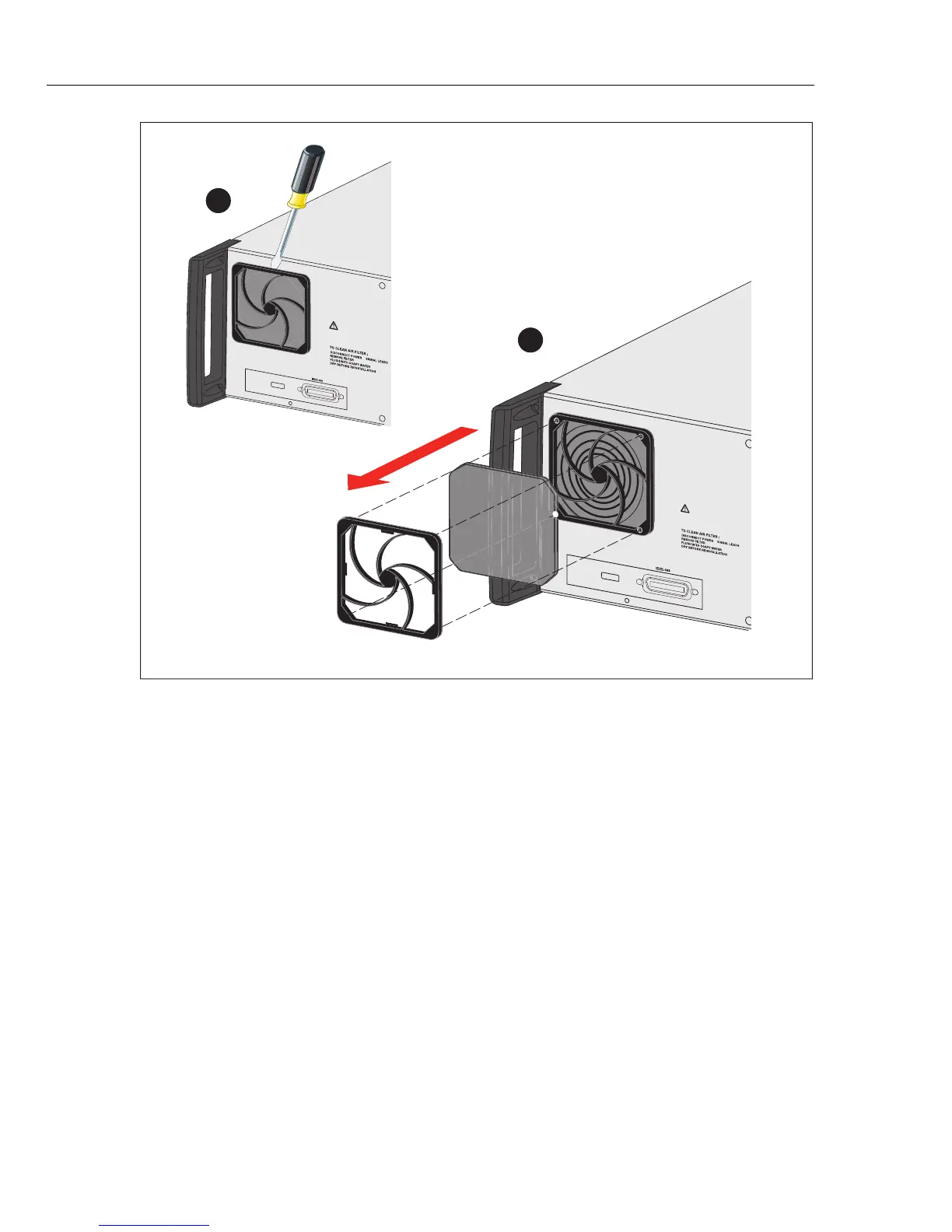
Figure 29. Remove the Air Filter
Clean the Exterior
To keep the Product looking like new, clean the case, front panel keys, and lens
using a soft cloth slightly dampened with either water or a non-abrasive mild
cleaning solution that is not harmful to plastics.
W Caution
Do not use aromatic hydrocarbons or chlorinated solvents for
cleaning. They can damage the plastic materials used in the
Product.



 To Next Page