5322A
Operators Manual
80
To switch between the real (actual) measured value and the corrected value of
the current:
1. Push the Setup softkey.
2. Use the cursor keys or rotary knob to highlight Meter and either push the
Select softkey or push in the rotary knob.
3. Use the cursor keys or rotary knob to highlight HIPOT & Flash LC
correction and either push the Select softkey or push in the rotary knob.
4. Use the cursor keys or rotary knob to highlight either On or Off and either
push the Select softkey or push in the rotary knob.
To change between V input and HV input use the Probe softkey.
HIPOT Timer Function
The Product verifies the timer function of HIPOT testers. In hipot timer mode, the
Product measures the time interval in seconds. To make a hipot timer
measurement using the built-in multimeter:
1. Push .
2. Select the HIPOT Timer mode.
3. If necessary, push the AC/DC softkey to select between ac or dc mode.
4. Connect the test leads to the V and COM jacks.
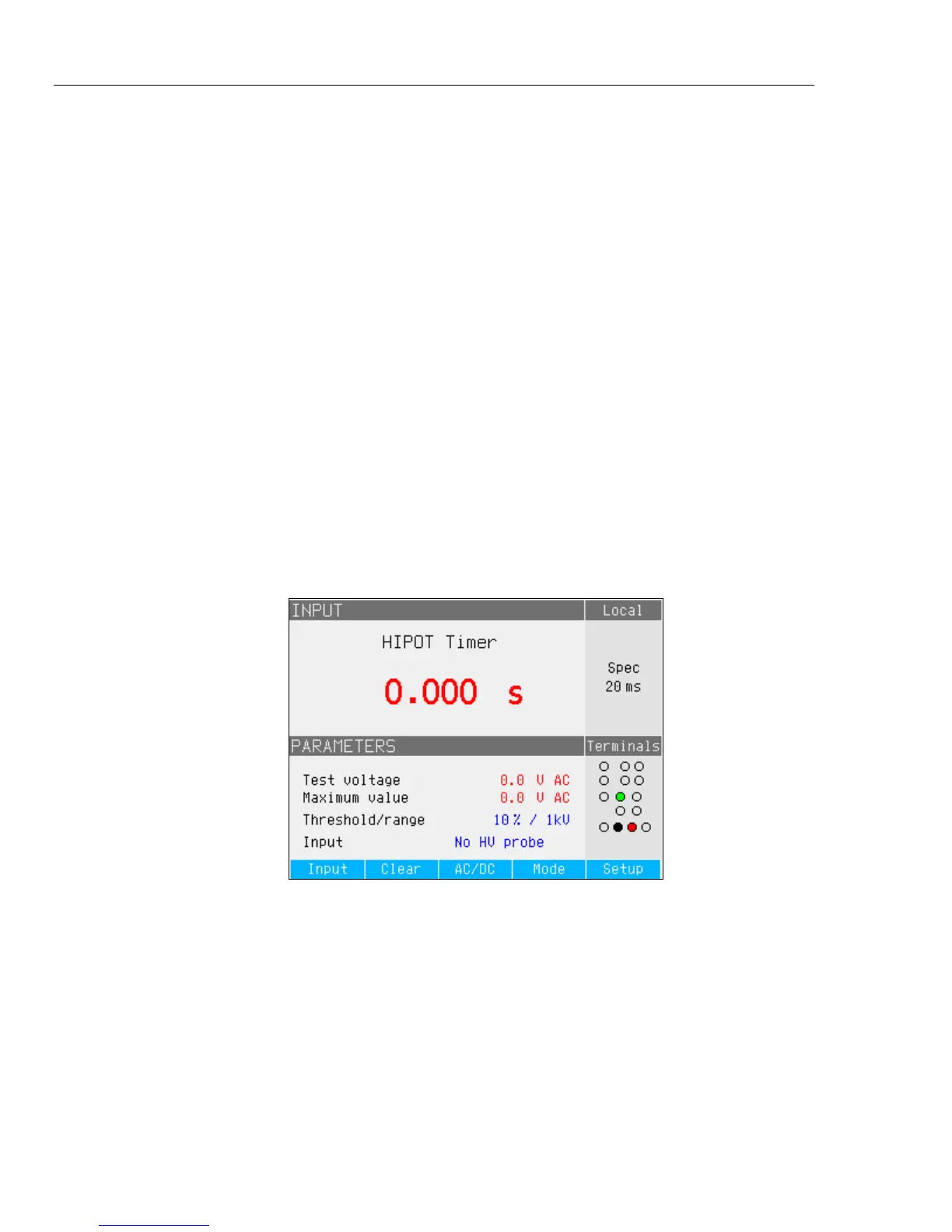
5. Activate the timer mode on the DUT when ready. See Figure 26.
iep67.bmp
Figure 26. Multimeter Display with Hipot Timer Measurement
The current hipot output voltage and its maximum value during the measurement
period are displayed in the PARAMETERS area of the display. To clear the time
interval measurement, push the Clear softkey.
Before making the connection to the DUT, switch to the appropriate input using
the Input softkey, either No HV probe for Voltages <1100 V rms or HV 5 kV. For
test voltages >1100 V rms to 5000 V ac rms or dc.



 To Next Page