Multifunction Electrical Tester Calibrator
Calibrator Setup Menu
27
Calibrator Setup Menu
A setup menu permits setting some of the Product operational parameters. There
are setup selections for general Product operation as well as specific Product
functions. This section explains the Product general setups, while the more
function specific setups are covered in the sections associated with each function
or feature.
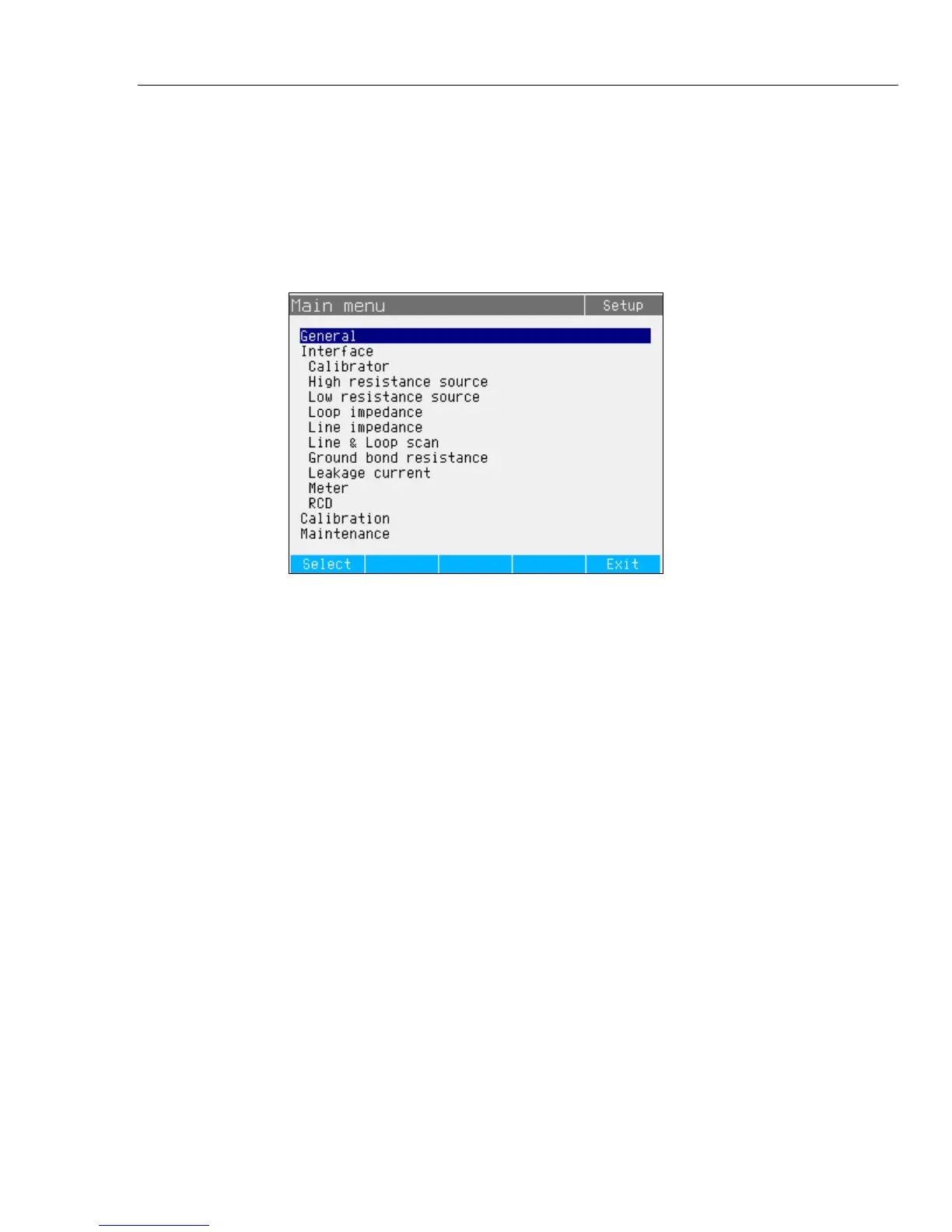
To access the setup menu, push the Setup softkey. See Figure 2.
iep056.bmp
Figure 2. Setup Menu
Set a General Setup Function
Use the general setup selections to set the time, date, beeper on/off, beeper
volume, display brightness, time on display, and calibration password. You can
also view the Product serial number, software versions, and installed options
through the General Setup menu selection.
To access the General Setup functions:
1. Push or or turn the rotary knob to highlight General in the setup menu
screen
2. To select the highlighted setup selection, either push the Select softkey or
push in the rotary knob.



 To Next Page