5322A
Operators Manual
24
Set the Output Signal Value
All Product functions allow you to set the primary and auxiliary parameter values
in different ways:
• Numeric keyboard
• Cursor keys
• Rotary Knob
The cursor keys and rotary knob are also used to make menu selections in the
setup window.
Note
If an entry results in overflow or underflow of the Product range, a
Value too Large or Value too Small error message is shown.
Numeric Keyboard
To enter a value using the numeric keypad:
1. Key in the numeric value with through , then to accept.
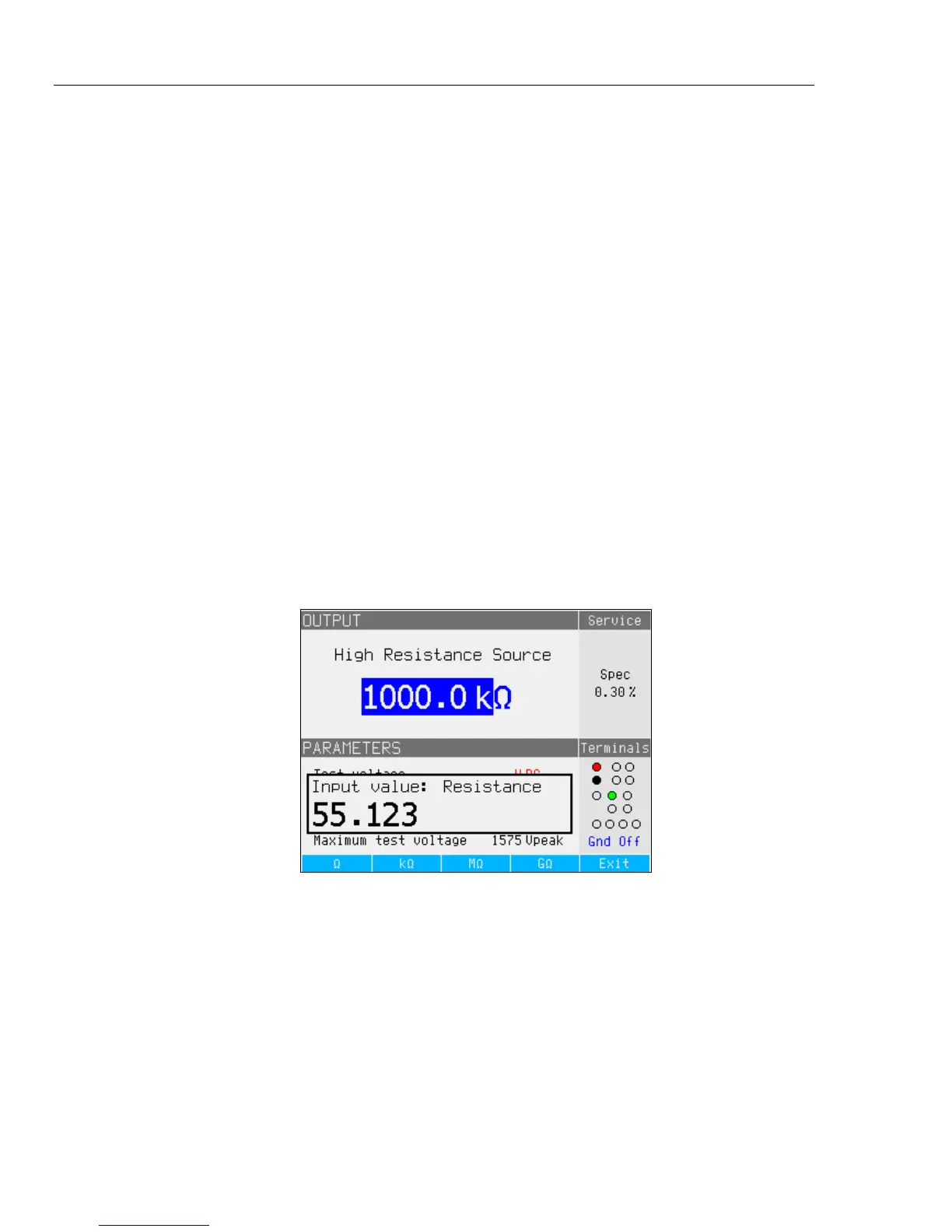
When the first digit is pushed, an input box is shown in the PARAMETERS
field. The units for the selected function are also shown in the softkey label
area. See Figure 1.
Note
The softkey labels change to match the function selected.
iep021.bmp
Figure 1. Keypad Entry Display
2. With the desired value shown, push the softkey for the appropriate units or
add an exponent value by pushing , followed by the value. Then push
to complete the entry or push a softkey with the desired terminator (kΩ
for example).



 To Next Page