PostBase Fusion
160
(Strange) noises from within
the machine when weighing
a mail piece.
Upon weighing a mail piece, the ink cartridge
moves to the print position. PostBase Fusion is
ready to meter a lot faster this way.
These operating sounds when preparing the print
system for metering and returning to the sealed
position are normal and no errors.
… when downloading postage / synchronizing
After synchronization,
no new data is available
in the customer portal.
It may take up to 15 minutes for the data to become
available in the customer portal.
Desired amount cannot be
loaded.
Impermissible amount.
Change amount and repeat the procedure.
Function (e.g. downloading
postage) not available.
The current user is not authorized to access this
function. Contact the system administrator.
No connection. Ethernet cable (network cable) for the LAN con-
nection not connected / not connected correctly.
Check cable connections (see page 26).
Check / adjust the connectivity settings
(see chapter 14.13).
Turn off PostBase Fusion (see page 39).
Wait one minute. Turn PostBase Fusion on again.
During system start, PostBase Fusion activates
the network connection (LAN or
Wi-Fi). The menu
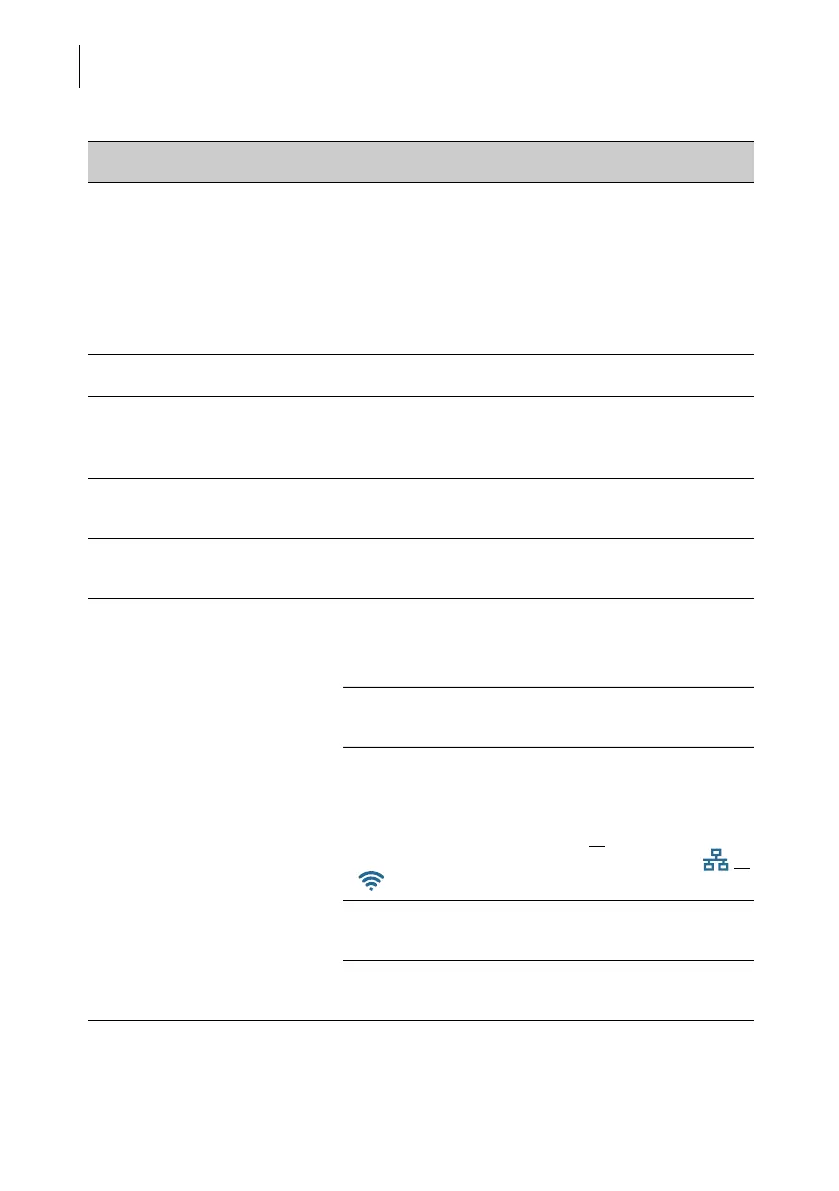
bar shows the icon of the active connection ( or
, for example).
Internet access of the network / router disrupted.
Contact the network administrator.
FP Infrastructure currently not accessible.
Try again later.
Issue Possible cause and remedy



 To Next Page