Tips for troubleshooting
161
Connection is interrupted. The Wi-Fi connection’s signal strength is too low.
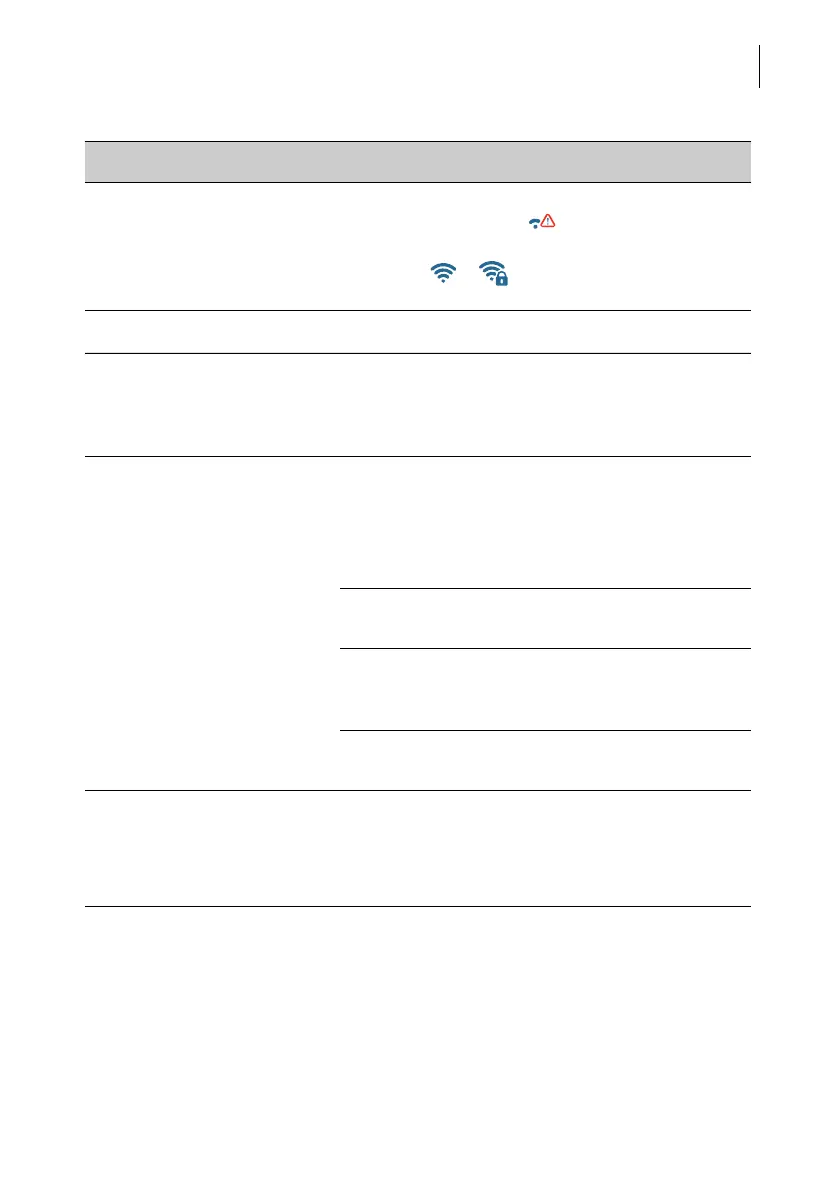
Icon in the menu bar:
Use a Wi-Fi connection with sufficient signal
strength: / .
… during maintenance and care
Drawer cannot be opened. The drawer is locked while the print system is in
print position.
Wait until the print system retreats into idle position
and try again.
Ink cartridge not detected. Ink cartridge not installed properly.
Remove and insert the ink cartridge once again.
PostBase Fusion has detected the ink cartridge,
when the LED on the left of the cartridge bracket
glows green continuously.
Wrong ink cartridge inserted.
Observe the specifications (see page 185).
Contacts of the print system are soiled.
Use the FP ‘clean and renew’ cleaning kit for
PostBase Fusion.
Ink cartridge is defective.
Contact Customer Service.
Print system cleaning fails
to improve the print quality.
Ink cartridge heavily soiled or dried up.
Repeat cleaning: Function “Intensive Cleaning”.
If you cannot solve the problem this way:
Clean ink cartridge manually (see chapter 15.3.2).
Issue Possible cause and remedy



 To Next Page