OmniSTAR 8200HP User Manual
Issue 1.07, 10/2008
17
left corner. To cycle through the underlying information screens, press
repeatedly.
This section of the manual will describe the 8200HP’s menu structure and
screens.
Top-level: home
The home screen is the receiver’s default screen after a successful receiver
boot. The information on the home screen has already been described in detail
on the previous pages of this manual. From the home screen, the sub-menu
‘Display Options’ can be accessed.
Top-level: Status
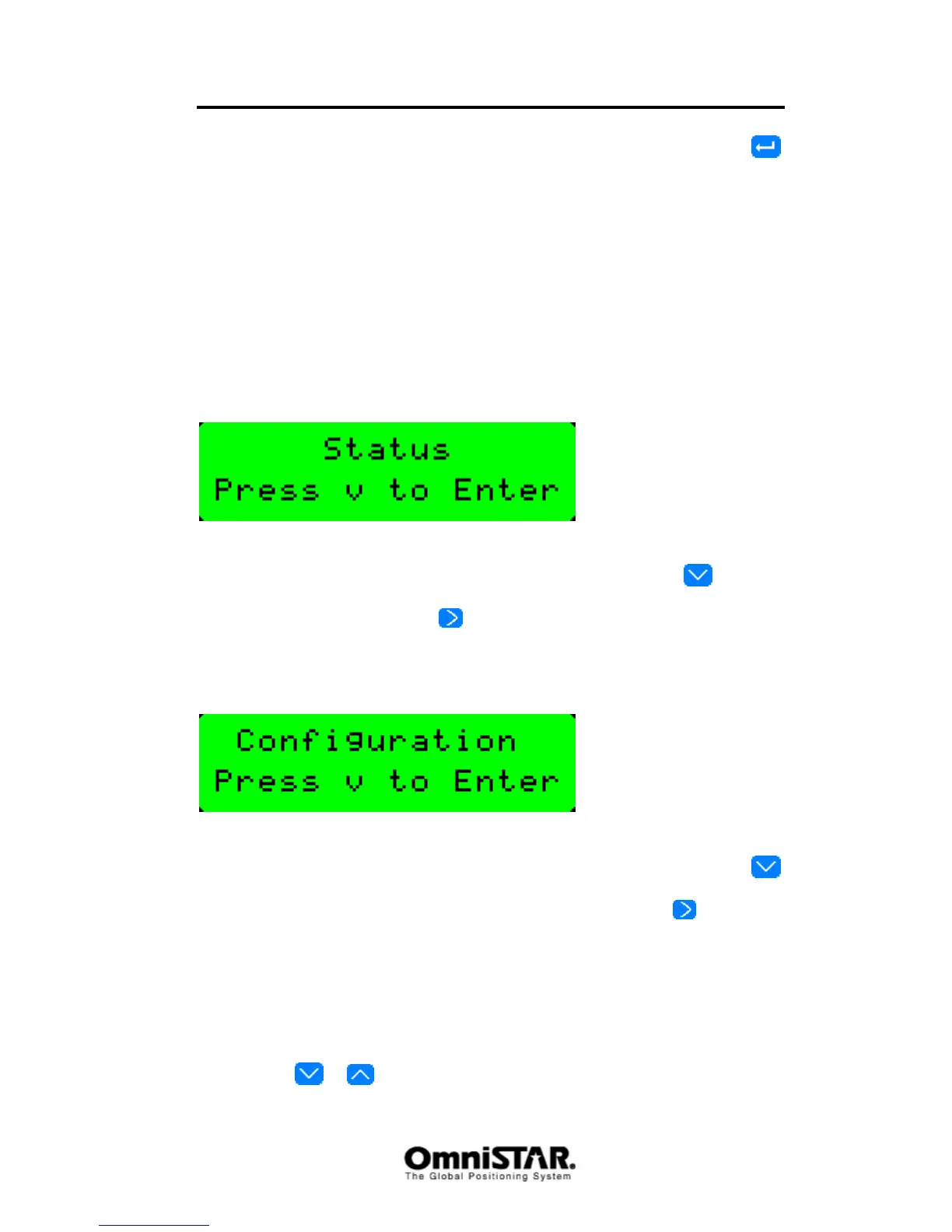
Figure 6: Status screen
The status screen provides access to four sub-menus. Pressing
from the
Status screen will enter the ‘ GPS Status’ sub-menu screen. Starting from the
GPS status screen, pressing
repeatedly will enter the DGPS Status
screen, the Receiver Status screen and the CAN Status screen.
Top-level: Configuration
Figure 7: Configuration screen
The configuration screen provides access to seven sub-menus. Pressing
from the configuration screen will enter the ‘GPS configuration’ sub-menu
screen. Starting from the GPS configuration screen, pressing
repeatedly
will enter the DGPS configuration screen, the Port A configuration screen, the
Port B configuration screen, the Port C configuration screen, the CAN A
configuration screen and the CAN B Configuration screen.
Sub-menu: Display Options
In the Display Options menu, the following information and configuration items
can be found. Items are listed in order, cycling through items can be done by
pressing the
or buttons.



 To Next Page