OmniSTAR 8200HP User Manual
Issue 1.07, 10/2008
42
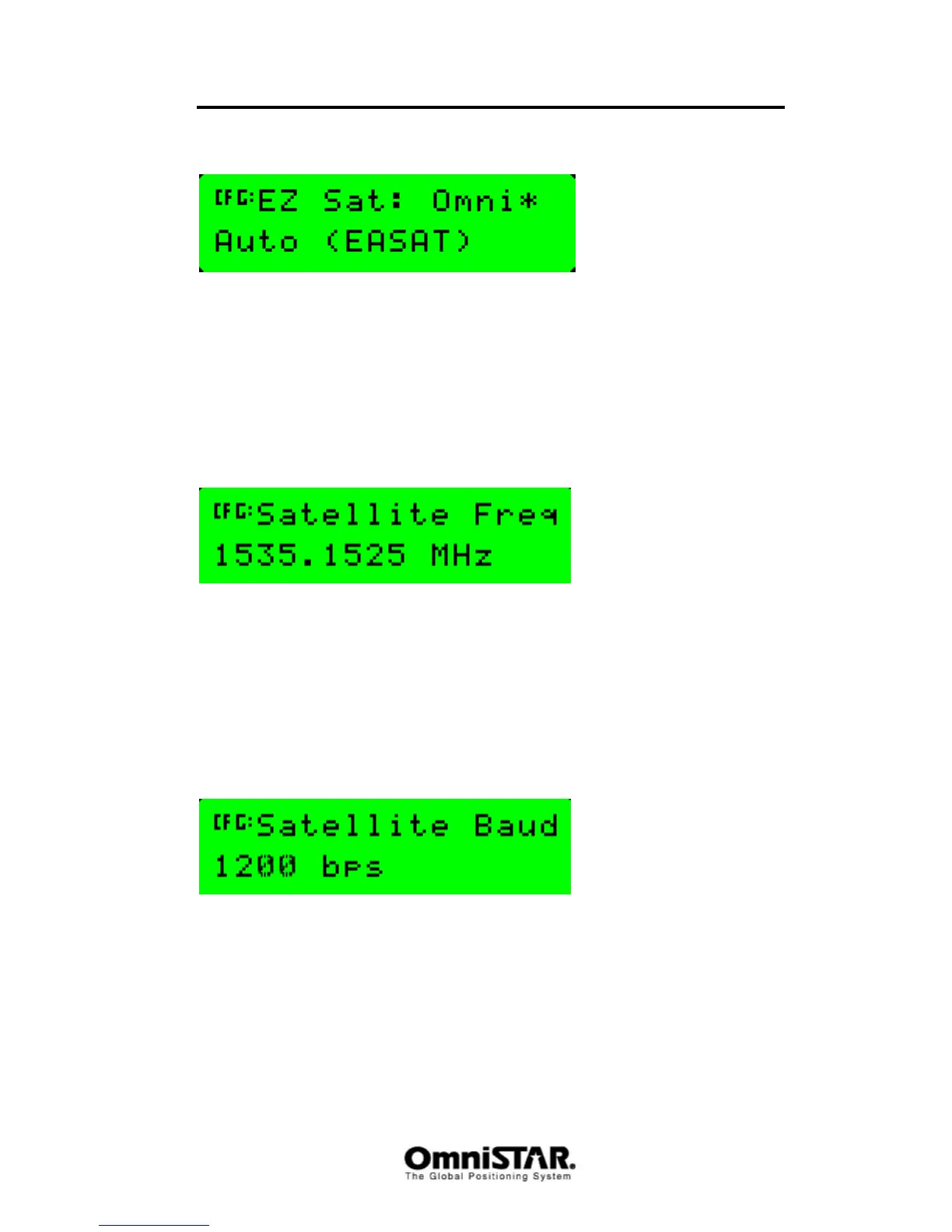
EZ Sat
Figure 80: EZ Sat
The EZ Sat screen is used to easily select an OmniSTAR satellite. Instead of
having to look up and enter satellite frequencies manually, just select the
appropriate OmniSTAR satellite from a list or let the 8200HP search for the
strongest available signal from the OmniSTAR satellites currently in view.
Default value is Auto. Other possible values are AFSAT, APSAT, EASAT,
AMSAT, MSVW_, MSVC_, MSVE_ and OCSAT.
Satellite Frequency
Figure 81: Satellite frequency
The satellite frequency screen can be used to manually enter the frequency of
an L-band satellite broadcasting OmniSTAR differential corrections, for
example when satellite frequencies have been changed while the 8200HP was
switched off or a new satellite is not yet available in the EZ SAT list. Valid
frequencies range from 1525.0000 to 1560.0000 MHz, in 0.0005 MHz
increments.
Satellite Baud
Figure 82: Satellite baudrate
The Satellite Baud screen can be used in combination with the Satellite
frequency screen, to set the baudrate of the selected satellite. Valid baudrates
are 600, 1200 and 2400 baud. Default value for all OmniSTAR satellites is
1200 baud.



 To Next Page